Report
nickOS
Chapters
INTRODUCTION
Motivation
The first Apple product my family owned was an iPod. But rather than using it as intended, this project explores what it takes to rebuild its software stack from the ground up.
Laying the foundation
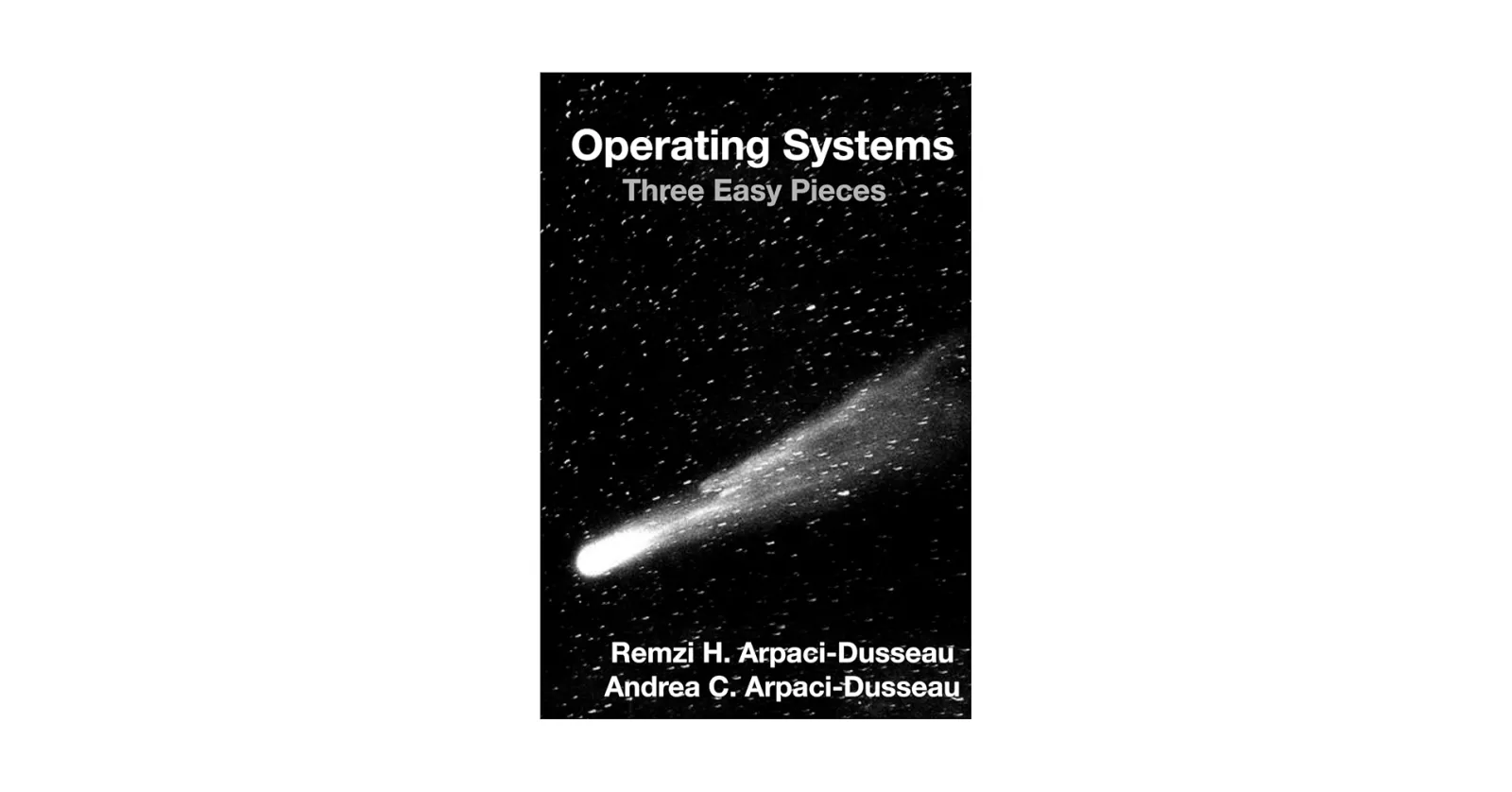
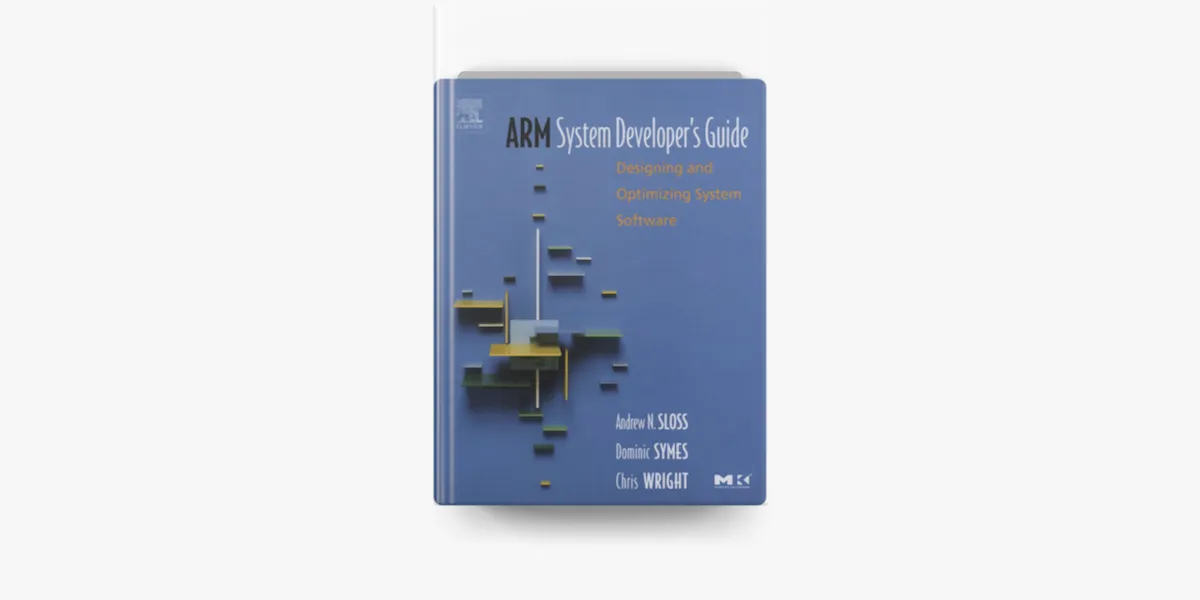
One does not simply jump straight into implementing their own OS with no preparation. So before I started the project, I read about the following topics:
Existing work
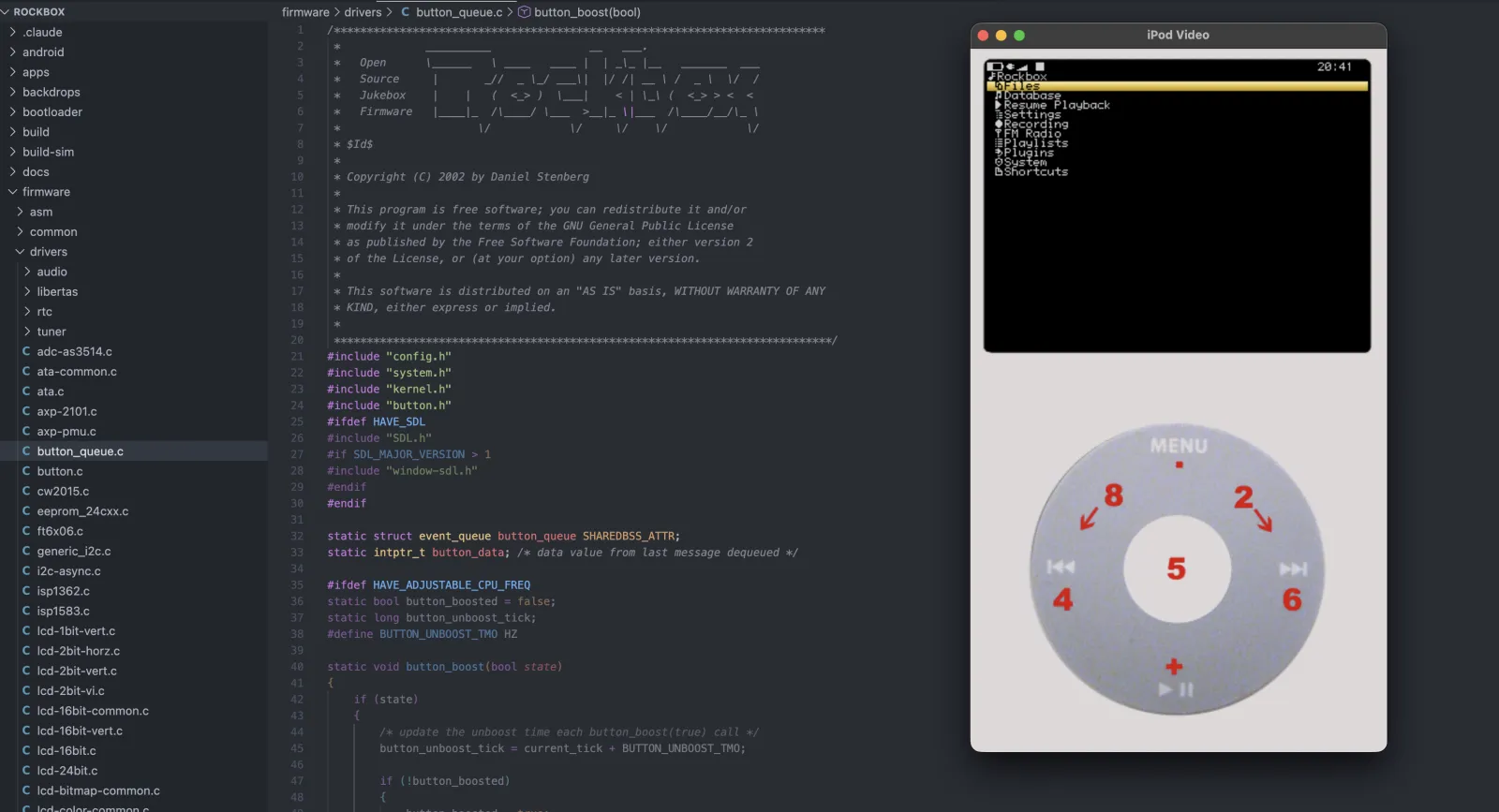
Rockbox
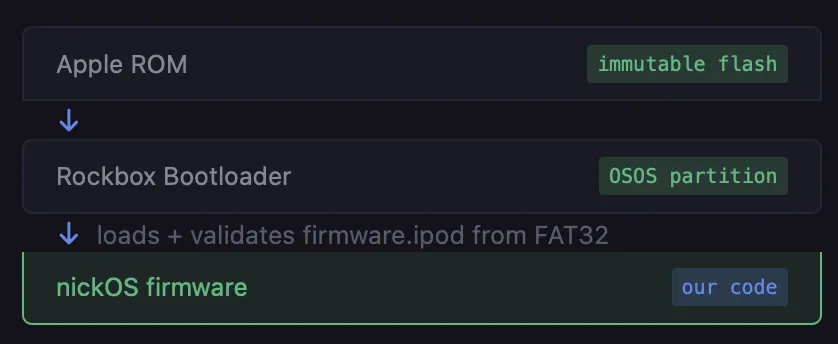
. The iPod Video's flash contains an immutable bootloader in the OSOS partition. The key discovery: the Rockbox bootloader, which lives there, will load any .ipod file from the FAT32 data partition, validate it, and jump to it. That means by replacing rockbox.ipod with my own firmware, I can execute my own code.
Now that I had concepts of a plan, I could move onto the actual implemenation of this project.
"I hear and I forget. I see and I remember. I do and I understand." - OSTEP
🔨 Getting Code Execution
Linker Script
This comes first because it defines where everything lives in memory. The compiler and assembler need to know before you can link anything.
| Region | Base | Size | Purpose |
|---|---|---|---|
| DRAM | 0x4000_0000 | 32 MB | code, data, BSS, framebuffer |
| IRAM | 0x1000_0000 | 128 KB | stacks only |
0x10000000 is not arbitrary, that's where the rockbox bootloader deposits my binary. If my assembly isn't byte 0 (where the CPU starts executing), nothing works.
Assembly entry point
The Rockbox bootloader checks for a byte pattern at offset 0x20 of my binary in order to continue branching to my code. Since I modified my binary to have this checksum, it jumps to my assembly entry point.
/* crt0.S — entry point and Rockbox signature */
start:      b _start_real        @ jump over signature
            .space 0x18          @ pad to offset 0x20
            .ascii "Rockbox\1"   @ bootloader signature check

_start_real:
            msr cpsr_c, #0xD3   @ SVC mode, IRQ+FIQ disabled
            ldr sp, =irq_stack_top
            msr cpsr_c, #0xD2   @ switch to IRQ mode
            ldr sp, =svc_stack_top
            msr cpsr_c, #0xD3   @ back to SVC
            @ ... clear BSS, install vectors ...
            bl  kernel
Since the CPU jumps to 0x10000000 with no guarentees about processor state, my assembly gets it into a known state before running any C.
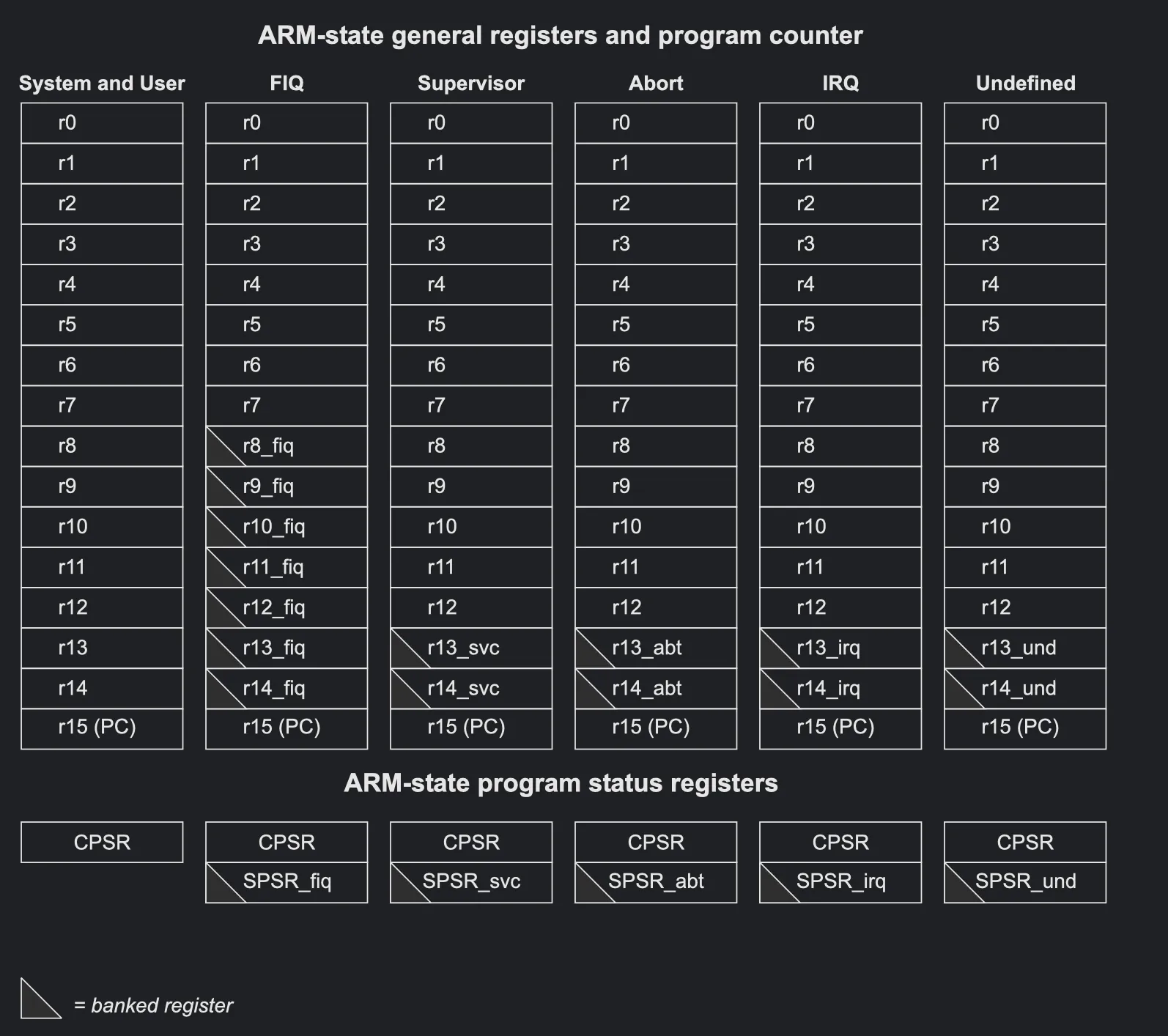
crt0.S sets CPSR to 0xD3 (SVC mode, IRQ + FIQ disabled), then configures two separate stacks — IRQ mode gets 1 KB in IRAM at 0x40000000, SVC mode gets 8 KB above it. These must be separate because ARM banks SP and LR per mode; an interrupt arriving while in SVC would corrupt the main stack without this. BSS is zero-filled, and we jump to kernel().
🎨 Graphics & Framebuffer (getting pixels on the screen)
Framebuffer Pipeline
The iPod Video's display is driven by a Broadcom BCM video controller, entirely separate from the SoC, accessible via memory-mapped I/O starting at 0x30000000. Thankfully, the Rockbox bootloader already bootstraps the BCM — uploading firmware from the iPod's flash ROM — before handing off to our code. The display is ready to use on arrival; no init sequence needed.
Strategy for getting pixels on the screen
Allocate a software framebuffer — a uint16_t framebuffer[320*240] in DRAM (150 KB). All drawing goes into this array at CPU speed. To push a frame to the screen, write the buffer to the BCM's command-parameter port via its write-address register, then issue a BCMCMD_LCD_UPDATE command. The BCM handles the actual LCD timing asynchronously — the command returns immediately and the display updates in the background.
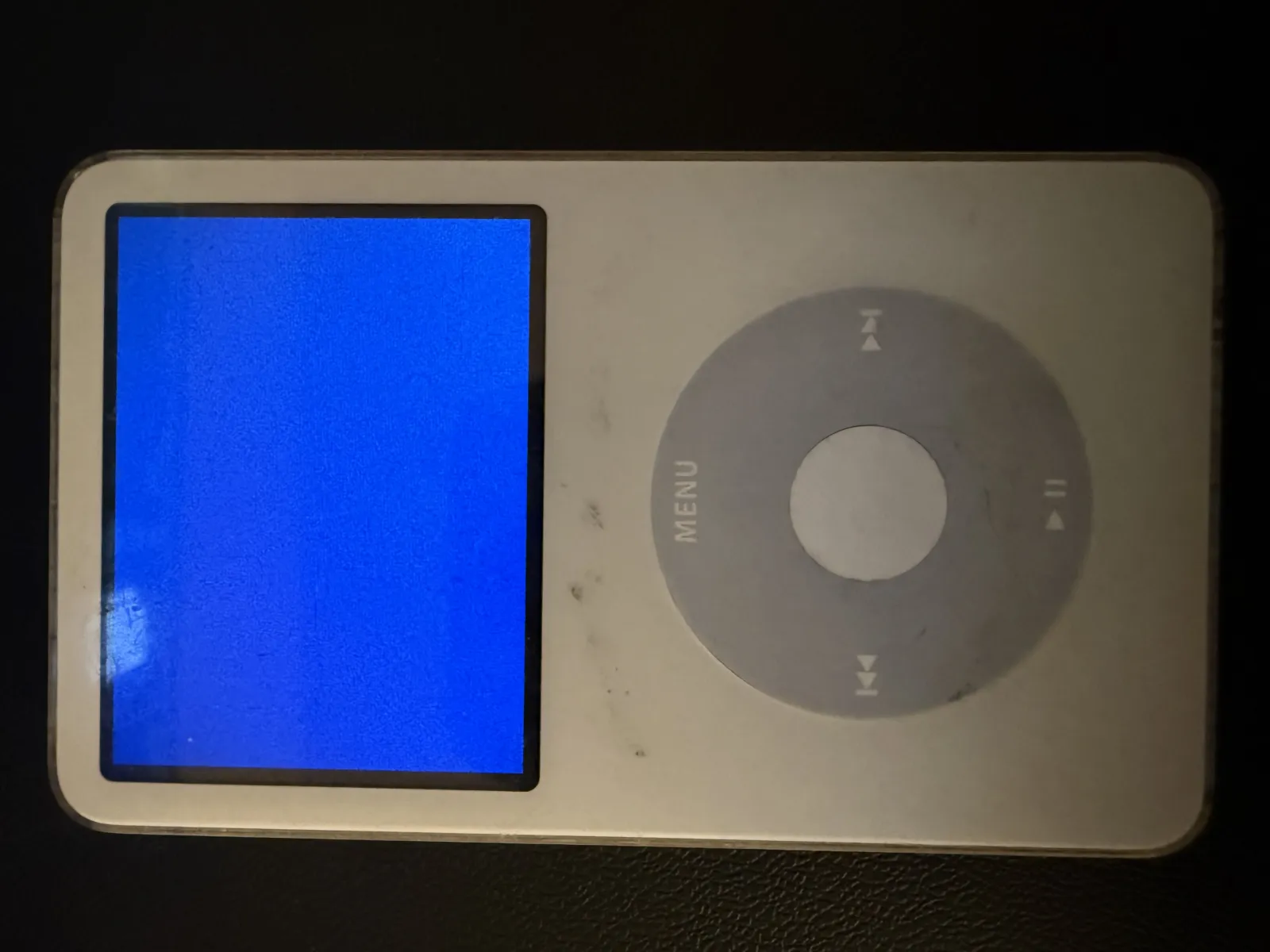
RGB565: 5 bits red, 6 bits green, 5 bits blue, packed into 16 bits per pixel. The first test was filling the whole screen a single color — a solid blue rectangle covering 320×240.
Display Calibration
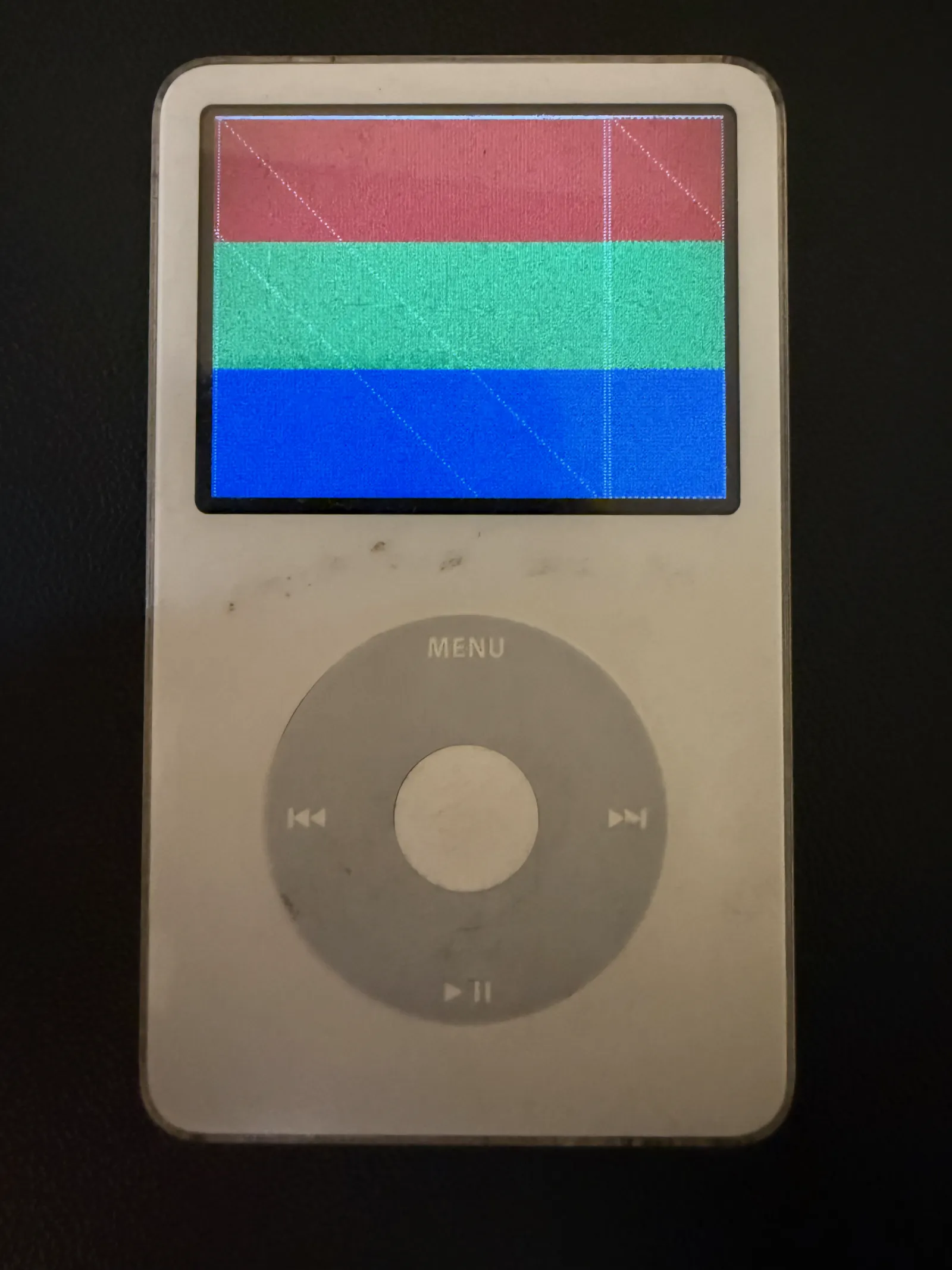
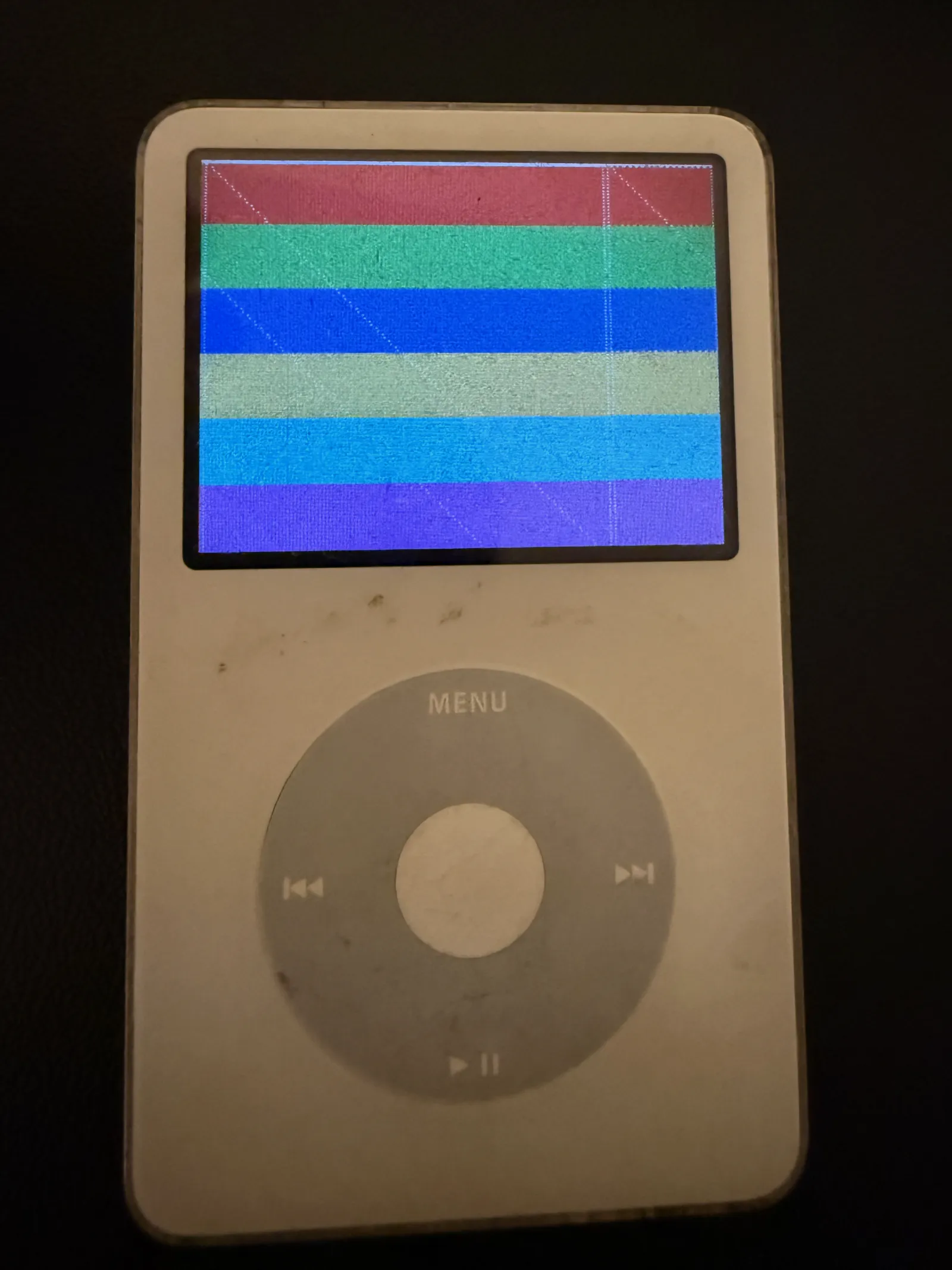
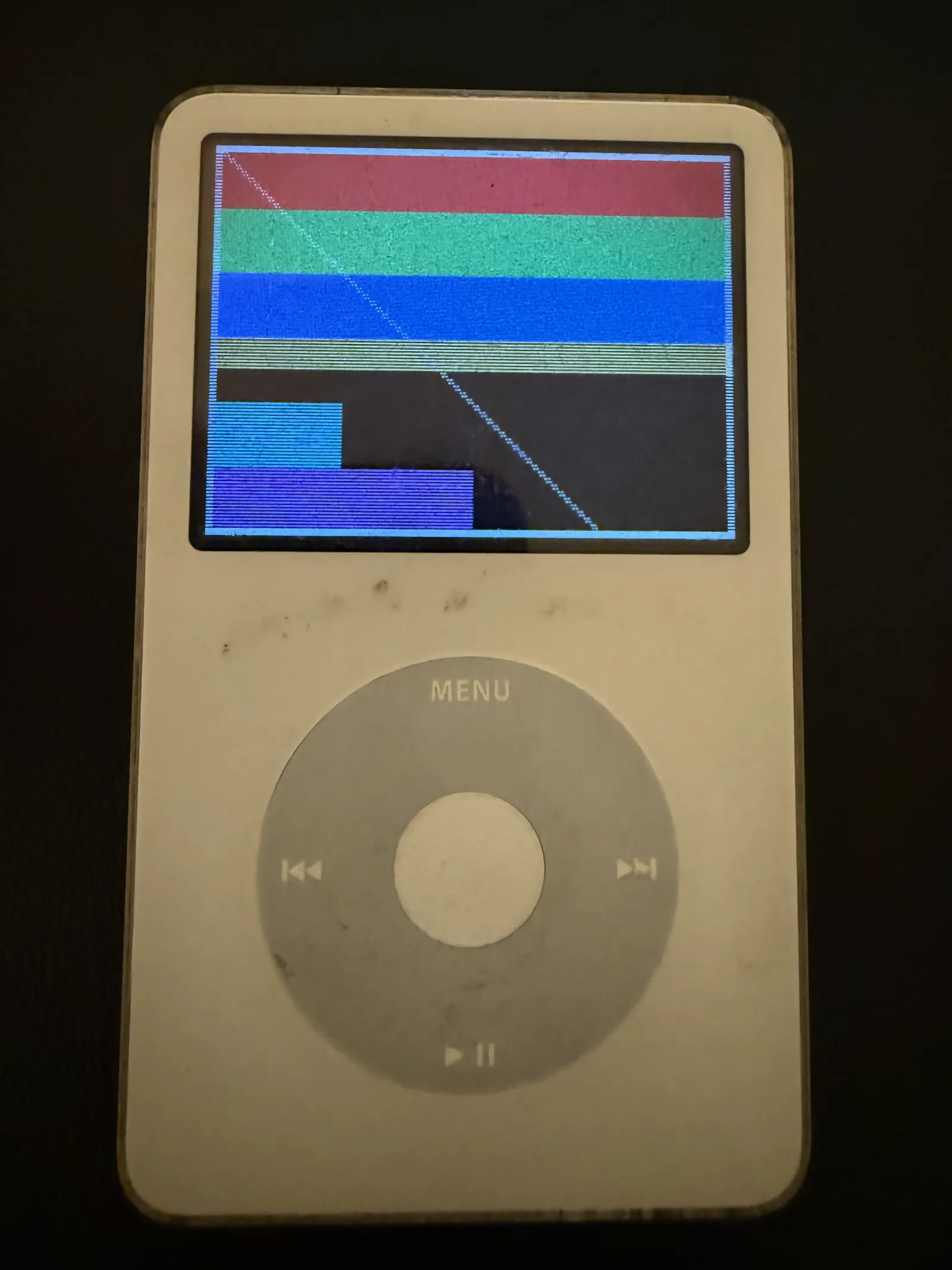
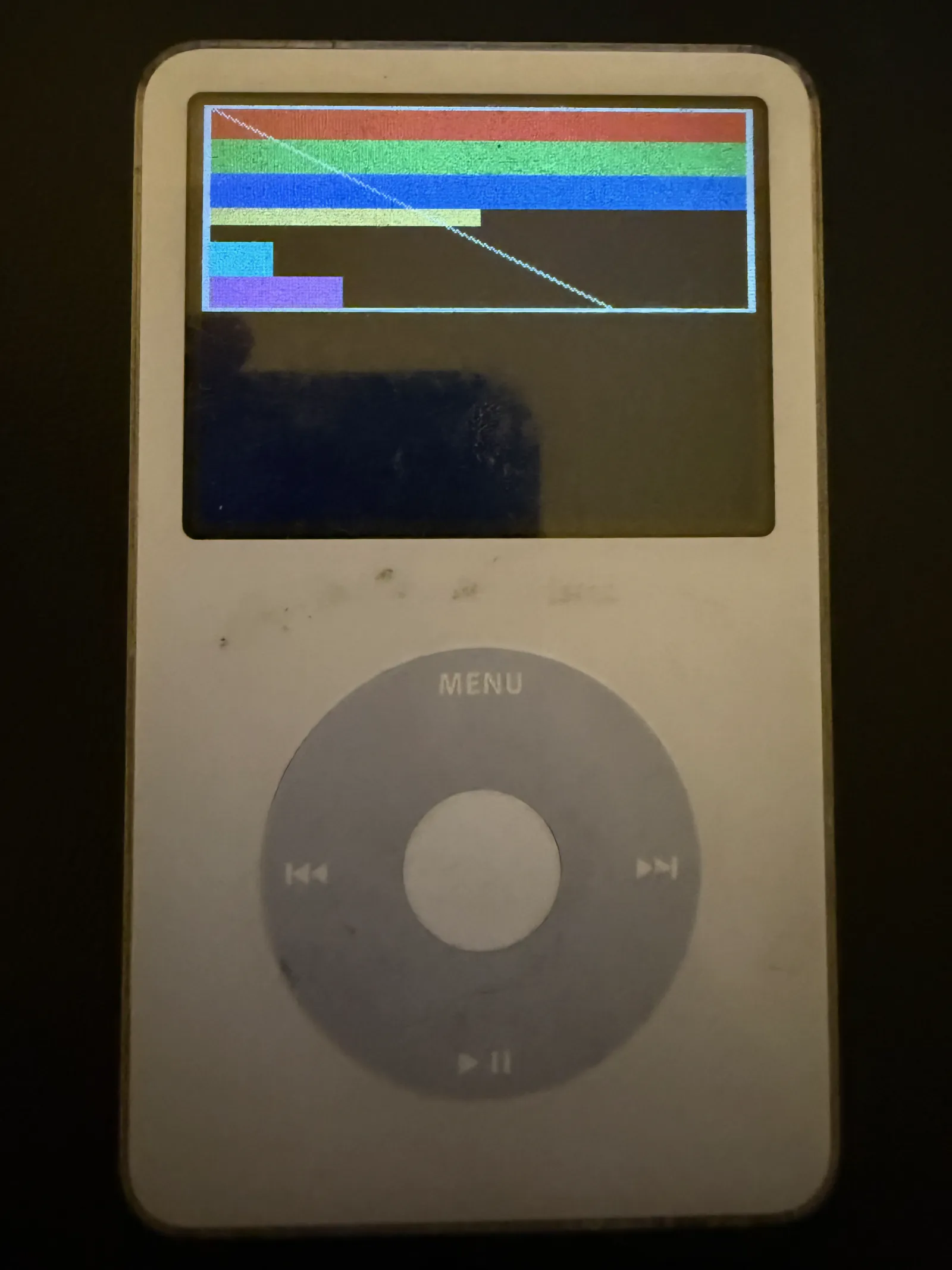
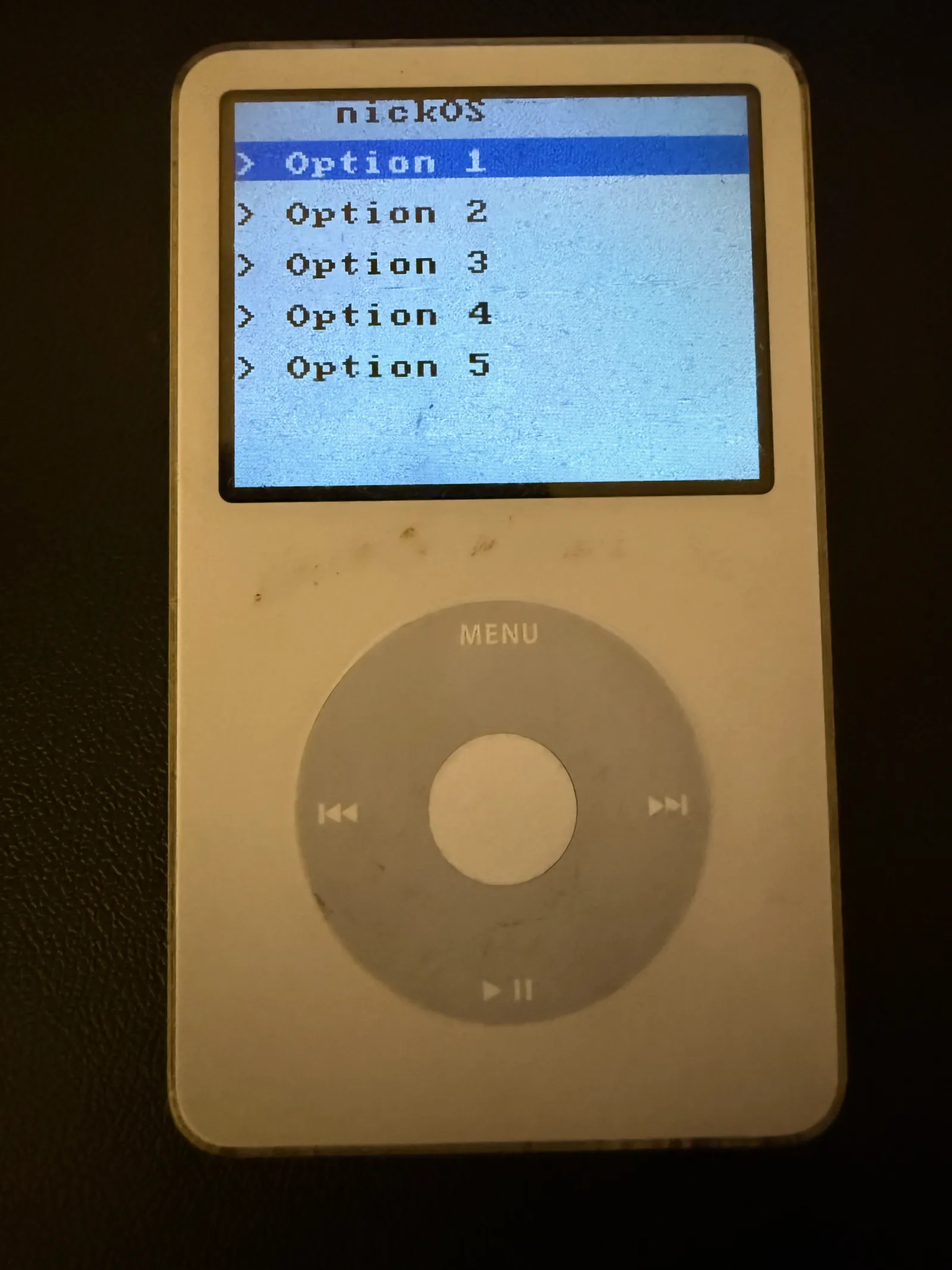
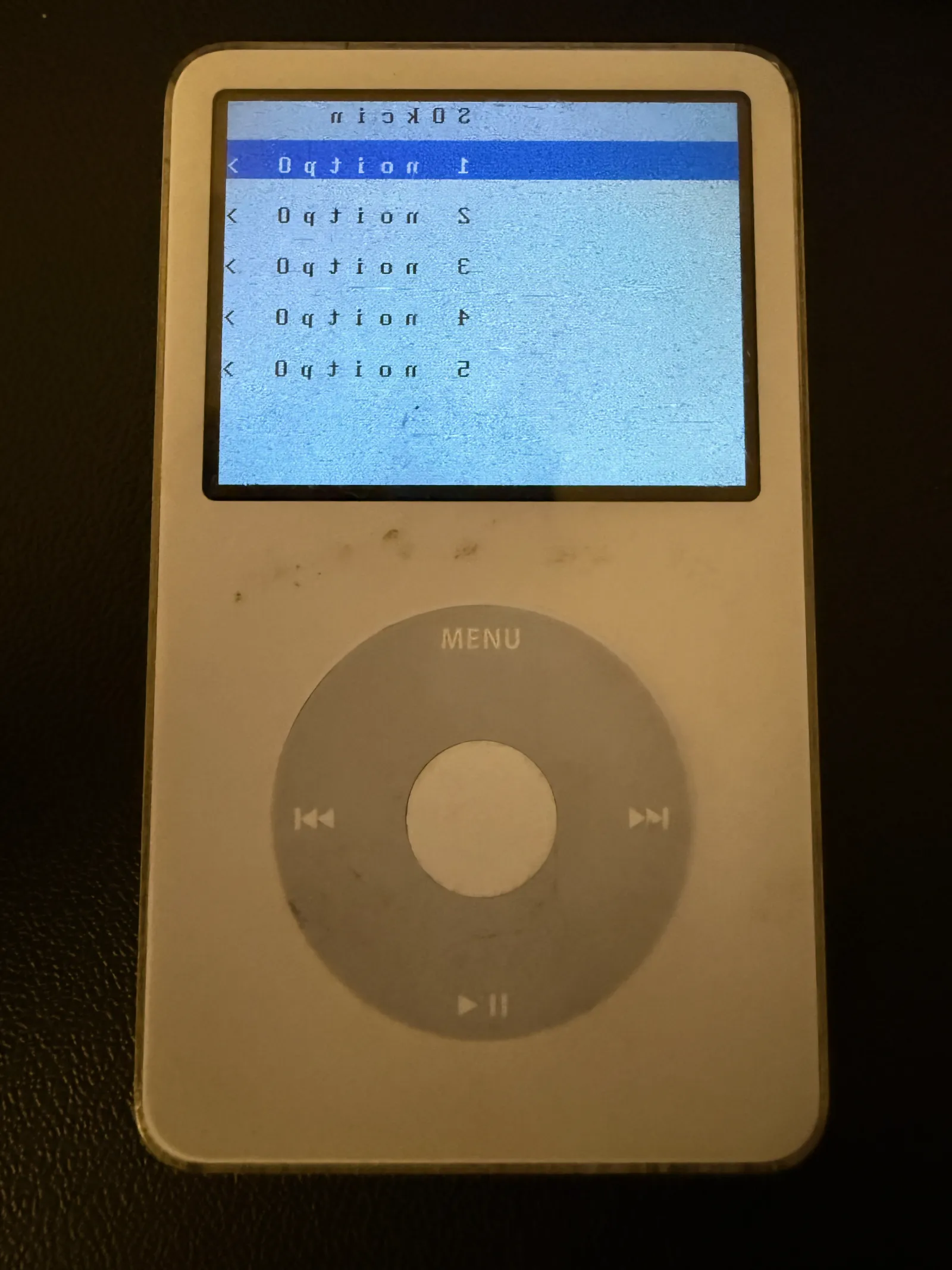
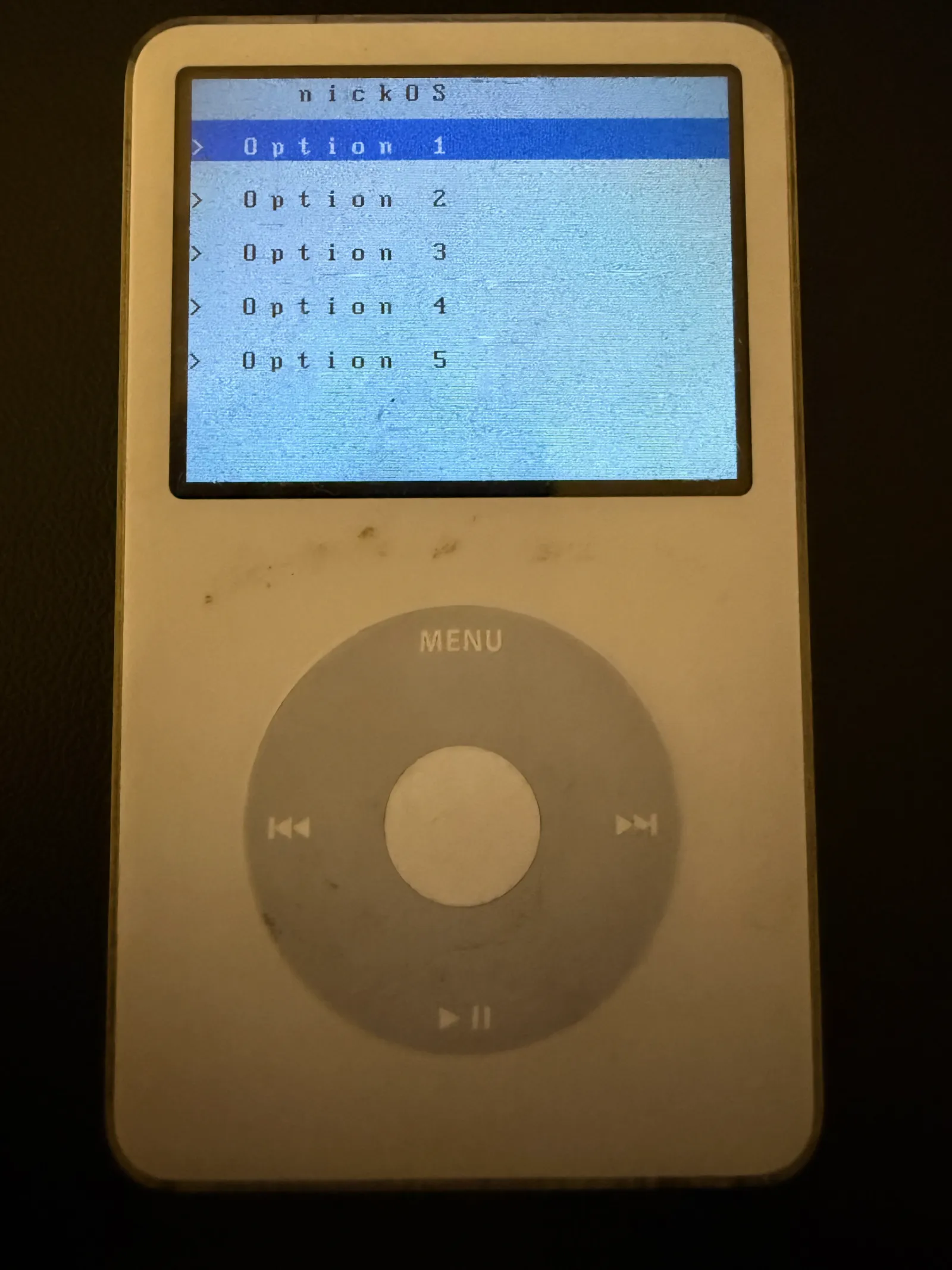
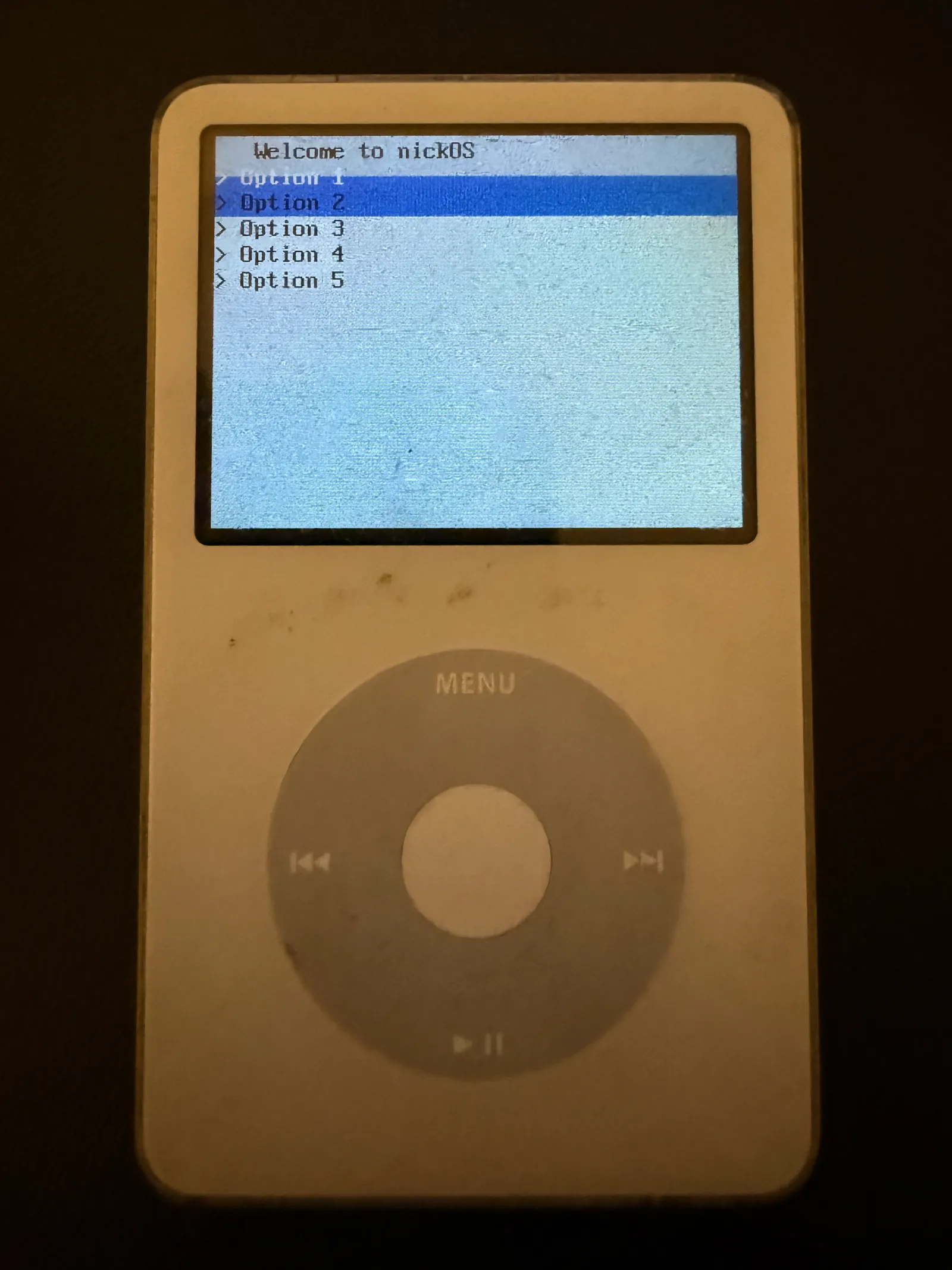
In order to create my LCD API, I needed to create some basic drawing primitives. Started off with creating lcd_put_pixel(x, y, color) and lcd_fill_rect(x, y, w, h, color). Obviously there were issues on the first attempt (see screenshots). But eventually I dialed in the functionality to display 6 different color rectangles along with a diagonal white line.
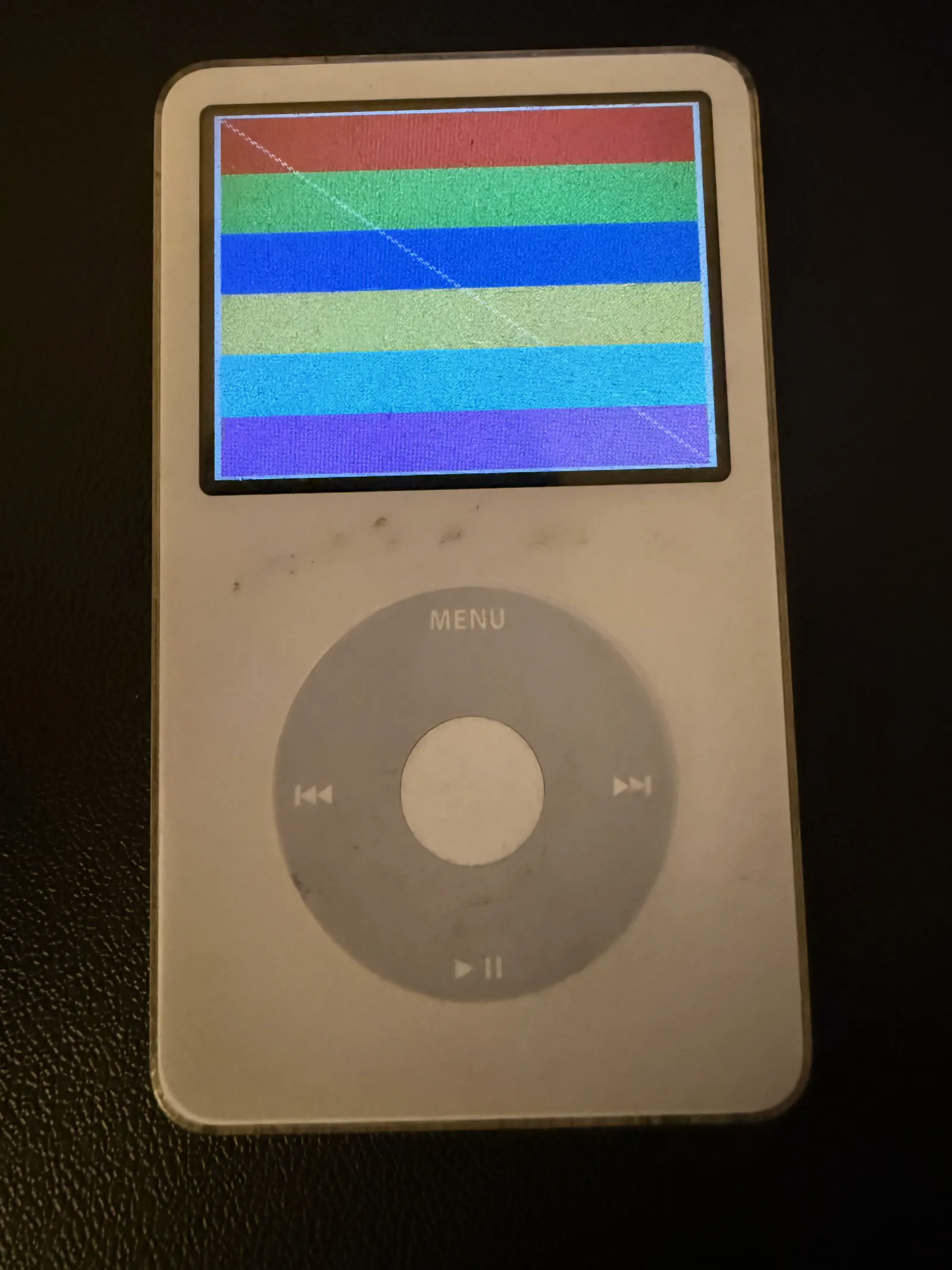
void lcd_put_pixel(int x, int y, uint16_t color)
{
    if (x >= 0 && x < LCD_WIDTH && y >= 0 && y < LCD_HEIGHT) {
        framebuffer[y * LCD_WIDTH + x] = color;
    }
}

void lcd_fill_rect(int x, int y, int width, int height, uint16_t color)
{
    for (int yy = y; yy < y + height && yy < LCD_HEIGHT; yy++) {
        for (int xx = x; xx < x + width && xx < LCD_WIDTH; xx++) {
            framebuffer[yy * LCD_WIDTH + xx] = color;
        }
    }
}
Code above is simple for filling framebuffer, see lcd_update code below for writing to display.
void lcd_update(void)
{
    /* Wait for the PREVIOUS update to finish before writing new data.
    if (!lcd_first_update) {
        unsigned int data = bcm_read32(BCMA_COMMAND);
        while (data == BCMCMD_LCD_UPDATE || data == 0xFFFF) {
            data = bcm_read32(BCMA_COMMAND);
        }
    }

    /* Write full framebuffer to BCM parameter area */
    bcm_write_addr(BCMA_CMDPARAM);

    /* Transfer all pixels */
    uint32_t *fb_ptr = (uint32_t *)framebuffer;
    for (int i = 0; i < (LCD_WIDTH * LCD_HEIGHT) / 2; i++) {
        BCM_DATA32 = fb_ptr[i];
    }

    /* Issue LCD update command and return IMMEDIATELY.
    bcm_write32(BCMA_COMMAND, BCMCMD_LCD_UPDATE);
    BCM_CONTROL = 0x31;

    lcd_first_update = 0;
}
Before starting this project, I was confident I could take this project as far as I wanted as long as I could:
- Get code execution on the hardware
- Draw pixels on the screen
🏞️ Bitmaps (Images and Text/Fonts)
Images
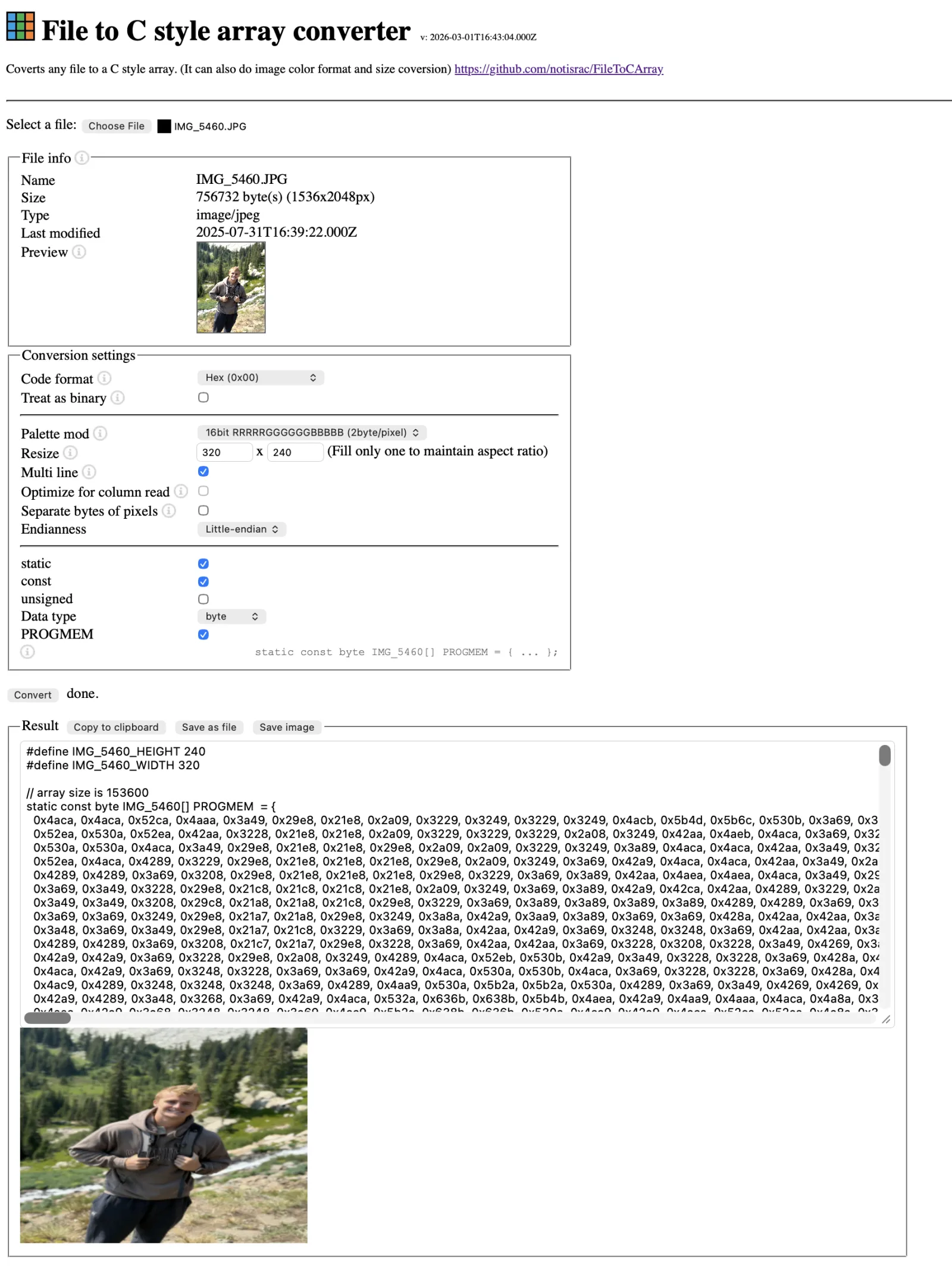
With pixel drawing working, the next step was images and text. Images are stored directly as C arrays of uint16_t RGB565 values — one element per pixel, row-major, 320×240 = 76,800 values per image. To display one: copy it into the framebuffer and call lcd_update(). Simple and fast.
Great video for display drivers: https://www.youtube.com/watch?v=5cp2iPGWmUY
Website I used to convert PNG -> C arrays: https://notisrac.github.io/FileToCArray/
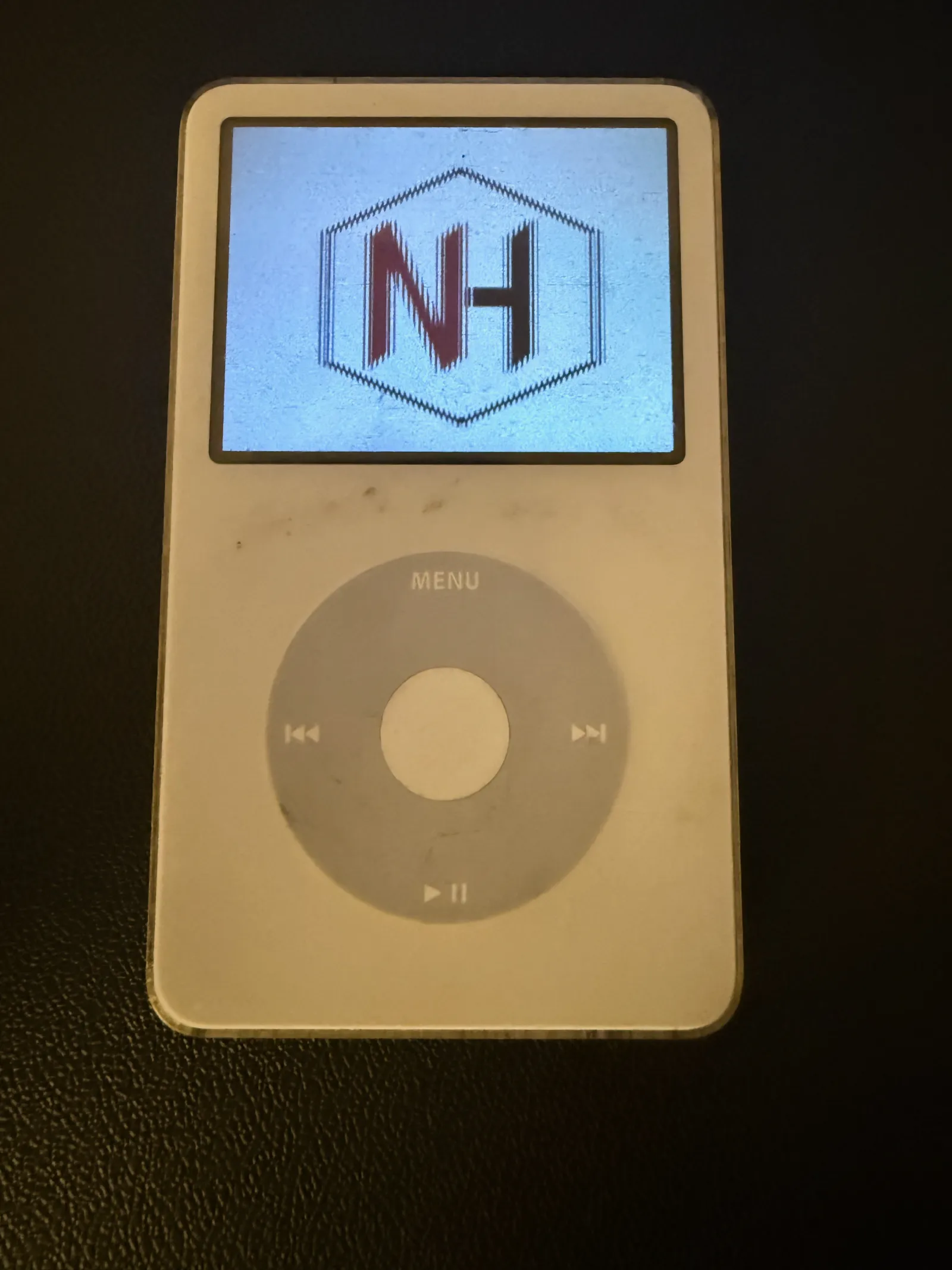
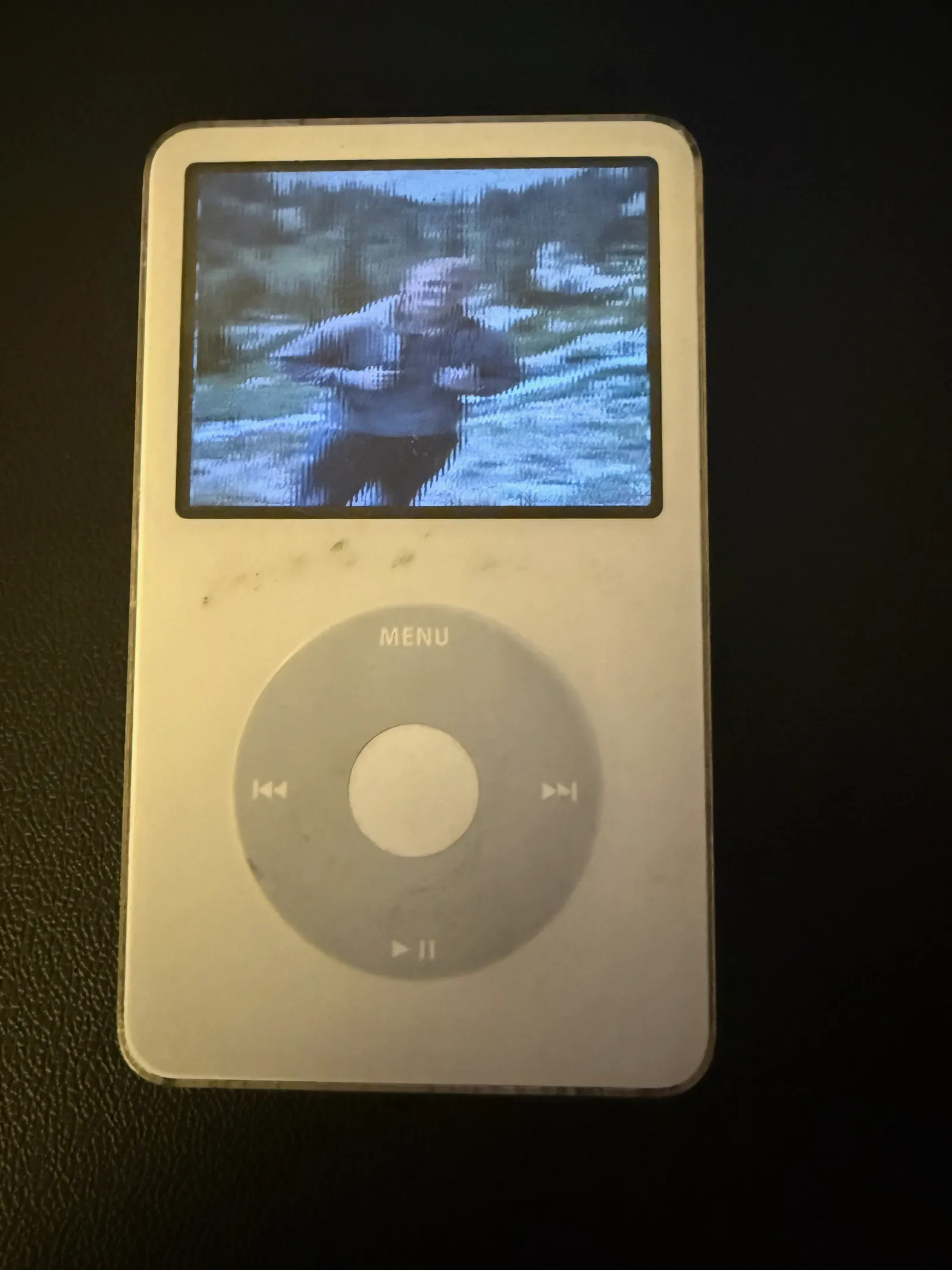
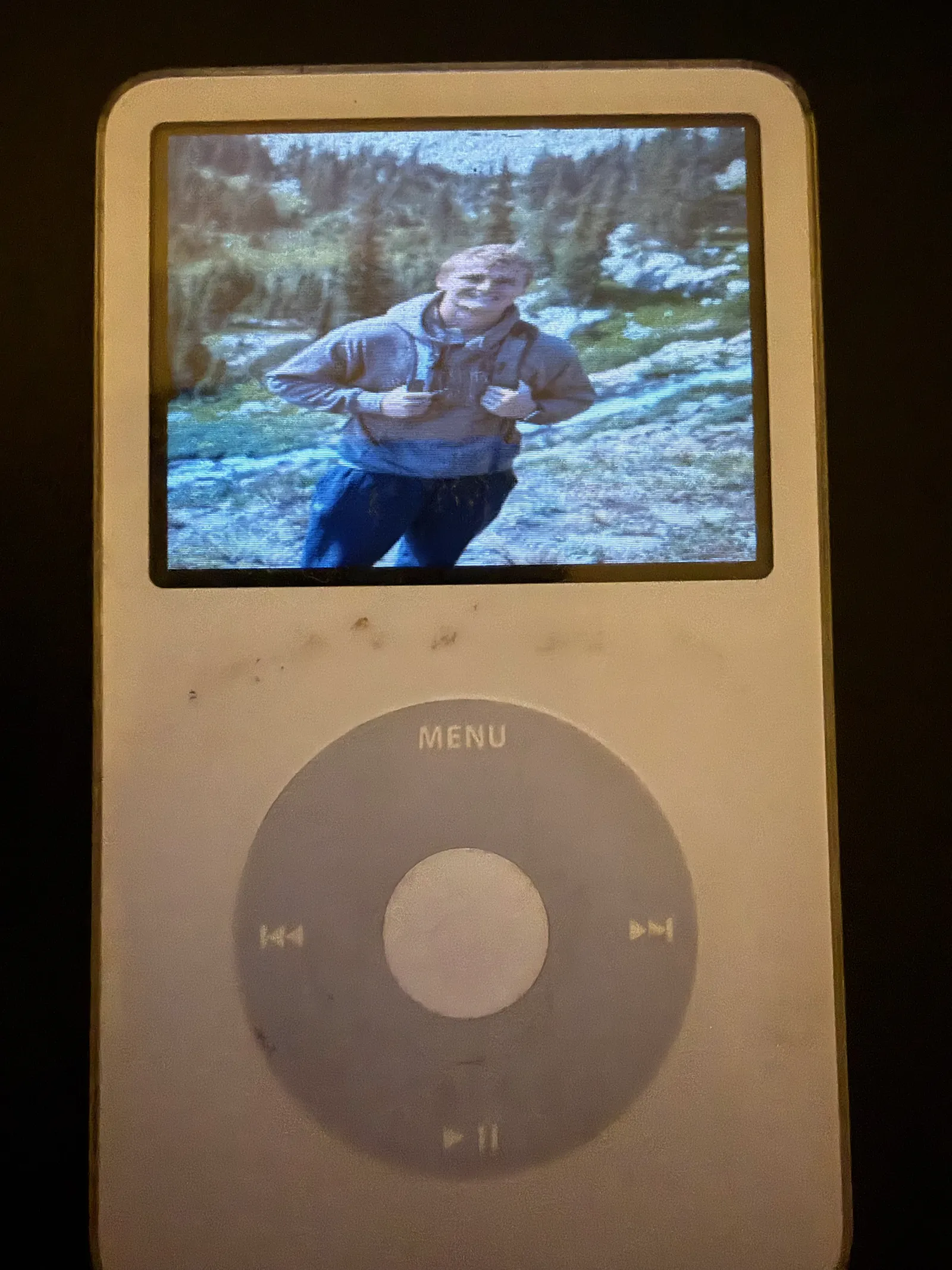
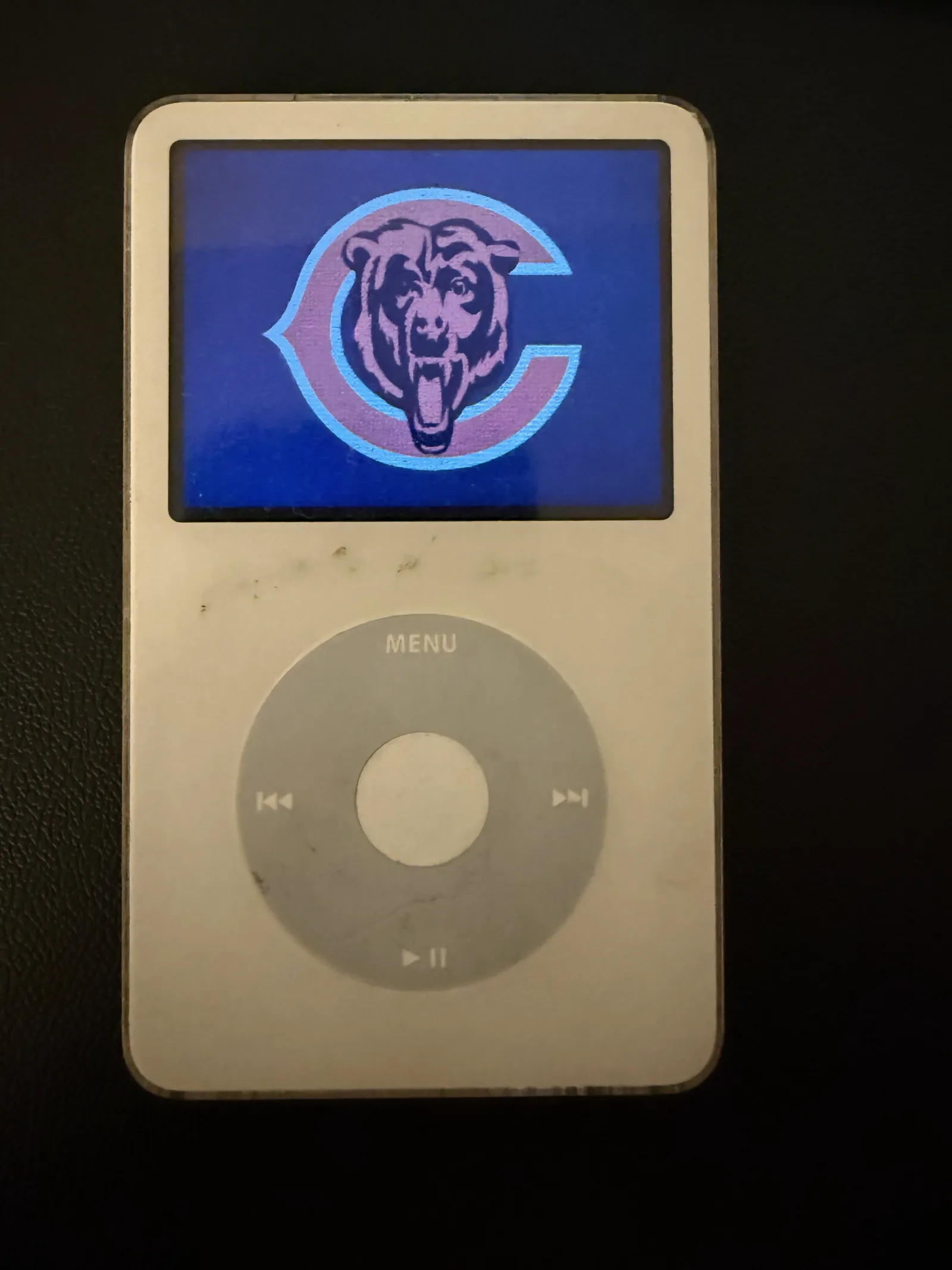
/* ========== Render bitmap ========== */
void lcd_display_bitmap(const uint16_t bitmap[])
{
    for (int y = 0; y < LCD_HEIGHT; y++) {
        for (int x = 0; x < LCD_WIDTH; x++) {
            framebuffer[y * LCD_WIDTH + x] = bitmap[y * LCD_WIDTH + x];
        }
    }
    lcd_update();
}
Text uses a bitmap font: each character is 16×16 pixels, stored as 16 rows × 2 bytes. display_string() iterates each character, looks up its 32-byte entry in the font table, reads bits MSB-first across each row, and plots pixels in the foreground color (background fills the remaining cell area).
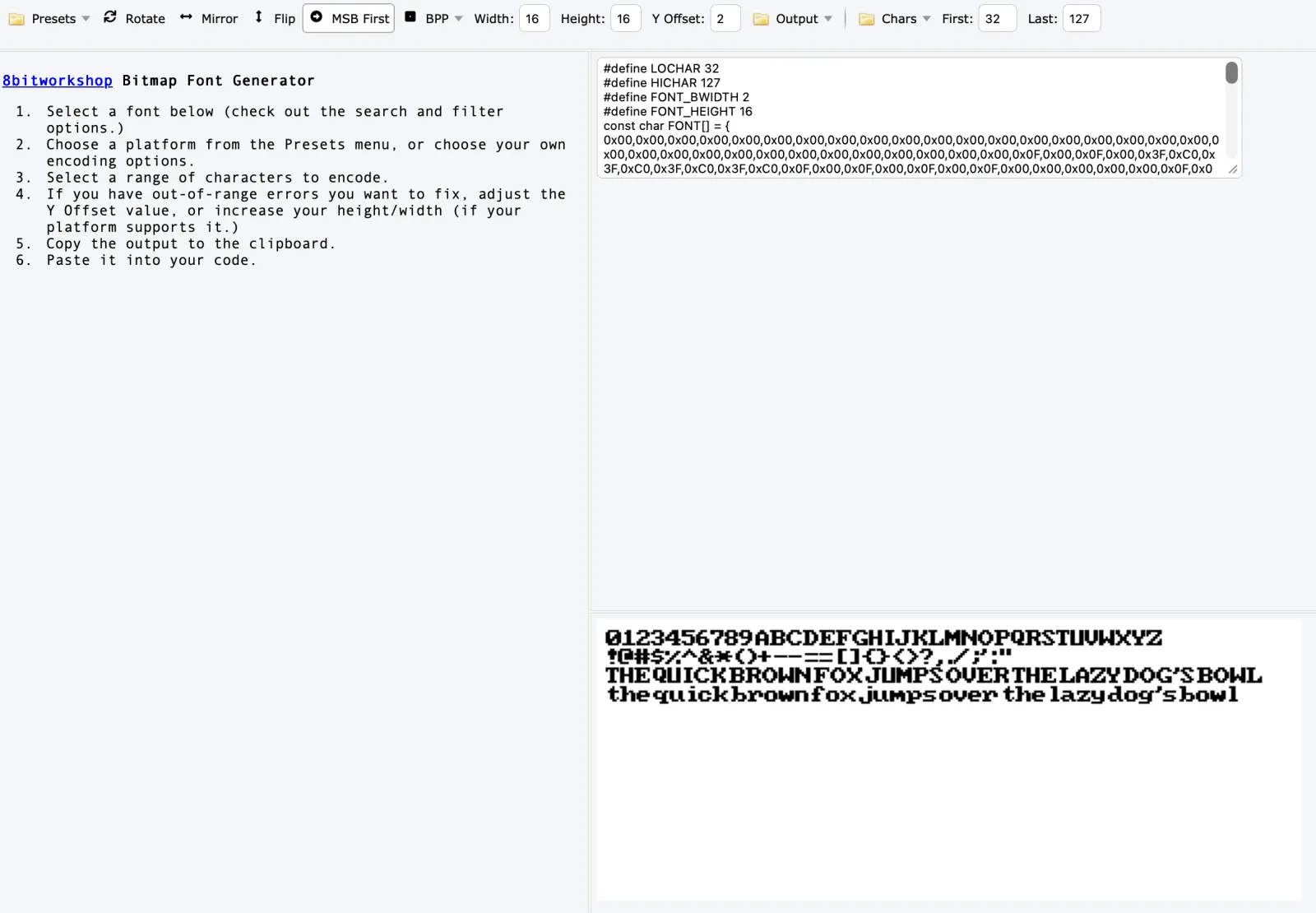
Website used to generate fonts: https://8bitworkshop.com/bitmapfontgenerator/
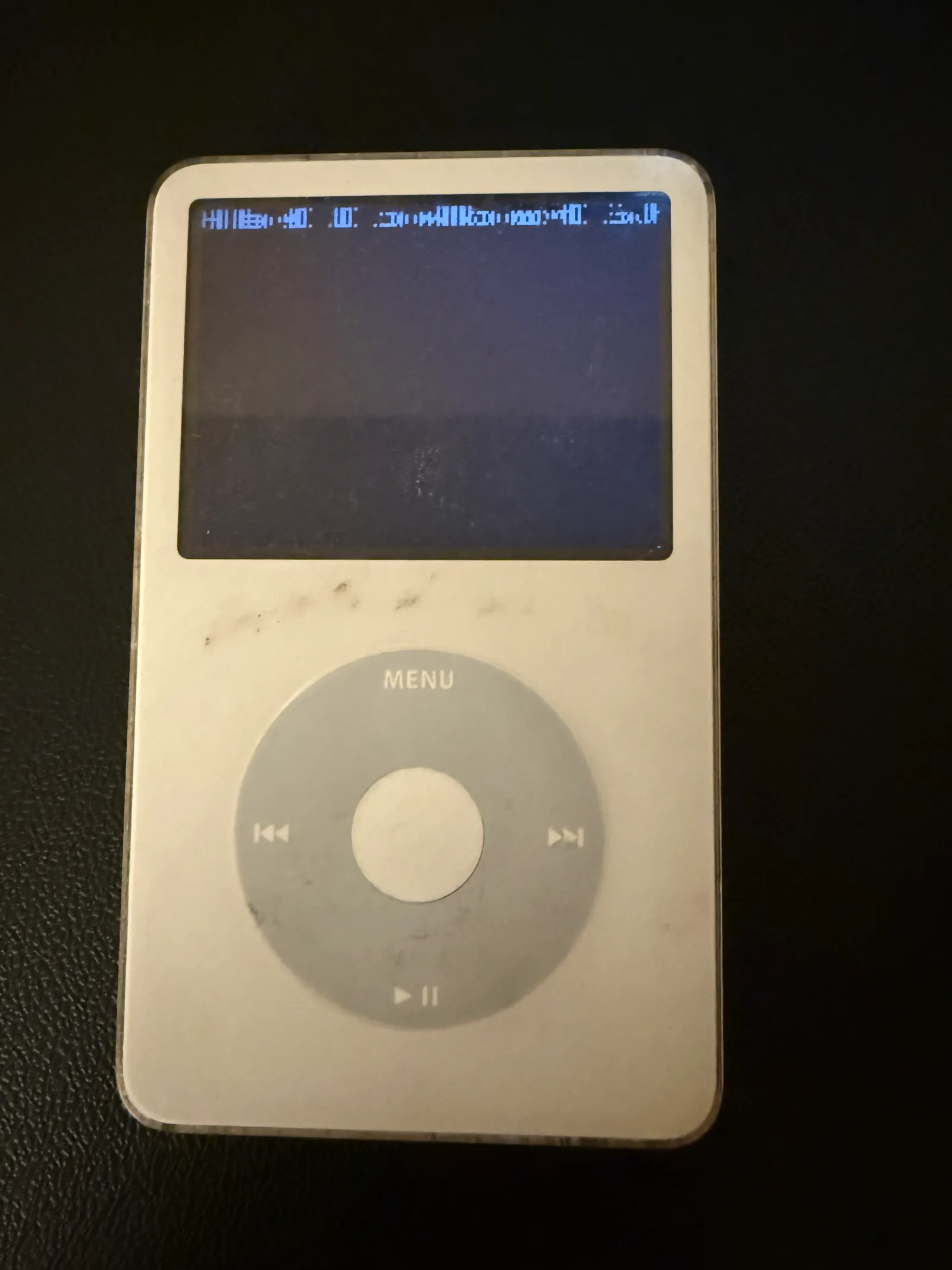
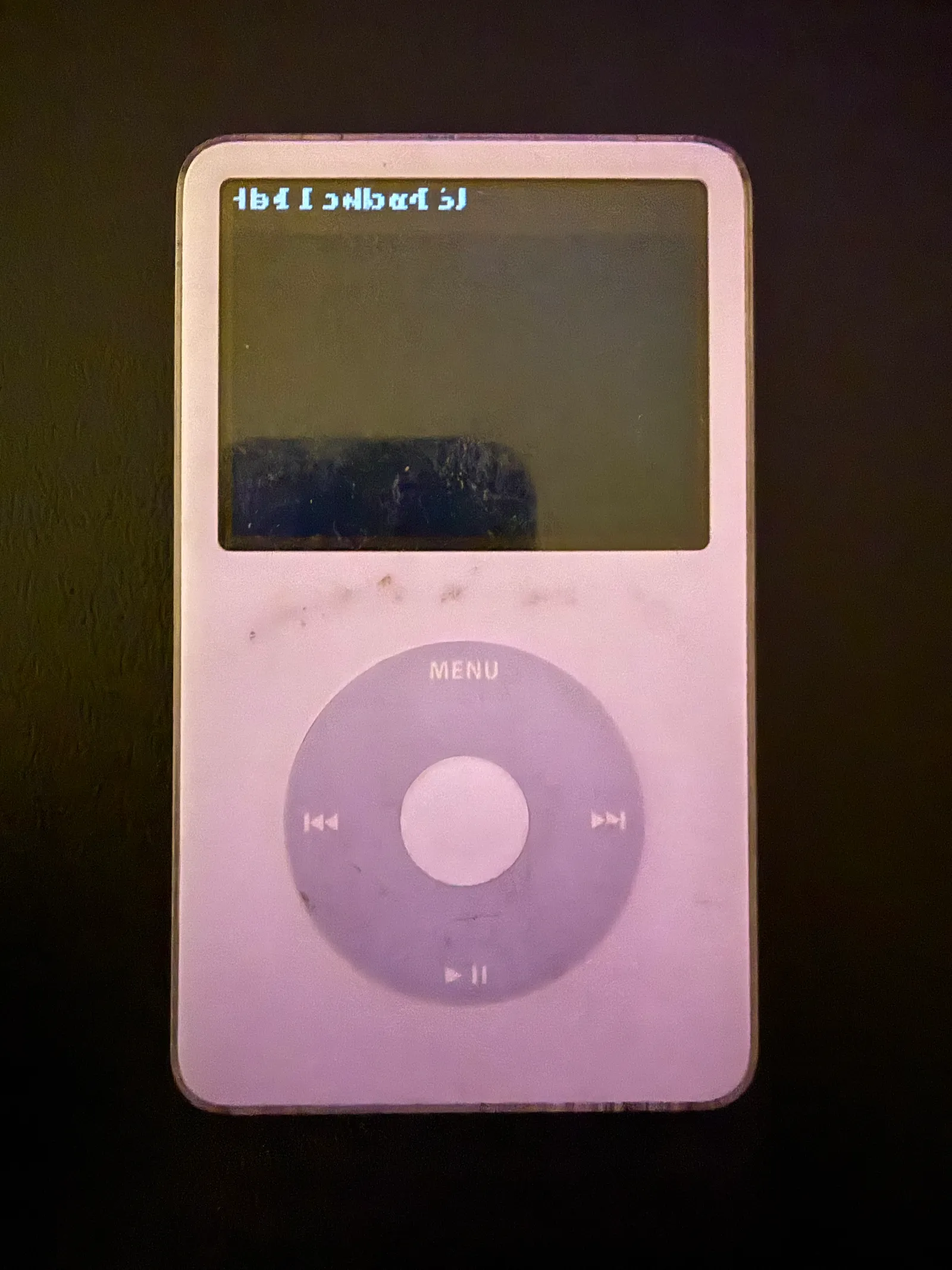
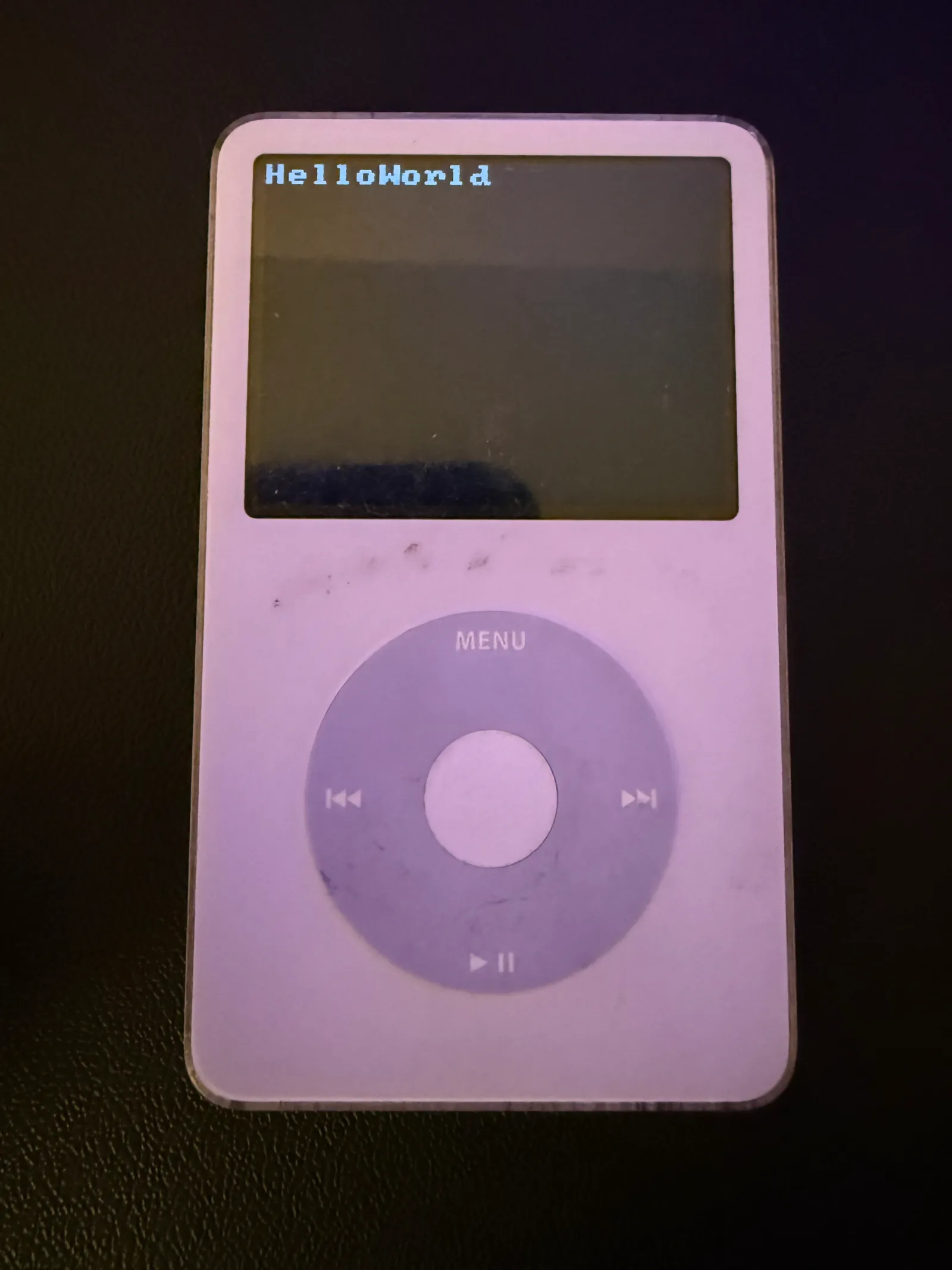
void display_string(char * str, int row, uint16_t color) {
    // determine length of string
    int strLen = 0;
    char * tmp = str;
    while (*tmp) {
        tmp += 1;
        strLen++;
    }
    tmp = str;

    // Loop through each character in input string
    for (int i = 0; i < strLen; i++) {
        // 2 bytes per row * 16 rows = 32 bytes per char
        int charIndex = (FONT_HEIGHT * 2) * (tmp[i] - ' ');
        // 16x16 char
        int runningX = 0;
        for (int y = 0; y < FONT_HEIGHT; y++) { // 16 bytes, each row has 2 bytes across
            uint8_t lo = FONT2[charIndex + runningX];
            uint8_t hi = FONT2[charIndex + runningX+1];
            for (int x = 0; x < 8; x++) {
                // CORRECT - reads bits MSB first (left to right visually)
                if ((lo >> (7 - x)) & 1) lcd_put_pixel(x + (i*8), y + (row*8), color);
                if ((hi >> (7 - x)) & 1) lcd_put_pixel(x+8 + (i*8), y + (row*8), color);
            }
            runningX += 2;
        }
    }
}
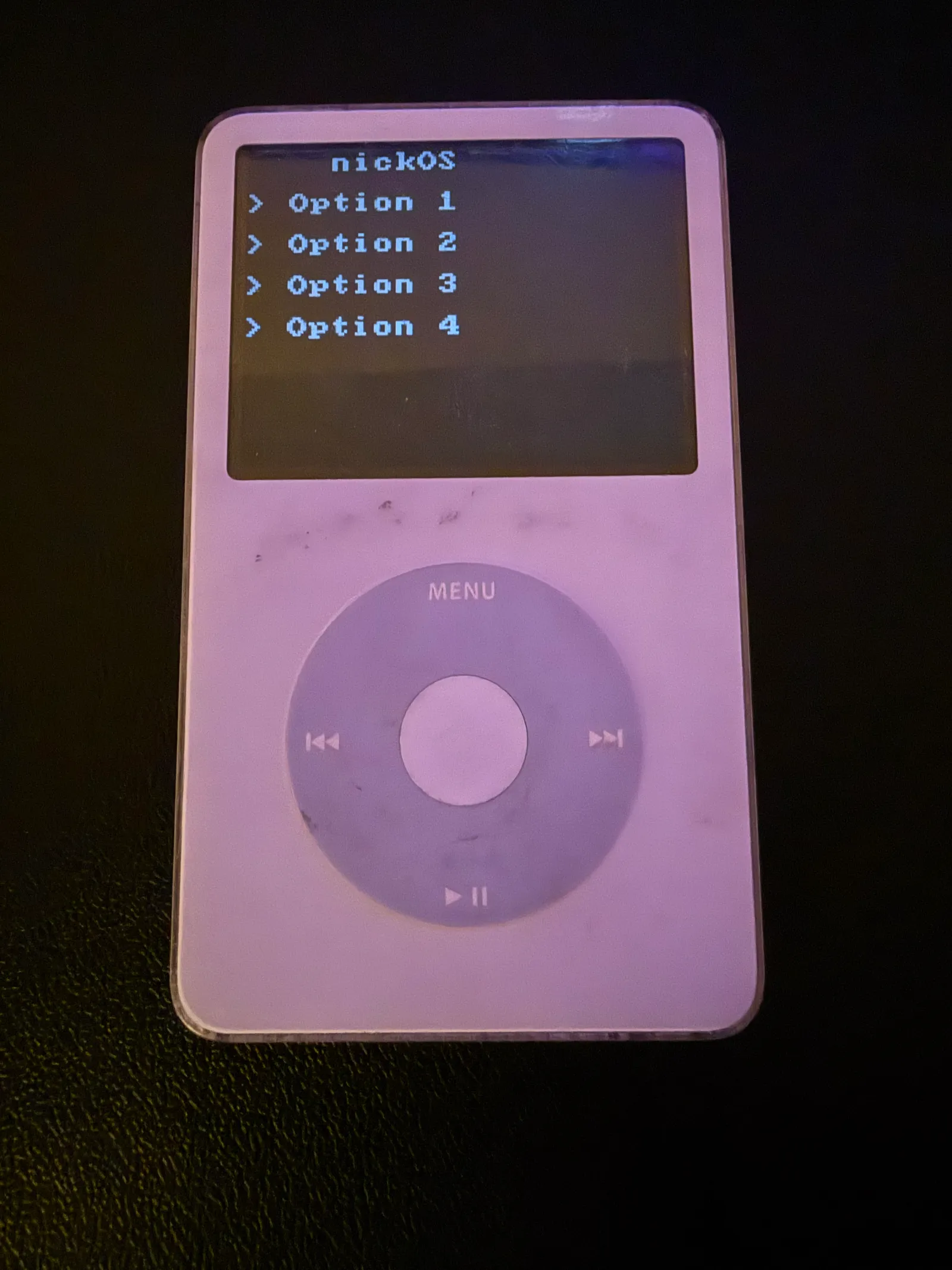
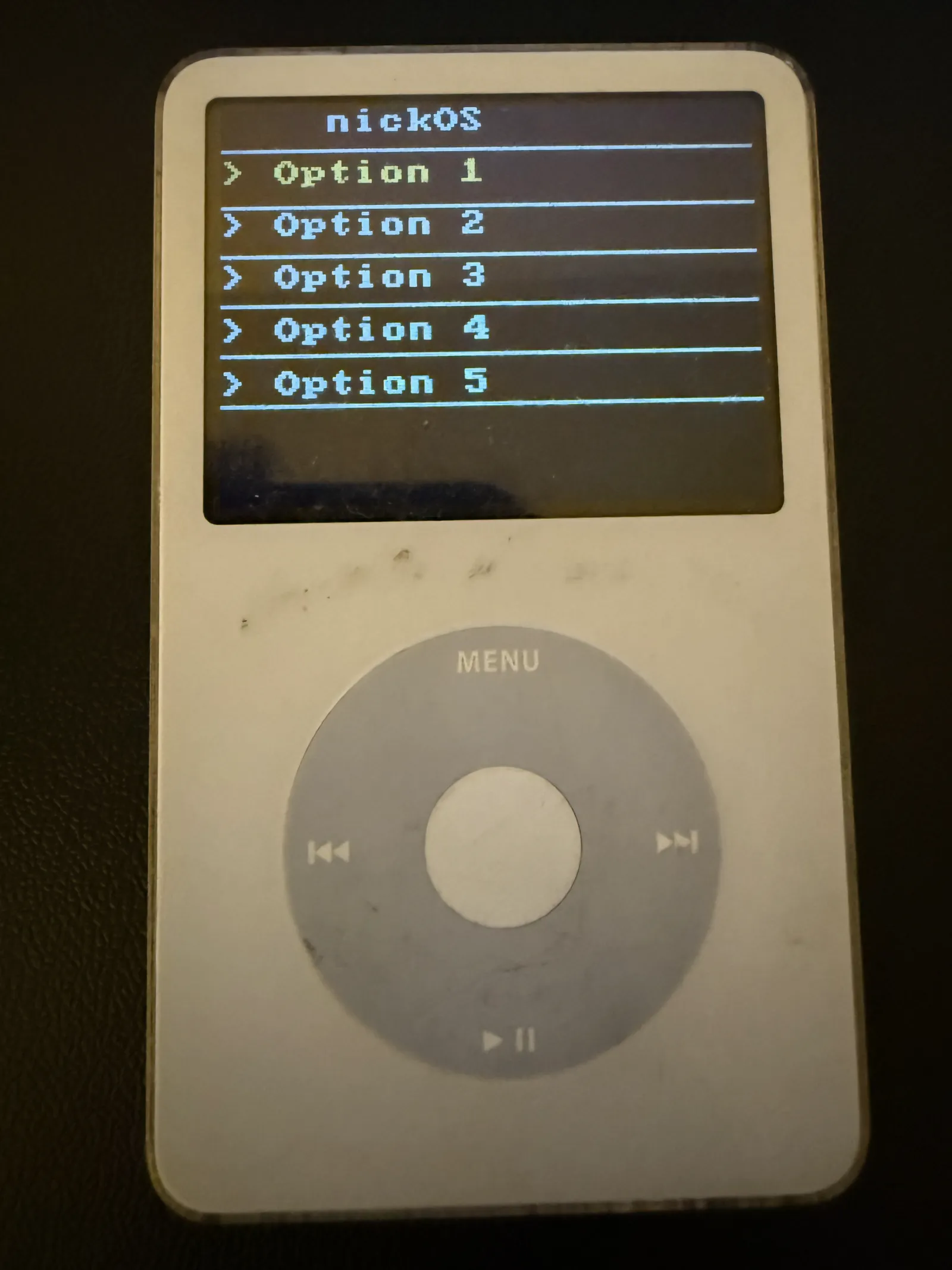
With images and text available, a static GUI became possible. gui_frame_update() clears the screen, draws the nickOS header, then iterates an option list — one row per option. At this stage nothing responds to input; it's purely a visual proof of concept, locked to whichever selection was hardcoded.
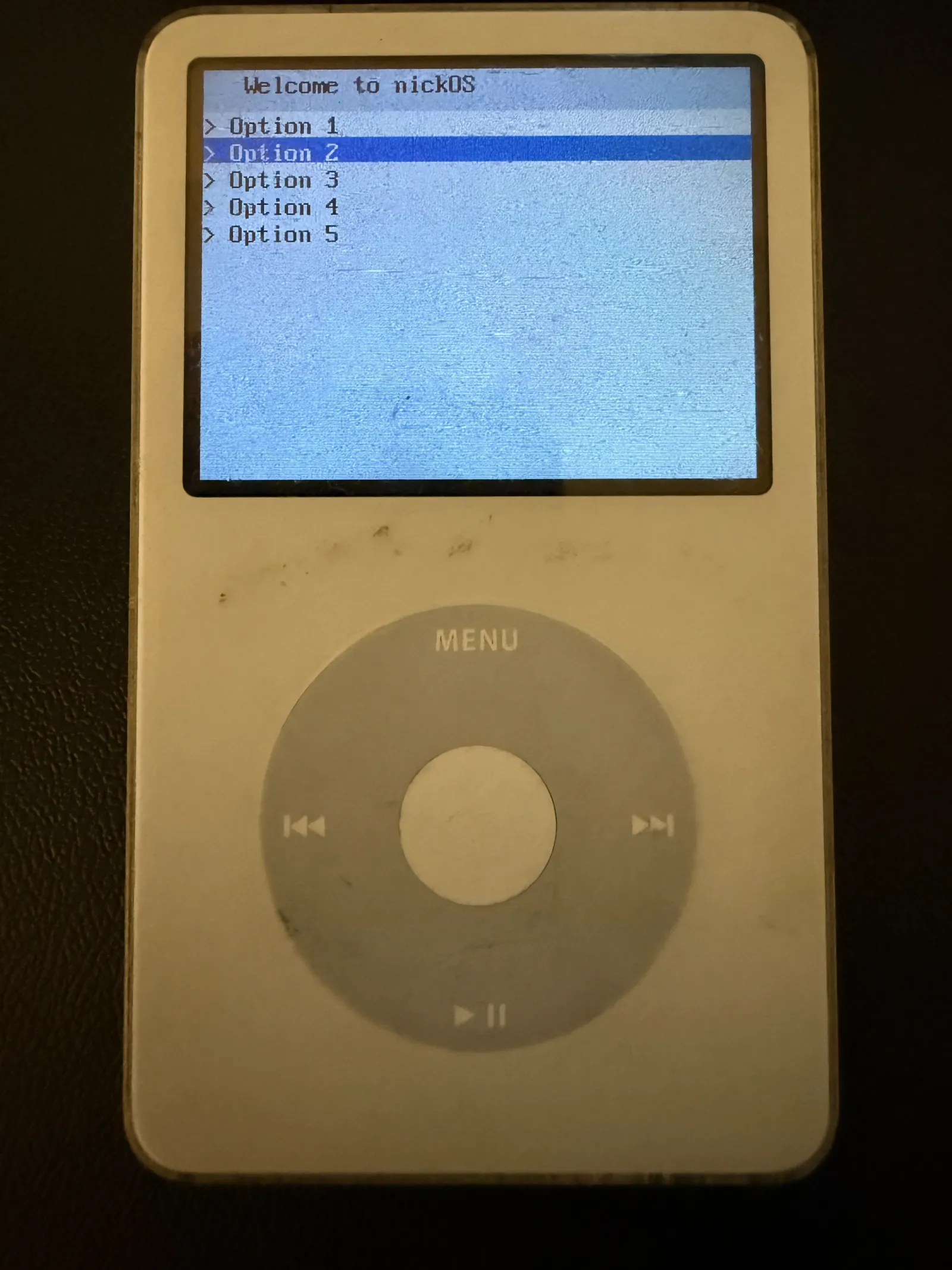
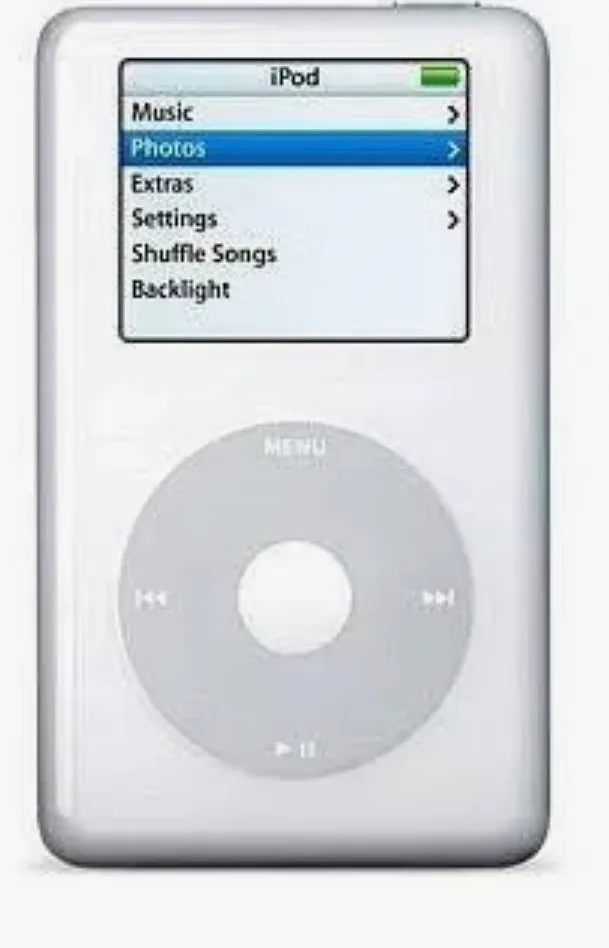
""Good artists copy, great artists steal" - Pablo Picasso " - Steve Jobs
⚠️ Interrupts (timers and user input)
Making the OS reactive required two interrupt sources: a system timer for timekeeping and the click wheel for user input.
Exception Vectors
When something exceptional happens — interrupt fires, bad instruction, memory fault — the CPU needs to know where to jump. It can't call a function normally because it might be in the middle of something. I only have irq handler implemented, so anything else would cause a hang at this point.
vectors:
    .word   hang                /* [0] Reset */
    .word   hang                /* [1] Undefined Instruction */
    .word   hang                /* [2] SWI */
    .word   hang                /* [3] Prefetch Abort */
    .word   hang                /* [4] Data Abort */
    .word   hang                /* [5] Reserved */
    .word   irq_handler         /* [6] IRQ */
    .word   hang                /* [7] FIQ */
Timers
TIMER1 is a 1 MHz countdown register on the PP5022. Loaded with 9,999 and set to auto-reload, it fires an IRQ every 10 ms — exactly 100 times per second. Each interrupt increments volatile uint32_t tick_count. This single counter is the OS heartbeat: all sleep durations, frame pacing, and timing derive from it. Reading TIMER1_VAL acknowledges the interrupt; failing to do so causes an infinite loop.
/* irq_handler — fires every 10 ms (TIMER1) or on button event */
void __attribute__((interrupt("IRQ"))) irq_handler(void) { // <-- this syntax tells the compiler it's an interrupt handler
    uint32_t st = CPU_INT_STAT;
    if (st & TIMER1_MASK) {
        tick_count++;
        (void)TIMER1_VAL;       @ read = ACK
    } else if (st & HI_MASK) {
        if (CPU_HI_INT_STAT & I2C_MASK)
            clickwheel_int();
    }
}
Click wheel
The PP5022 has a two-level interrupt controller — 30 low-priority sources and 9 high-priority. The click wheel appears as a high-priority interrupt (bit 8 in the high bank, I2C_MASK), signalled to the low bank via HI_MASK (bit 30). On each press or release the ISR reads the CLICKWHEEL_DATA register at 0x7000C140, validates the packet — (data & 0x800000FF) == 0x8000001A — and decodes bits 8–12 as the five buttons: SELECT, RIGHT, LEFT, PLAY, MENU. The result is stored in volatile int button_state, readable from the main loop at any time.
/* Click wheel decode */
data = CLICKWHEEL_DATA;
if ((data & 0x800000FF) == 0x8000001A)
    button_state = (data >> 8) & 0x1F;
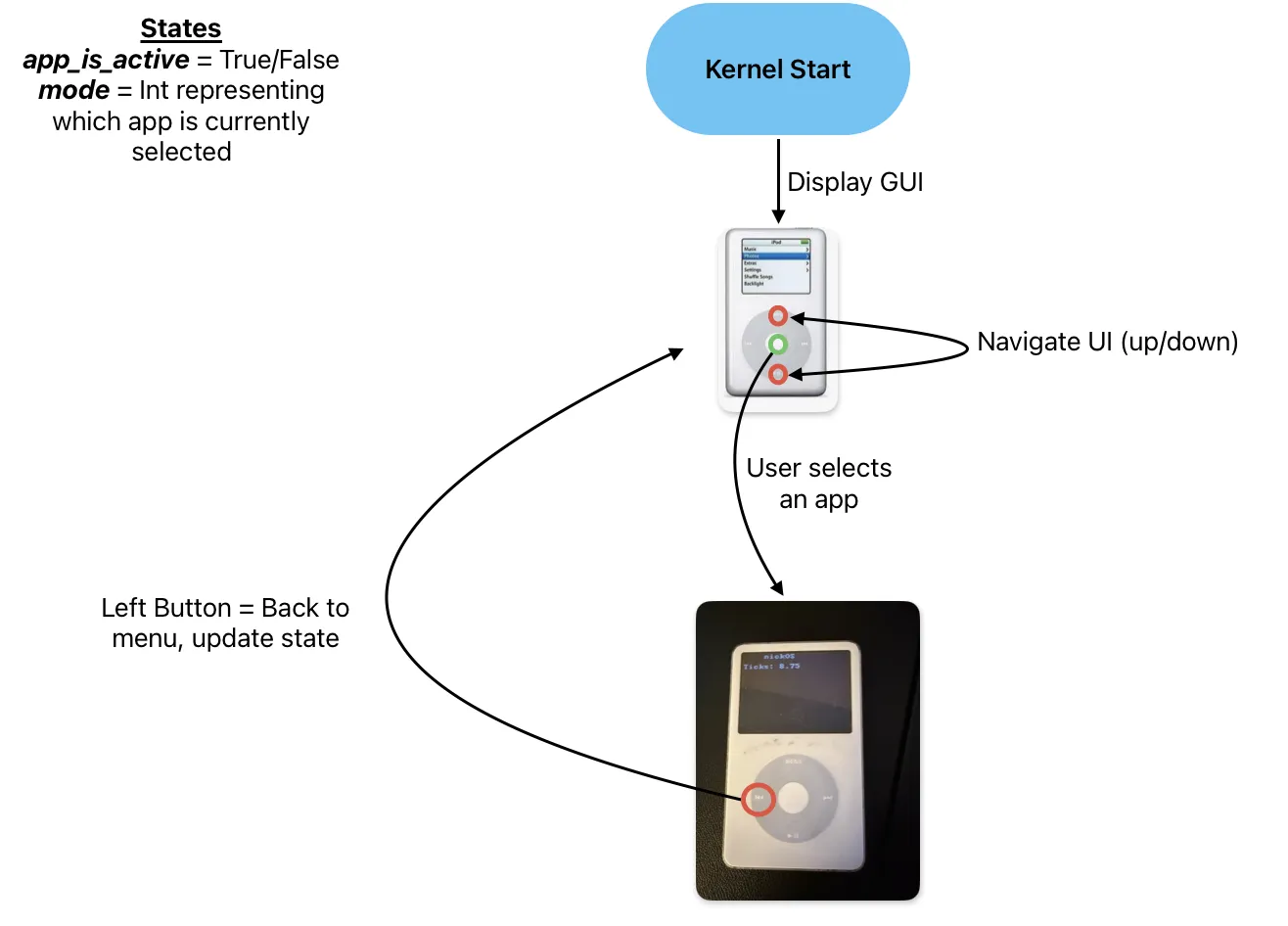
App Struct
With button_state available, the menu became interactive: MENU/PLAY scroll the selection up and down, SELECT launches the app at the current index. This naturally led to formalising the App struct — a simple vtable with init(), update(buttons), and cleanup() callbacks. Apps register in a global app_list[]. The kernel main loop just dispatches through this interface, keeping all app logic self-contained.
/* App struct — portable app interface */
typedef struct {
    const char *name;
    void (*init)(void);
    void (*update)(int buttons);
    void (*cleanup)(void);
} App;
🏓 PONG
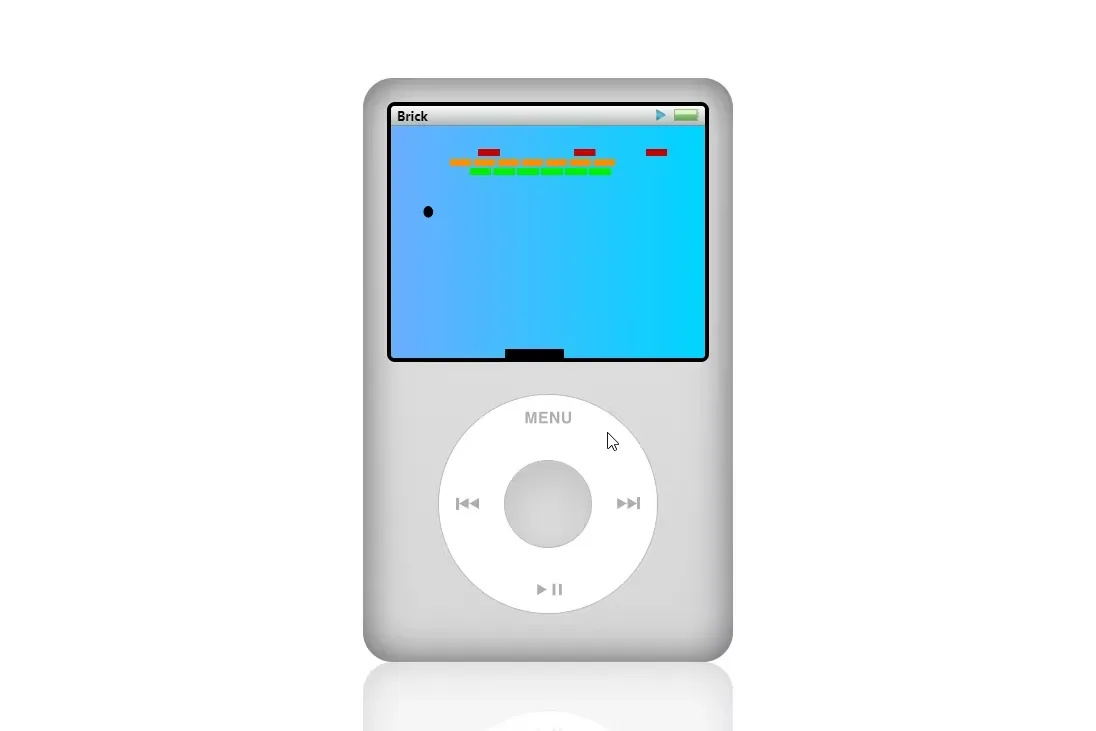
Framebuffer Pipeline
Frame pacing
Uses tick_count directly: at the start of each frame, compute next_frame = tick_count + FRAME_TICKS and call sleep() until that tick arrives. Note: sleep() busy-waits with IRQs enabled, so the timer ISR keeps ticking and button state stays fresh throughout.
The Ball
Has a position (x, y) and velocity (dx, dy). Each frame, position advances by velocity. Hitting the top or bottom wall negates dy. Paddle collision uses simple overlap logic. The ball escaping the left or right edge scores a point and resets to center.
AI Opponent
Moves its paddle toward the ball's vertical center every frame at the same speed as the player.
💽 FAT32 & Storage Driver
With graphics and input working, the next step was giving nickOS persistent storage — the ability to read files off the iPod's actual hard drive.
ATA Driver
The iPod Video 5.5G uses a standard ATA/IDE interface, memory-mapped by the
PP5022 at 0xC3000000. Rather than invent this from scratch, the register
layout, PIO timing constants, and initialization sequence were taken directly
from Rockbox's ata.c and ata-pp5020.c as a reference. Why I did this: the timing values are empirically determined for
this silicon and getting them wrong means a silent, corrupted read.
.txt file
off the drive and render its contents on the LCD.
FAT32 Driver
Sitting on top of the ATA driver is a read-only FAT32 filesystem (write support was later added for telemetry). It handles:
- MBR parsing — scans the partition table for a FAT32 partition
(type
0x0Bor0x0C) and records its starting LBA - BPB parsing — reads the FAT32 Boot Parameter Block to extract
sectors_per_cluster,fat_start,data_start, androot_cluster - Cluster chain traversal — follows the FAT table one entry at a time to walk a file's linked list of clusters
- Directory listing — parses 32-byte 8.3 directory entries, skipping LFN and deleted entries
- Sequential file reads —
fat_read()advances aFatFilecursor through sectors and clusters, copying data into the caller's buffer
One notable constraint: because this is a freestanding build with no libc,
division is not available via the compiler runtime. All cluster/sector index
arithmetic uses bit-shifts since sectors_per_cluster is always a power
of two — a pattern borrowed directly from Rockbox.
🤝 Cooperative scheduler
With a working filesystem and multiple planned workloads (music playback, a game, photo viewing), the main loop wasn't designed for this concurrent activity. So I created a cooperative scheduler to manage tasks cleanly.
Design
Each task is described by a Task struct:
typedef struct {
    const char   *name;
    void (*init)(void);
    void (*update)(int buttons);
    void (*cleanup)(void);
    uint32_t  next_tick;     // when to run next
    uint32_t  period;        // how often (in ticks)
    TaskState state;         // STOPPED / FOREGROUND / BACKGROUND
    bool      backgroundable;// can it keep running when exited?
} Task;
Tasks are registered statically in scheduler.c:
Task _taskList[] = { PONG, PHOTOS, NICKTUNES };
Execution Model
The scheduler runs a single while(1) loop — no preemption, no context switching. Every iteration it:
- Runs background tasks — any task in TASK_BACKGROUND state whose next_tick has passed gets an update(BUTTON_NONE) call. This is how music continues playing while you navigate the menu or start another app.
- Runs the foreground task — the one task in TASK_FOREGROUND gets update(button_state) and owns the display and input. Pressing LEFT either stops it (TASK_STOPPED) or sends it to the background (TASK_BACKGROUND) depending on its backgroundable flag.
- Updates the GUI — if no task is foregrounded, the menu is live. UP/DOWN scroll the cursor; SELECT launches the highlighted task.
Why Cooperative?
For nickOS's current workload — one active app plus optional background music — cooperative scheduling is sufficient. Since the user is doing one thing at a time, there is no need for preemption or strict deadlines. The period field gives each task a soft rate limit (e.g. Pong runs every 2 ticks = 20 ms, nickTunes every 1 tick = 10 ms), which is enough to keep the display smooth and audio continuous. A preemptive RTOS would add significant complexity for no user-visible benefit at this stage.
📊 Telemetry
Logging system behavior
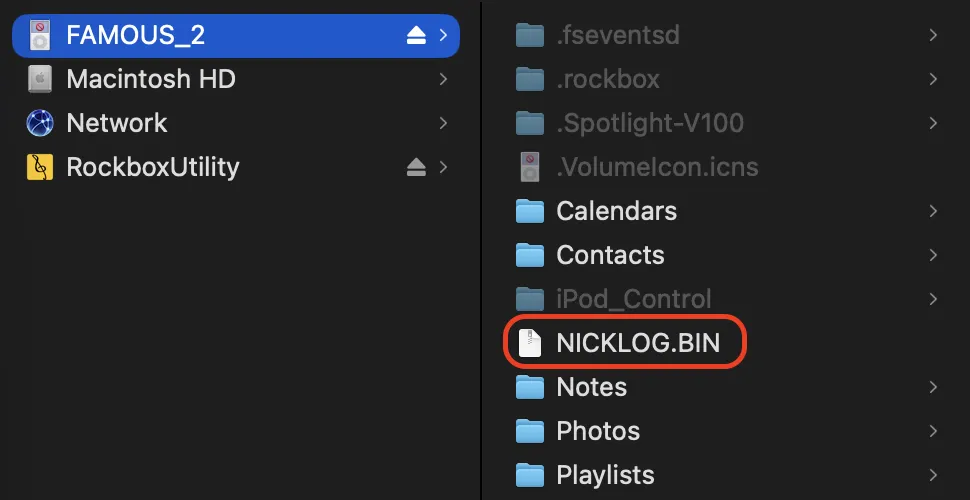
With the scheduler in place and more tasks planned, it became useful to observe what the OS is actually doing at runtime — which tasks are running, how deep the stack gets, and where state transitions occur. The result is a disk-based binary profiling system.
Design Goals
- Minimal runtime overhead — write to disk in batches, not per-sample
- Self-describing binary format — readable offline by a Python script
🎨 Stack Painting
Before any C code runs, crt0.S fills the entire 8 KB SVC stack with magic number 0xDEADBEEF:
paint_stack:
    cmp     r0, r1
    strlt   r2, [r0], #4
    blt     paint_stack
At any point later, stack_used() scans from the bottom of the stack
upward until it finds the first word that isn't 0xDEADBEEF. Everything
above that point was touched by the call stack — giving a high-water
mark of maximum stack depth since boot, with no runtime overhead between
samples.
Each telemetry sample captures:
| Field | Description |
|---|---|
| tick | Kernel tick count (100 Hz) |
| task_states[8] | State of each task (STOPPED / FG / BG) |
| active_mode | GUI menu cursor position |
| stack_used_bytes | High-water mark at sample time |
| event | Signpost: LAUNCH / EXIT / BACKGROUND |
| event_task_idx | Which task triggered the event |
Write Pipeline
Samples are buffered in RAM 16 at a time. When the buffer is full, one 512-byte sector is written to disk via ata_write_sectors(). This means a disk write occurs every ~800 ms (16 samples × 50 ms/sample), keeping ATA traffic low.
Visualizer
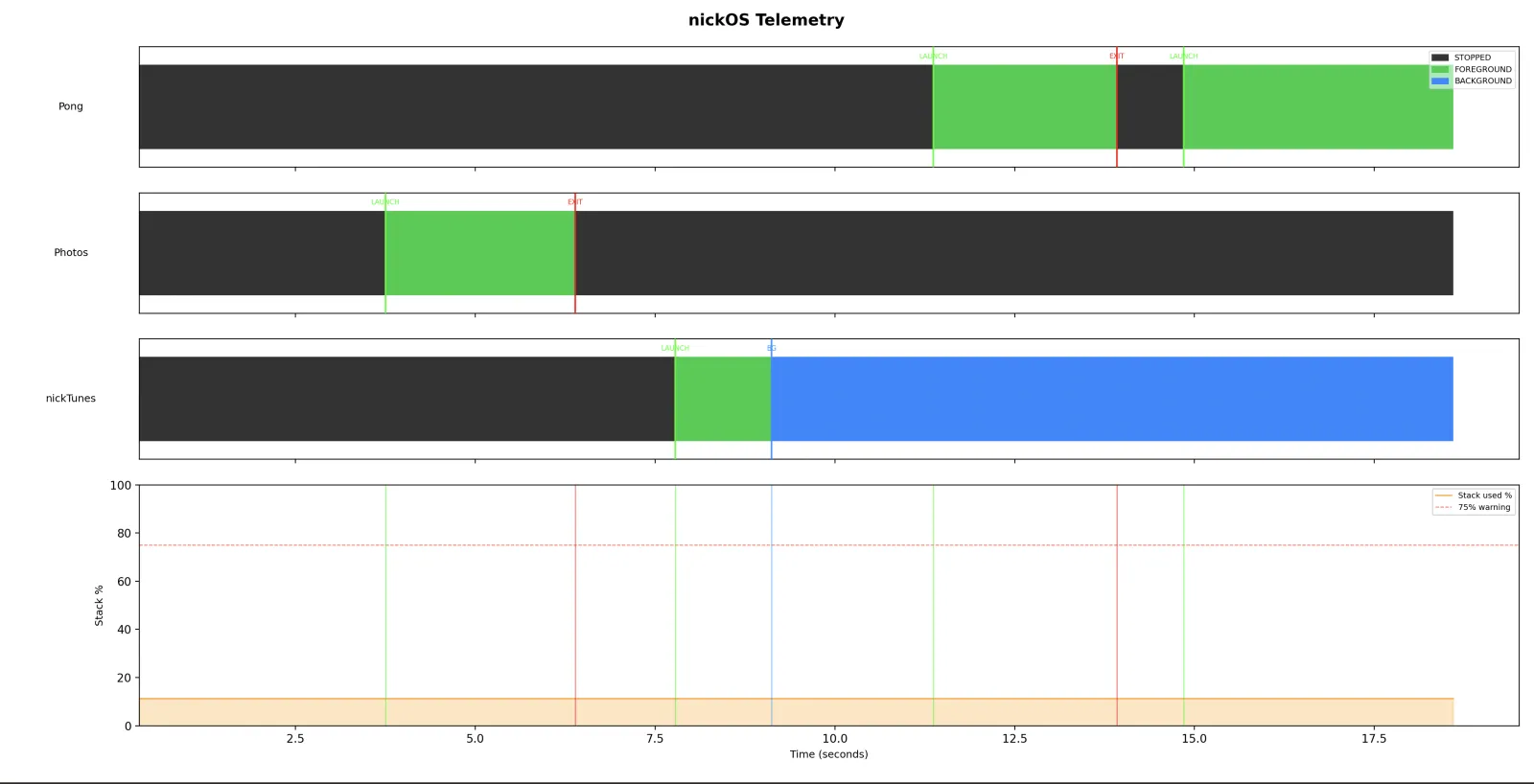
visualizer.py reads the binary log on the Mac and produces a timeline plot with:
- One task state lane per task (color-coded STOPPED / FOREGROUND / BACKGROUND)
- Stack usage % over time with a 75% warning line
- Event markers (green = launch, red = exit, blue = background)
🔊 nickTunes (Audio Subsystem)
Storage & Filesystem
Before any music could play, nickOS needed to read files from the iPod's hard drive. This meant writing two new drivers from scratch:
- ATA Driver & FAT32 Filesystem (previously documented)
Audio Hardware
Playing audio required bringing up two new hardware interfaces:
I2C— Used to configure the audio codec over a 2-wire control bus. Each register write sends a 9-bit value split across two I2C bytes.- WM8758 Codec Initialization — The codec's internal PLL is configured to derive a 11.2896 MHz system clock from the PP5022's 24 MHz reference, producing the exact 44.1 kHz sample rate needed for standard audio (256 × 44,100 = 11,289,600).
I2S— The digital audio interface that streams PCM samples from the CPU to the codec. A TX FIFO buffers outgoing samples, and a watermark interrupt fires when the FIFO is running low.
FIQ
The most important addition was promoting the I2S interrupt to a Fast Interrupt (FIQ). On ARM, FIQ has its own banked registers and higher priority than regular IRQs, making it ideal for real-time audio where any delay causes audible glitches.
The FIQ handler runs every time the I2S TX FIFO drops below its watermark. It writes samples directly from a PCM buffer into the FIFO, one stereo pair at a time. If no data is available, it writes silence to prevent the hardware from replaying stale audio. This handler needed its own dedicated stack, set up during boot in crt0.S.
Double Buffering
nickTunes uses a ping-pong buffering scheme to keep audio flowing without interruption:
- Two 8,192-sample buffers (~93ms of audio each)
- The FIQ handler drains whichever buffer is active
- The main loop fills the idle buffer from disk via FAT32
- A simple ready flag coordinates handoff — no locks needed since only one side writes and the other reads
The Application
The nickTunes task itself loads SONG.PCM (raw 44.1 kHz, 16-bit stereo) from a directory on the FAT32 partition, pre-fills both buffers, then starts FIQ-driven playback. While running, it displays a real-time amplitude visualizer and playback progress bar. Because it's marked as backgroundable in the scheduler, the user can exit back to the menu while music continues playing. The scheduler keeps calling its update function to refill buffers in the background.
🎮 Nicktendo (GBA Emulator)
Motivation
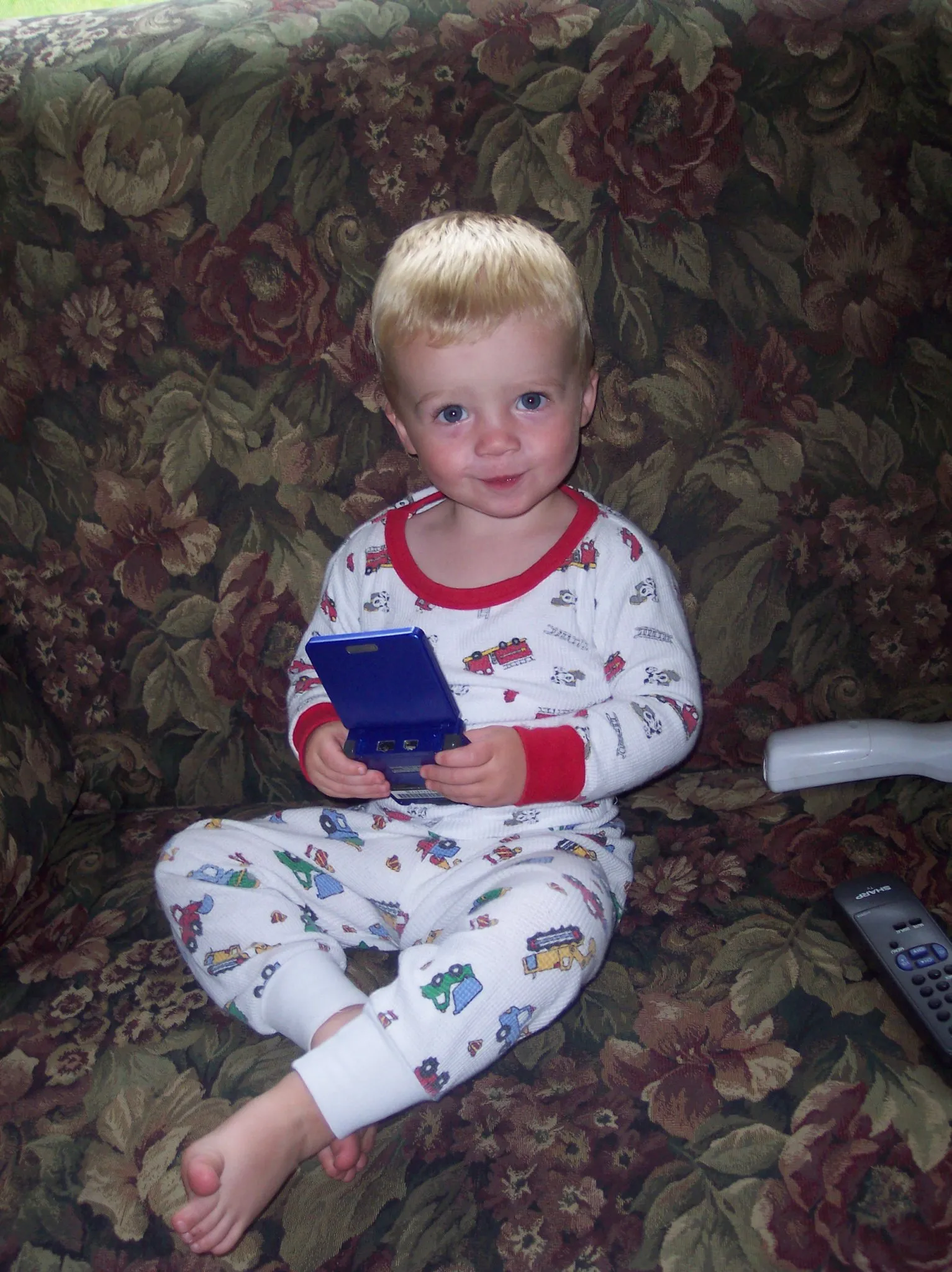
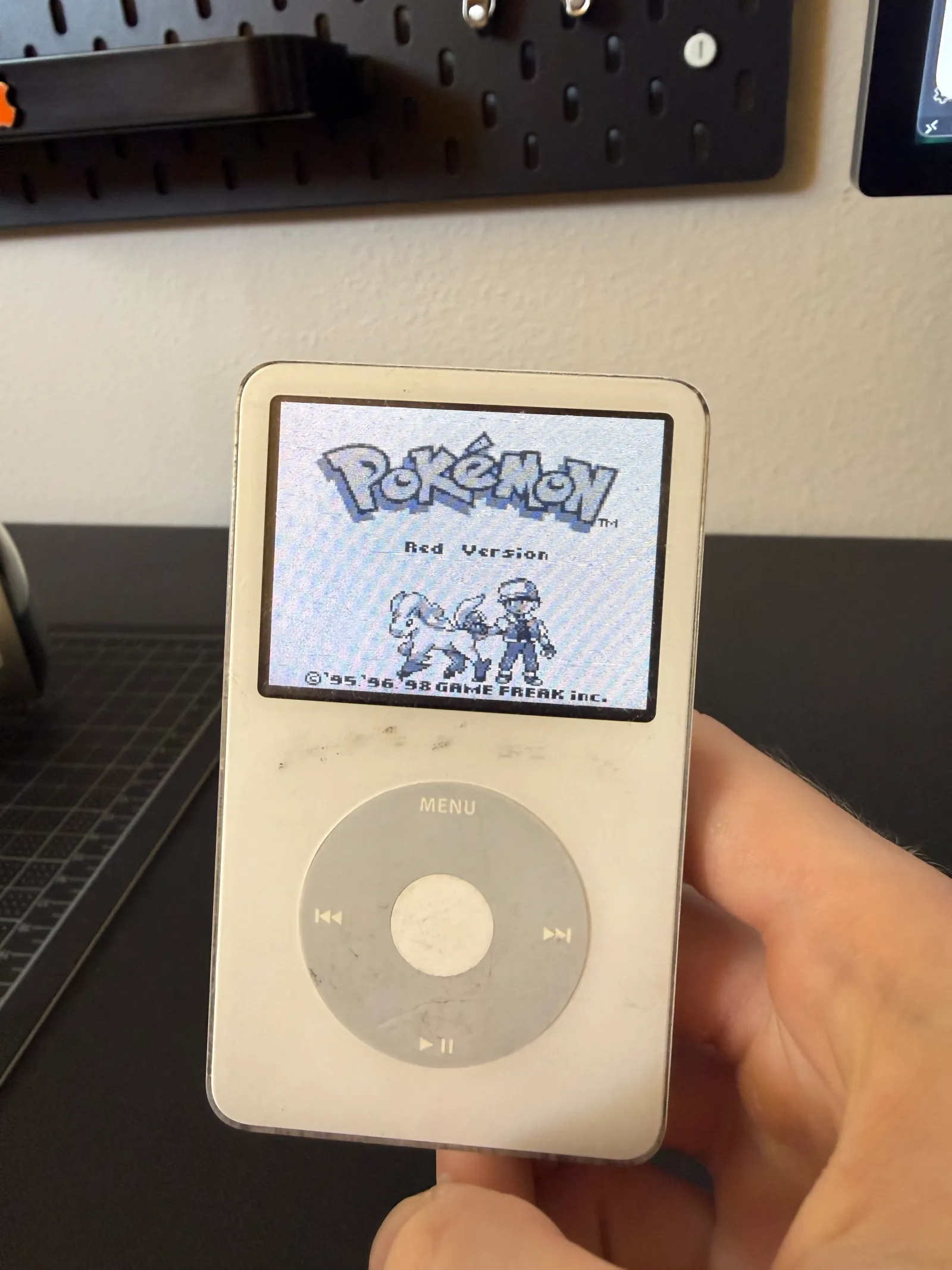
Growing up, the Game Boy Advance was my first console. When I realized the iPod Classic shared the same ARM7TDMI CPU, getting a GBA emulator running on it became a personal goal for this project. It's far from perfect, but seeing a GBA game boot on an iPod I wrote the OS for was worth it.
Emulator Core
The emulator is built on gpSP (gameplaySP) by Exophase, an open-source GBA emulator originally designed for the PSP. Rather than using gpSP's libretro frontend, nicktendo calls the emulator core directly from bare-metal.
Memory — The Main Challenge
The iPod has 32MB of DRAM, while GBA ROMs can be up to 32MB themselves, leaving very little room for the OS, framebuffer, emulator state, and heap. This required several optimizations:
- ROM Paging — Rather than loading an entire ROM into memory, gpSP allocates 1MB blocks on demand and uses an LRU (Least Recently Used) page eviction strategy. ROM pages are loaded from the FAT32 filesystem as needed, so even large games can run within memory constraints.
- Custom Allocator — A first-fit bump allocator with free list was implemented in gpsp_platform.c, since there's no standard library. This provides malloc/free/calloc/realloc for the emulator's dynamic memory needs.
- IRAM for Hot Code — The emulator's most performance-critical functions (CPU interpreter, video rendering, page loading) are placed in the .icode section, which gets copied to the PP5022's 128KB on-chip IRAM at boot. This eliminates cache misses on the tightest loops.
Display Scaling
The GBA renders at 240×160 while the iPod's LCD is 320×240. nicktendo uses nearest-neighbor scaling, mapping each iPod pixel back to its corresponding GBA pixel.
To further improve speed, I added aggressive frameskipping — only rendering 1 out of every 8 frames to the LCD. The emulator still executes every frame internally for correct game logic, but skipping the expensive pixel scaling can help increase the frame rate.
Scheduling & Input
nicktendo runs as a foreground task in the scheduler. The clickwheel buttons are mapped to GBA inputs, read from the existing interrupt-driven button_state global.
🧠 On-device inference
Motivation
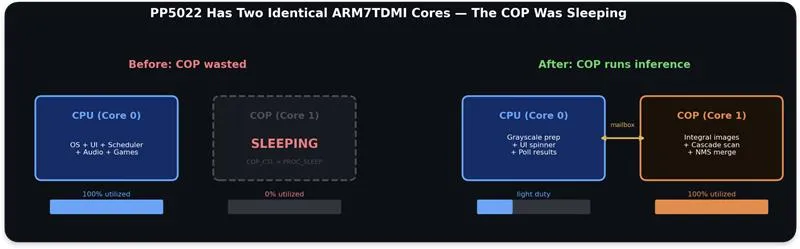
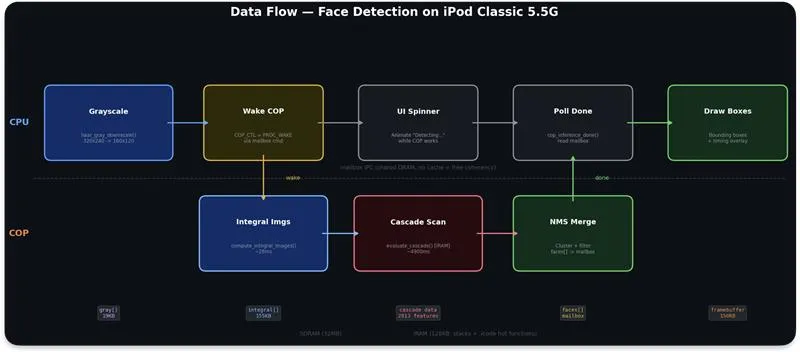
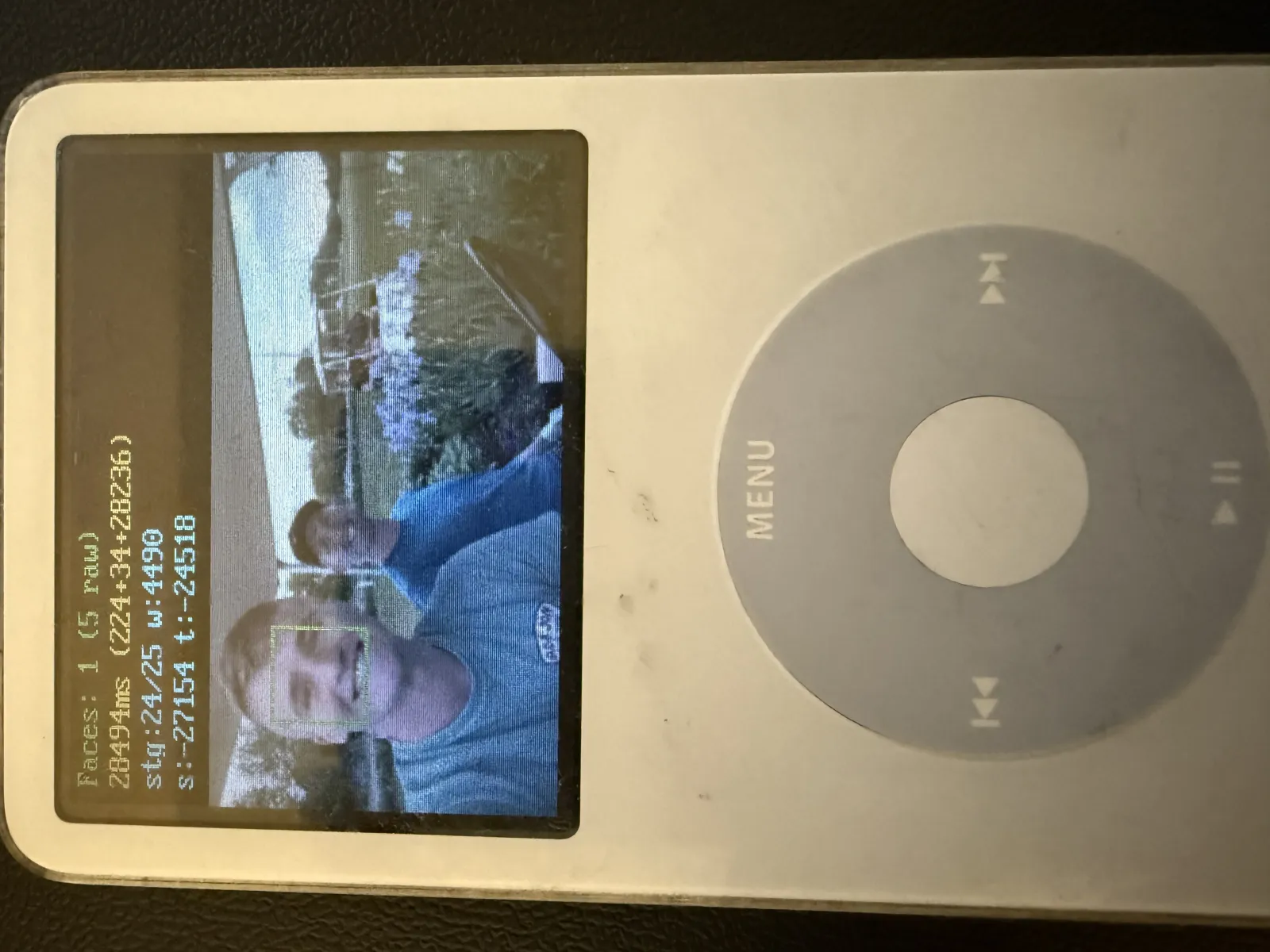
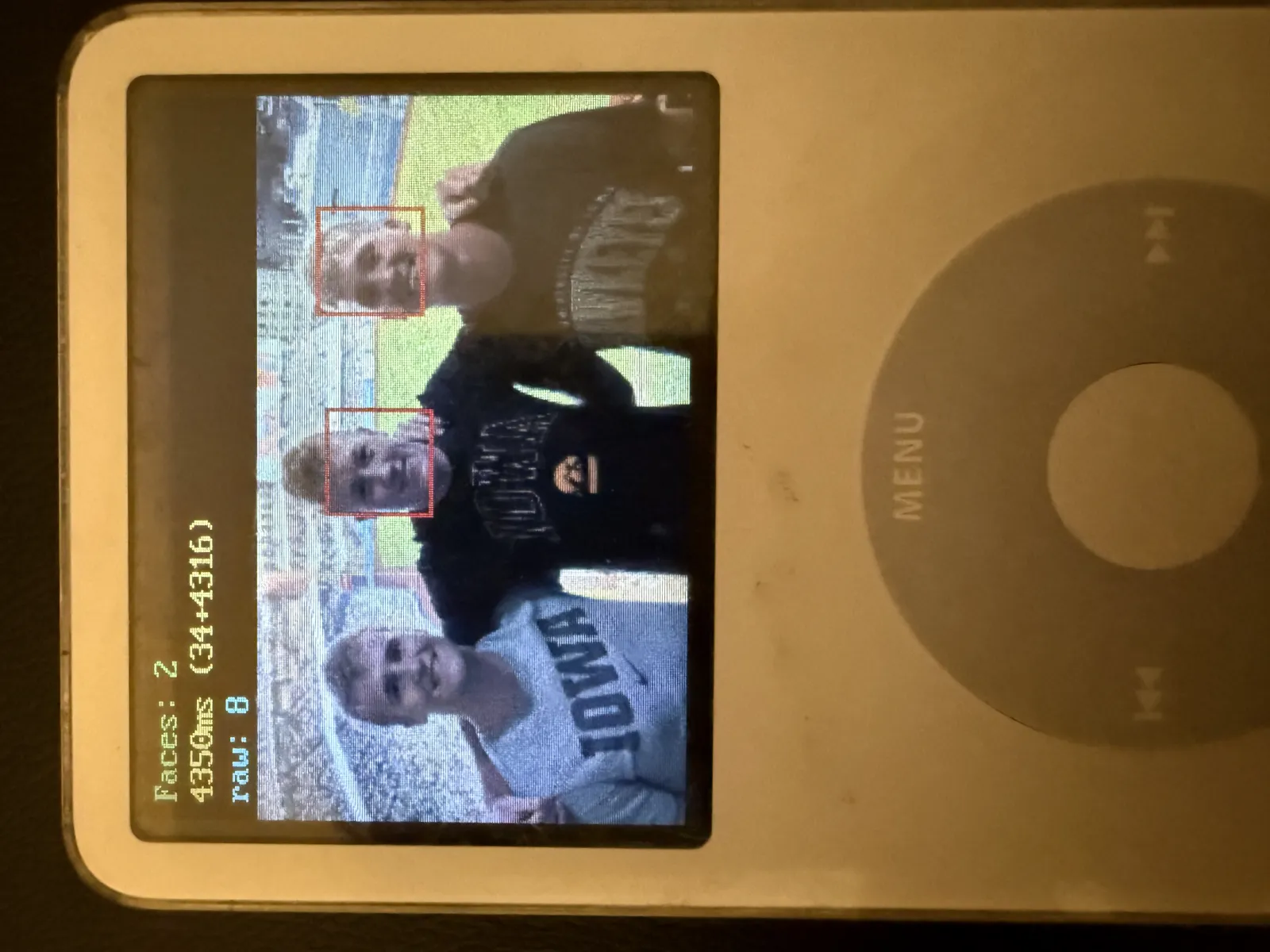
The iPod has 2 identical ARM7TDMI cores, but the coprocessor (COP) was sitting in an idle state. That's 50% compute wasted. When I started implementing a real-time Haar cascade face detection pipeline, I realized I could offload the compute to the coprocessor. This allows the main processor to remain free to handle UI, button input, and audio with no stalls. The two cores share DRAM with no cache, so the mailbox IPC is just a shared struct.
What it does
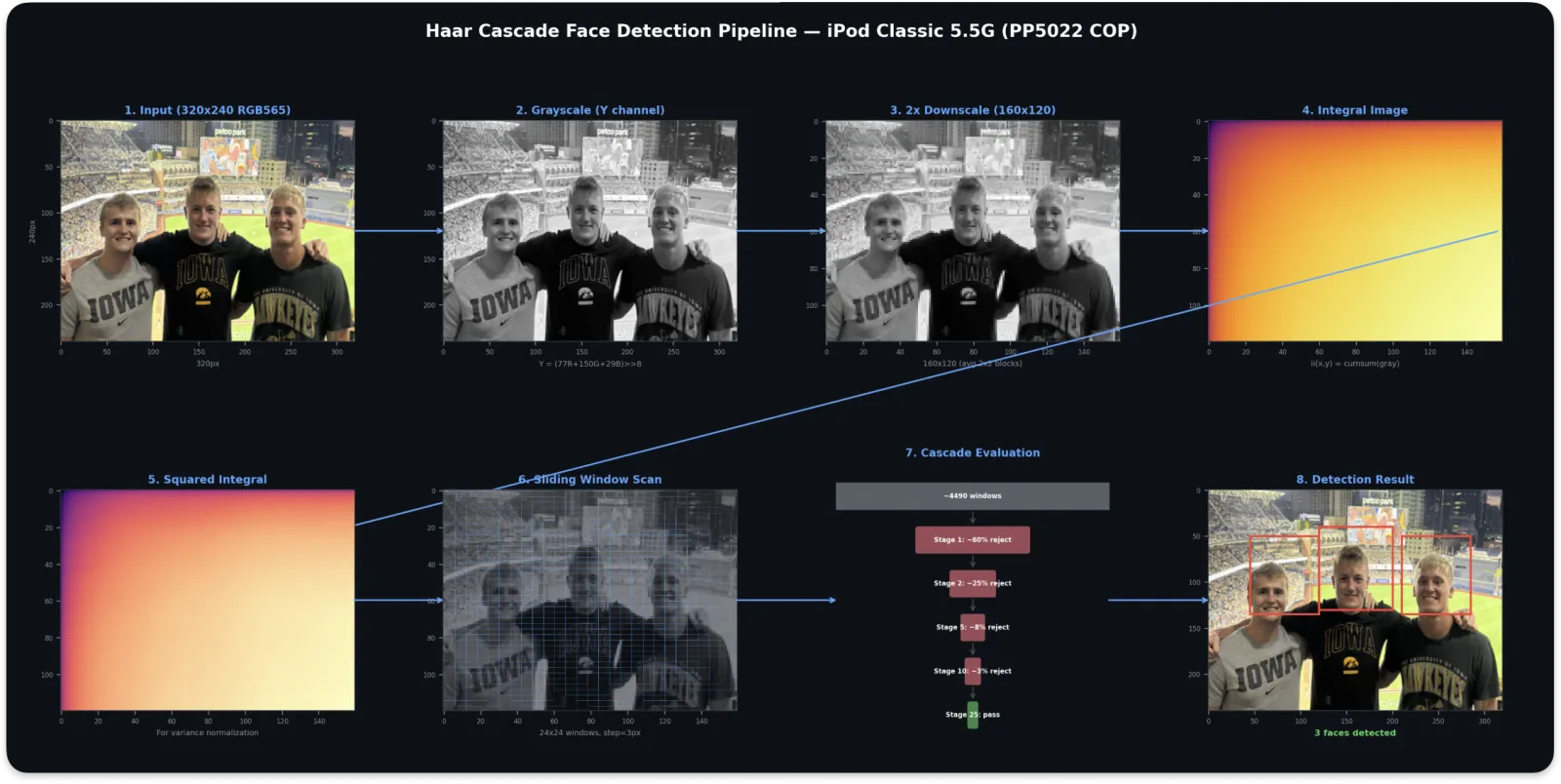
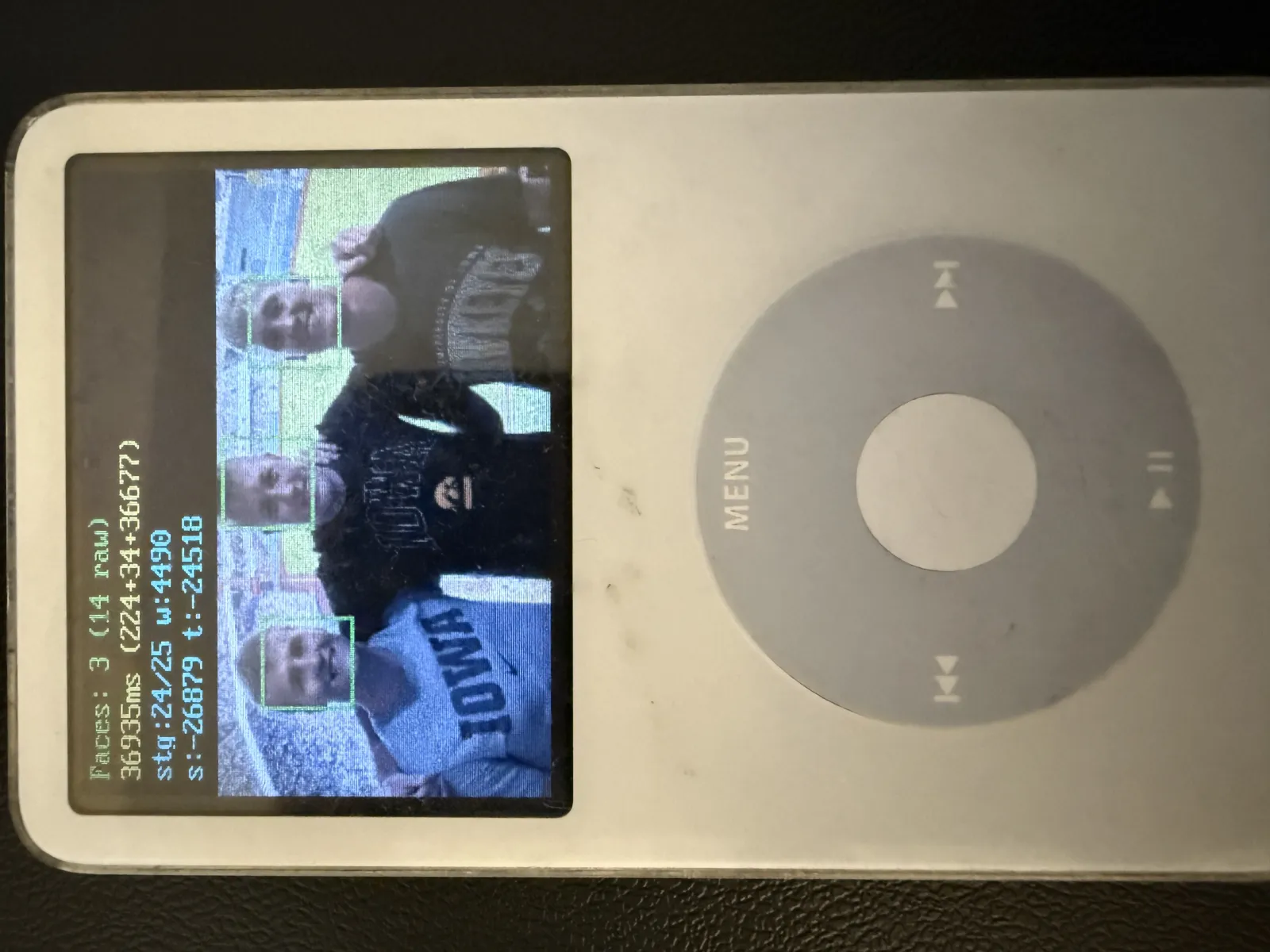
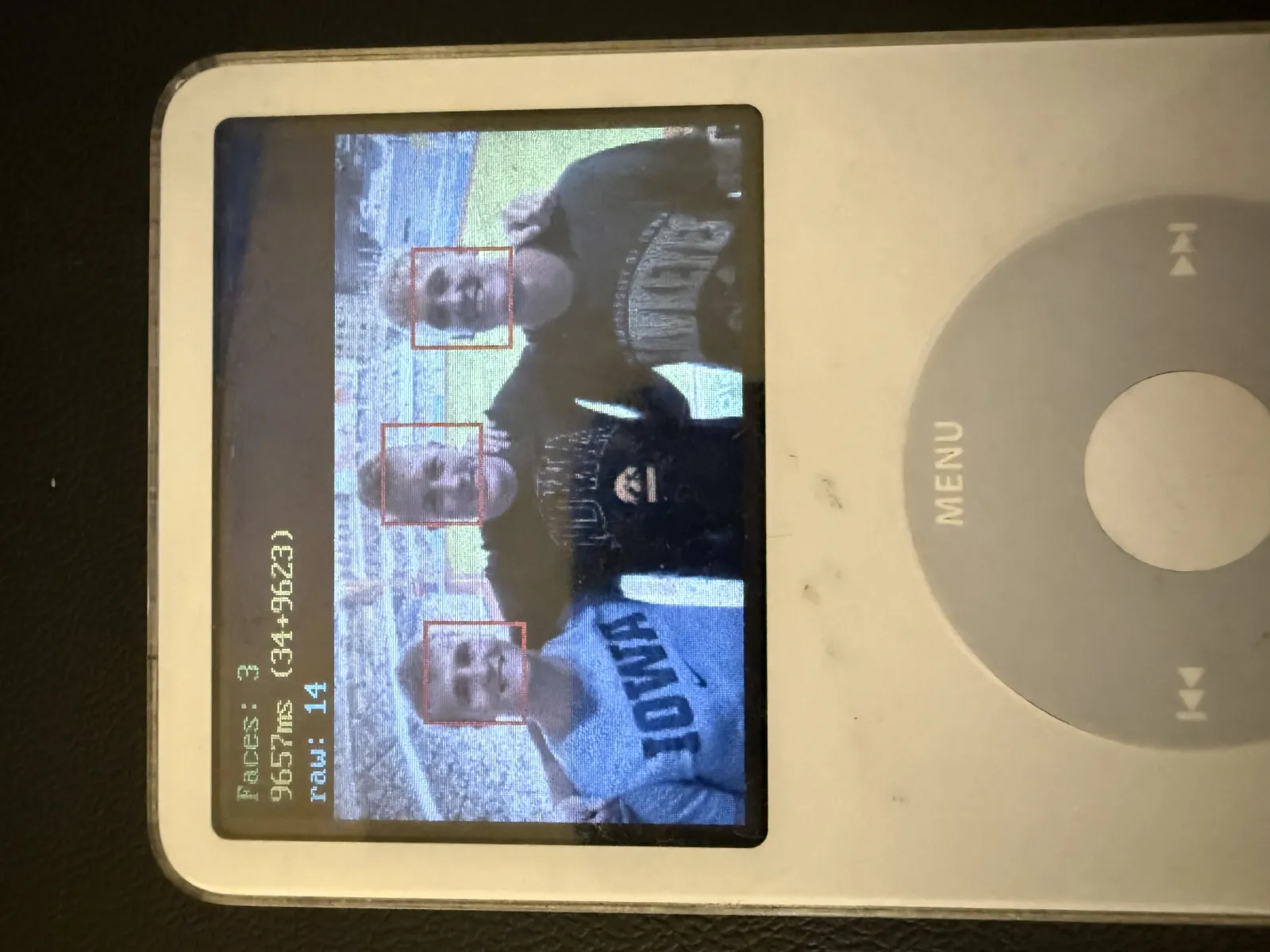
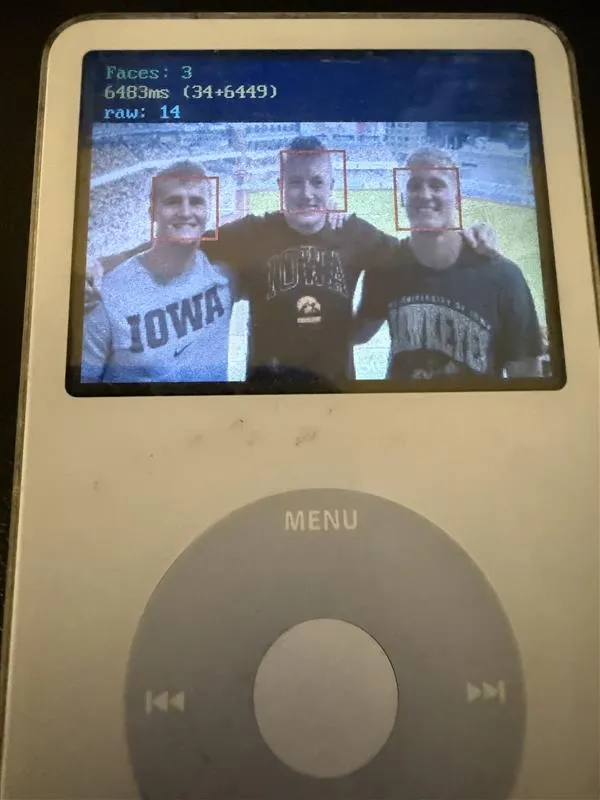
Takes a 320x240 RGB565 photo, runs a full 25-stage Viola-Jones cascade, and draws bounding boxes around detected faces. The entire pipeline performs grayscale conversion, integral images, multi-scale sliding window, variance normalization, and NMS merging.
Optimization
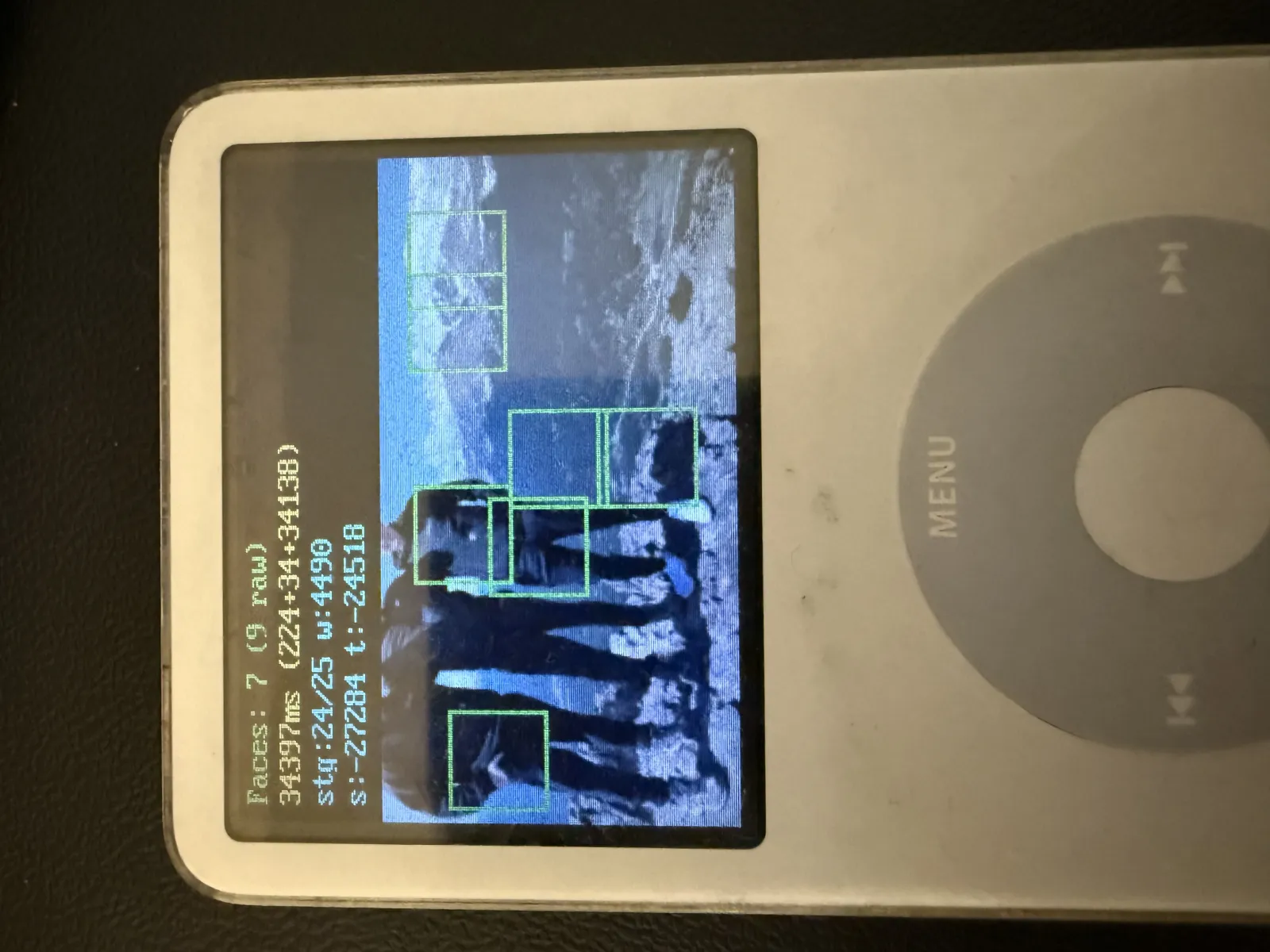
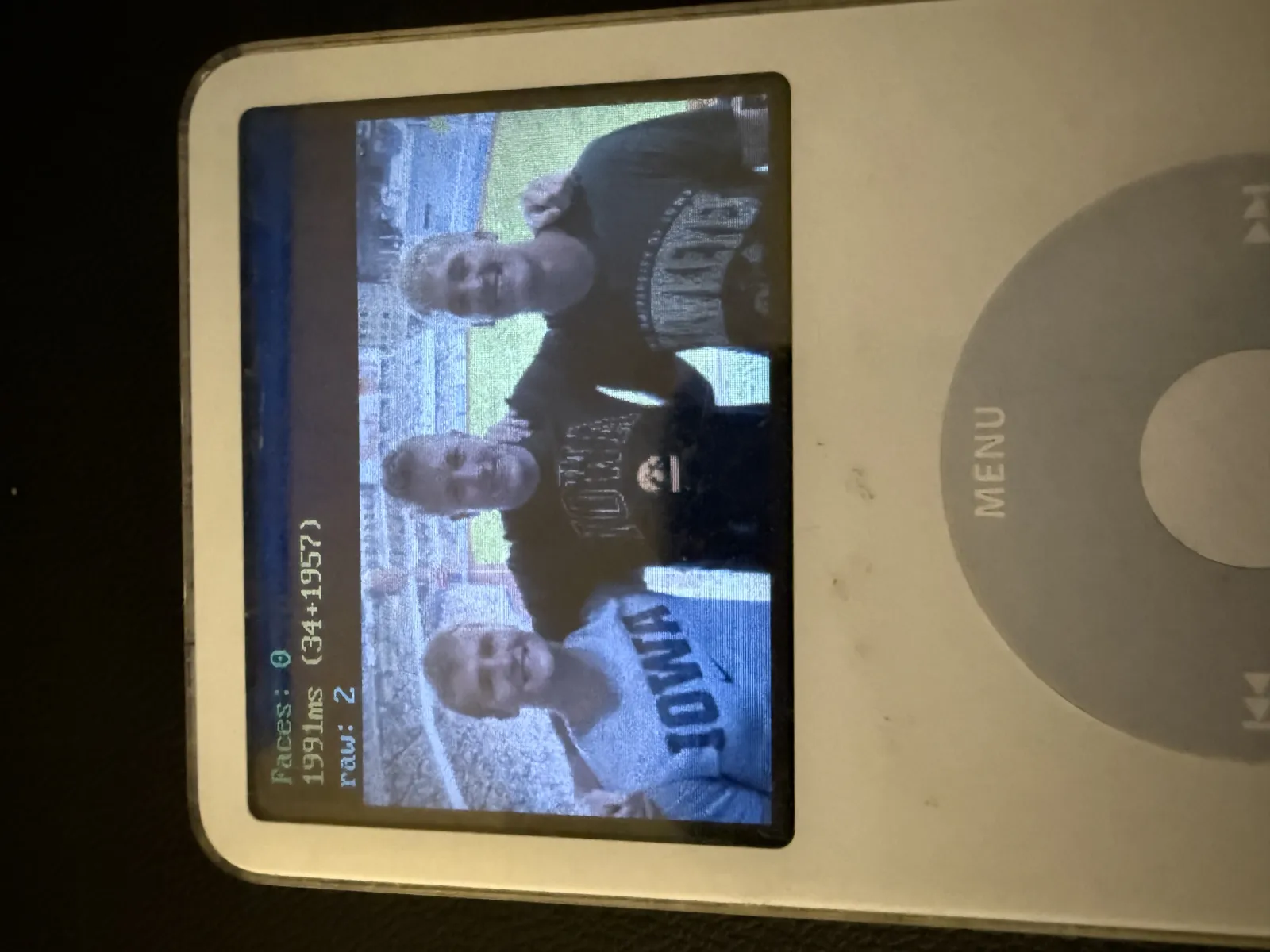
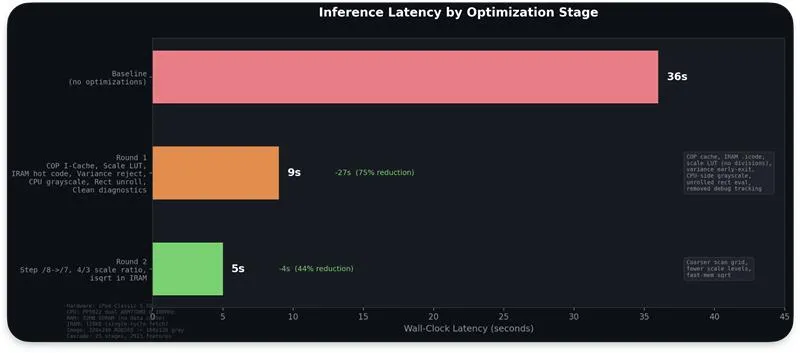
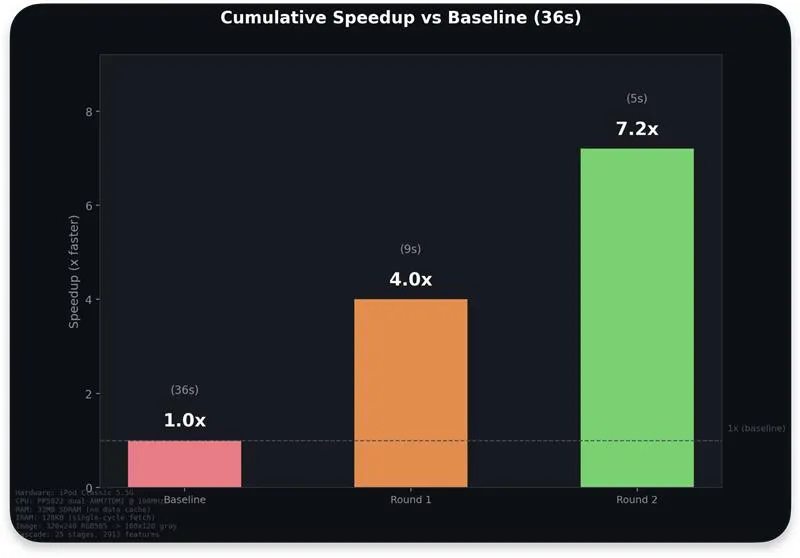
The naive implementation took ~36 seconds. Through profiling-driven iteration, I got it down to ~6 seconds — a 6x speedup — without sacrificing detection accuracy (3/3 faces detected). Here's what moved the needle:
Good video covering Haar cascade: http://www.youtube.com/watch?v=uEJ71VlUmMQ
Conclusion
There's something satisfying about holding a 20-year-old iPod in your hand and watching it run your own code. It started as a "can I even get code running on this thing?" experiment and turned into a full OS with a game, a music player, and a GBA emulator. Along the way I learned how to write hardware drivers, handle interrupts, manage memory on a constrained system, all on bare metal with no libraries or safety net.