Report
neuralNick

Thank you to Greg Appelbaum and Jyoti Mishra Ramanathan from UC San Diego for getting me hooked up with an EEG system!
Chapters
INTRODUCTION
Motivation
I wanted to experiment with Hugging Face's open-source SO-101 robot arms after seeing a demo from @Thijs, where he gave Astra a robot arm and a paintbrush and asked it to paint.
i gave astra a robot, a paint brush, and a camera then asked it to paint the golden gate bridge in real life!
— thijs (@cdngdev) September 8, 2026
it figured out how to control the robot, and progressively got better throughout its attempts. the timelapse is sick https://t.co/BfiiXvafRA
Preparation
The SO-101 is a low-cost, open-source arm built from 3D-printed parts and six servos. I printed two of them: a leader arm that I move by hand, and a follower arm that copies it and is later driven by the trained policies. After assembling the servos and motor boards, I calibrated both arms with LeRobot so their joint angles line up.
Hardware
For the perception-based experiments, an iPhone mounted overhead streams frames to the Mac Studio over Continuity Camera. The Mac also reads the arm's joint states over USB, runs the policy, and sends the next joint targets back to the arm.
| Part | Role | Notes |
|---|---|---|
| Mac Studio | Training & inference | M3 Ultra, 96 GB unified memory: enough to fine-tune 3B-parameter models locally |
| iPhone 17 Pro Max | Perception | Continuity Camera, recorded at 640×480, 30 fps |
| SO-101 leader | Teleoperation | Moved by hand to demonstrate tasks |
| SO-101 follower | Execution | Mirrors the leader during demos; driven by the policy at test time |
💻 NeuralNick app (UI and LeRobot + PyTorch backend)
Architecture
To handle teleoperation, datasets, training, and inference in one place, I built a native macOS SwiftUI app. It talks over a local WebSocket to a Python backend that runs LeRobot and PyTorch: the backend owns the cameras and both arms, runs a 30 Hz control loop, and handles policy inference (on Apple's GPU via MPS) and servo control over USB serial. If the app disconnects mid-motion, the backend E-stops the arm.
SwiftUI
I started with a mock-hardware mode that simulates the arms and camera. That let me build the UI and test the full record → train → run pipeline end to end before the arms were even assembled. The mock produces real LeRobot datasets that can be trained on.
Joint State
Every tick of the 30 Hz control loop, the backend publishes the follower's joint angles, the command it was sent, and where that command came from (leader, replay, or policy). Camera previews stream alongside as JPEG frames at 15 fps. The app plots these live with Swift Charts, so I can see the arm, the camera, and the policy's planned trajectory side by side.
Dataset Management
Recordings are saved as standard LeRobot v3 datasets, so LeRobot's own training and visualization tools work on them directly. The Datasets tab lets me play back any episode with its joint trajectories synced to the video, replay an episode on the physical arm, edit its task text, and delete bad demos (with an automatic backup).
🤖 ACT Policy
Action Chunking with Transformers
ACT is a popular imitation-learning policy from the ALOHA project, designed for fine-grained, contact-rich manipulation. From one camera image and the current joint angles, a ResNet-18 + transformer model predicts a chunk of the next 100 joint targets at once, which makes motion smoother and reduces compounding errors. I started with it because it trains from scratch on just a few dozen demonstrations and runs on inexpensive hardware. On the Mac, a forward pass takes about 9 ms, so it runs right inside the 30 Hz control loop.
Teleoperation
To collect demonstrations, I move the leader arm by hand and the follower mirrors it at 30 Hz, using LeRobot's teleoperation. Commands are clamped to 20° per tick so the follower never snaps to a pose. While recording, every tick's camera frame and joint angles are written to the dataset. Space starts and stops an episode, ⌫ discards it, and Esc is an E-stop.
Training
The Train tab launches LeRobot's training script on the Mac's GPU (MPS) as a background process. The backend parses its log output and streams progress, the loss curve, and the log tail to the app live. From the UI I can pick the dataset, batch size, and image augmentation (random brightness, contrast, saturation, hue, sharpness, and small rotations and shifts, applied only during training) so the policy is less sensitive to lighting and camera placement.
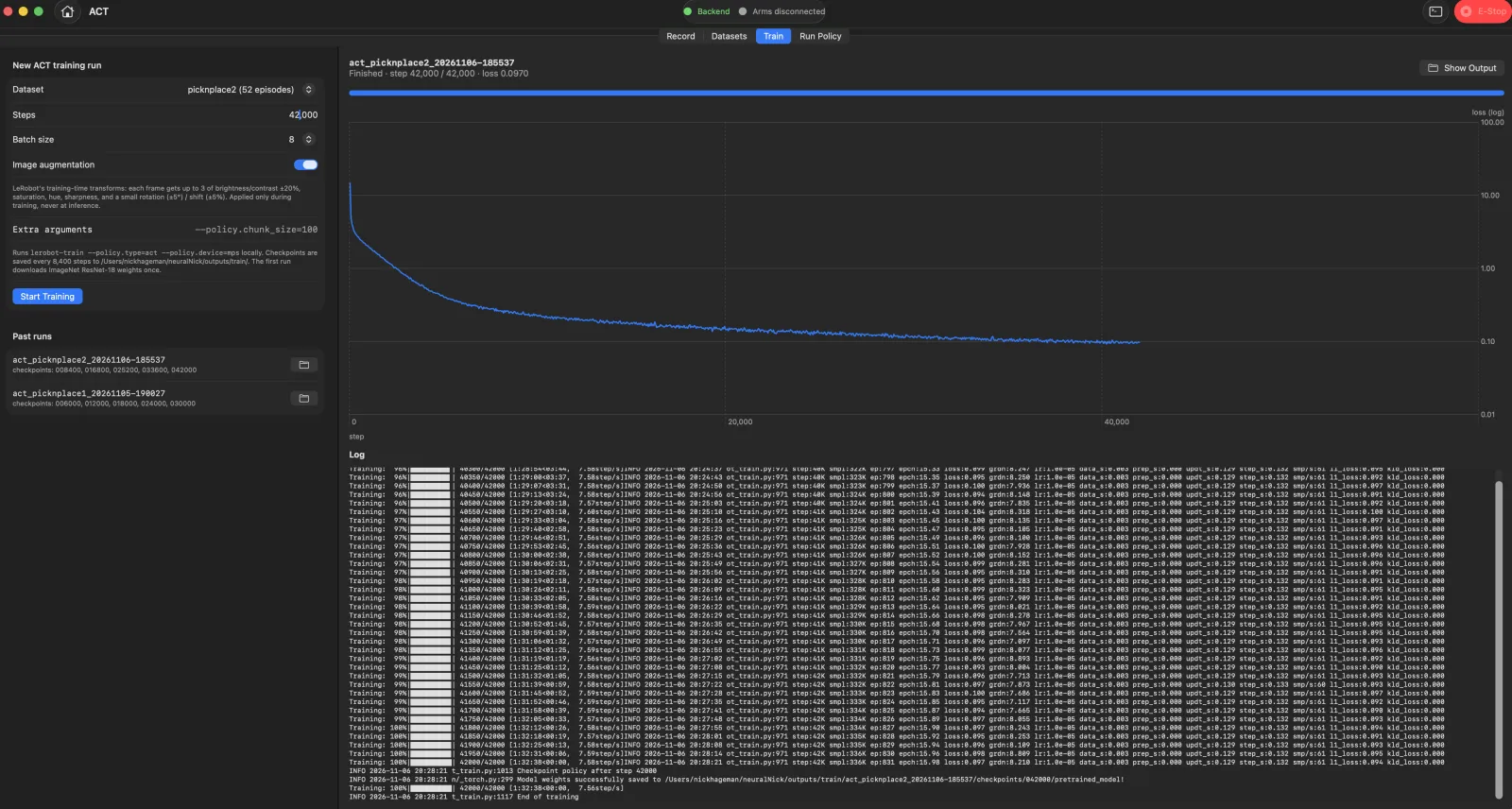
This is the command the app runs, simplified from the backend. Everything else uses ACT's defaults: 100-step chunks, a ResNet-18 vision backbone, and a CVAE transformer.
cmd = [
    sys.executable, "-m", "lerobot.scripts.lerobot_train",
    f"--dataset.repo_id=local/{dataset}", f"--dataset.root={root}",
    "--policy.type=act",
    "--policy.device=mps",                       # Apple GPU
    "--dataset.image_transforms.enable=true",    # augmentation toggle
    f"--steps={steps}", f"--batch_size={batch_size}",   # e.g. 42_000 steps, batch 8
    f"--output_dir={output_dir}", f"--save_freq={max(1000, steps // 5)}",
    "--policy.push_to_hub=false", "--wandb.enable=false",
]
proc = await asyncio.create_subprocess_exec(*cmd, stdout=PIPE, stderr=STDOUT)
# Each "step:2K … loss:0.41" log line is parsed and streamed to the app's loss chart.
Running ACT
The first inference after the initial training run worked on the first try. However, many issues came up as I moved the object around the table.
Experiments
I ran a series of experiments on the trained policies: matching the camera to the training data, comparing execution modes, and sweeping how many predicted steps run before re-planning (the chunk size). Use the arrows or tabs to step through them.
🤖 Vision Language Action models
Vision Language Action models
ACT learns a single task from scratch and has no notion of language. Vision-Language-Action (VLA) models start from a vision-language model pretrained on internet-scale data and add an "action expert" that outputs robot actions. They can follow a text instruction and lean on that pretraining to learn from just a few demos. They're also far heavier, about 200 ms per forward pass versus ACT's ~9 ms, which pushed the app's inference design.
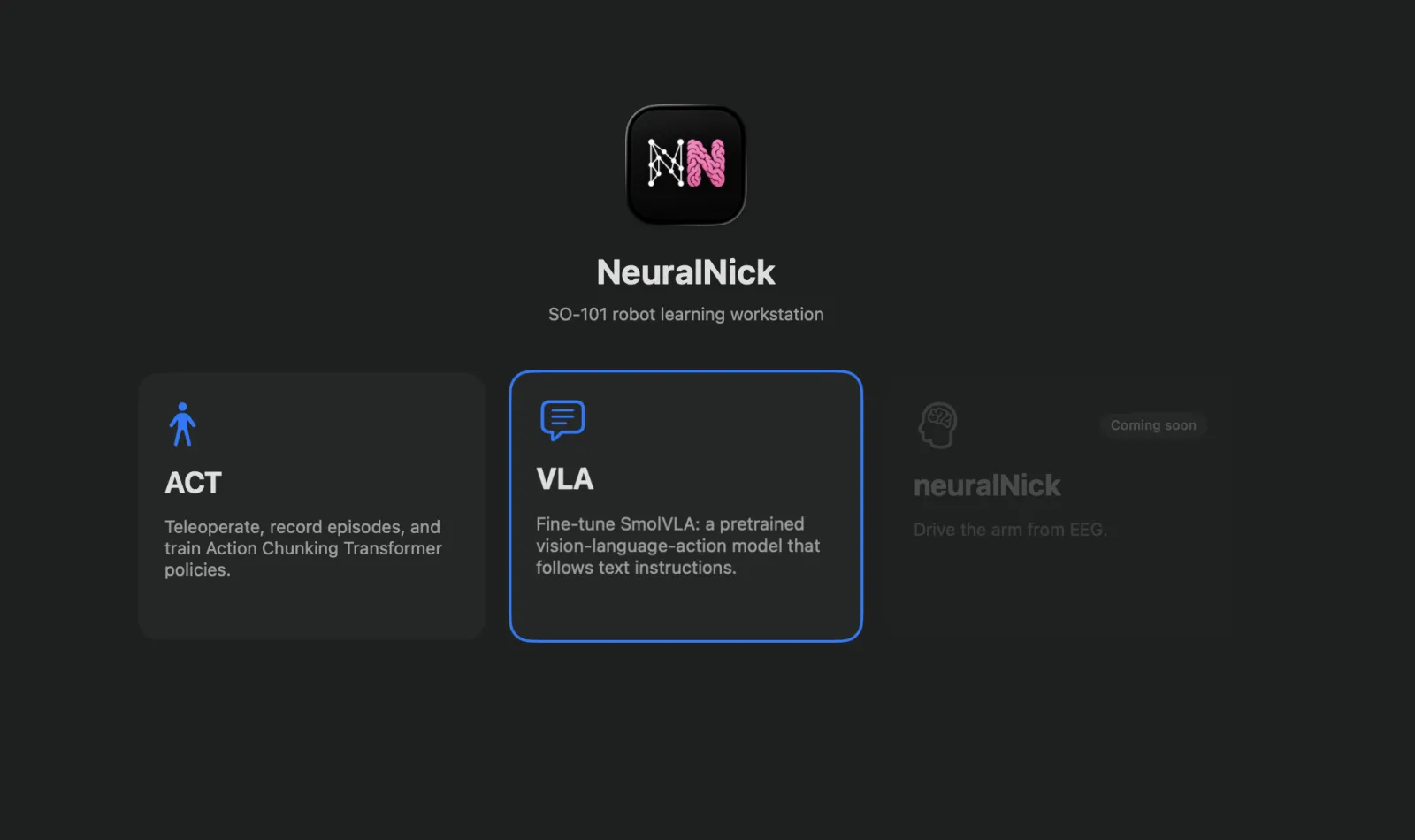
I created a new area of the app, reusing the Record and Datasets tabs from ACT unchanged (LeRobot datasets already store each episode's task text). The Train tab adds a model picker (SmolVLA, π0, π0.5, π0-FAST), a "train action expert only" option, and short-term memory. Run Policy adds a task prompt and Real-Time Chunking: inference runs on its own thread and blends each new chunk into the remaining actions, so the arm doesn't pause at every re-plan. The longest pause between actions dropped from 224 ms (synchronous) to 38 ms.
Fine-tuning first VLA model
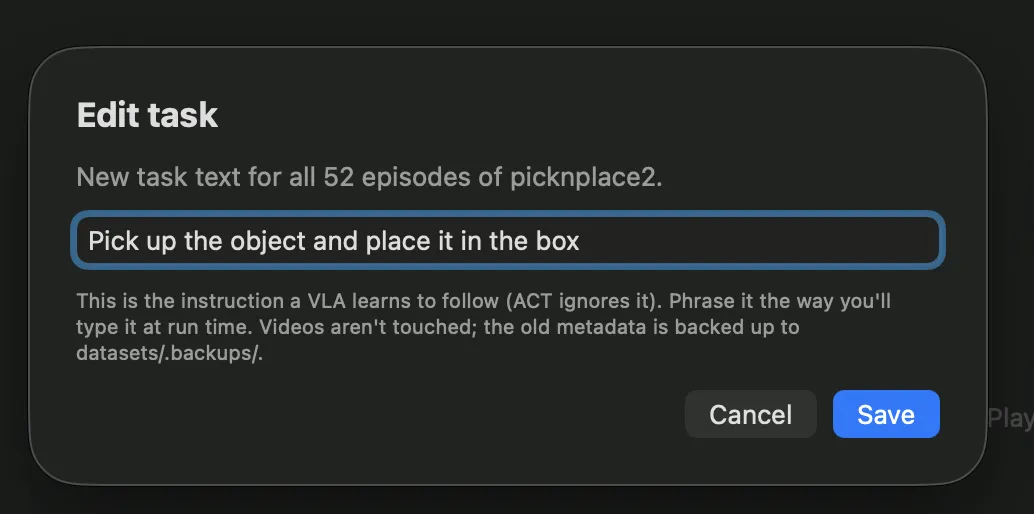
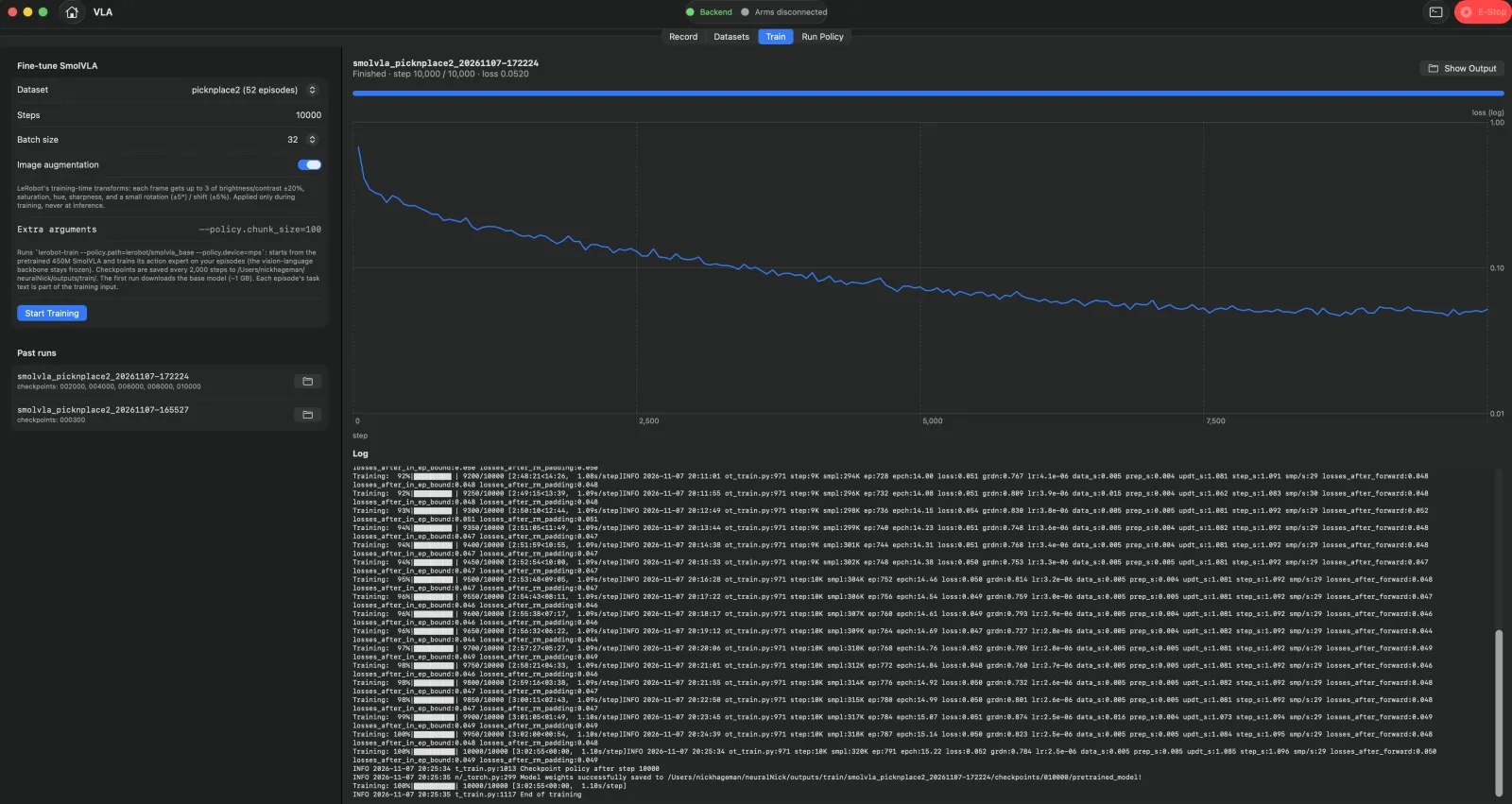
For the first training run, I used the same pick-and-place dataset and just added a task instruction to the existing recordings: "Pick up the object and place it in the box." I fine-tuned SmolVLA (450M parameters), training only its action expert while the pretrained vision-language backbone stayed frozen.
I started with a 300-step test run just to shake out training issues. I expected terrible performance, but it still moved in the right general direction, with pretty jagged movements.
I quickly noticed that when the gripper misses the object by a small amount, it keeps making the same mistake. The model only sees the current frame, so it can't tell that the last grasp closed on nothing. To fix this, I later added MEM, π0.5's short-term memory: the model sees the last 6 camera frames, 1 s apart, so it can react to what just happened. Under Real-Time Chunking, I record a frame on every control tick so the history stays evenly spaced.
Note: The biggest win for gripping objects would probably be a wrist camera. But ACT and VLAs are only small explorations here, while the EEG part of the project is the focus, so I didn't add one.
Physical Intelligence VLA models (π₀ & 𝝅𝟎.𝟓)
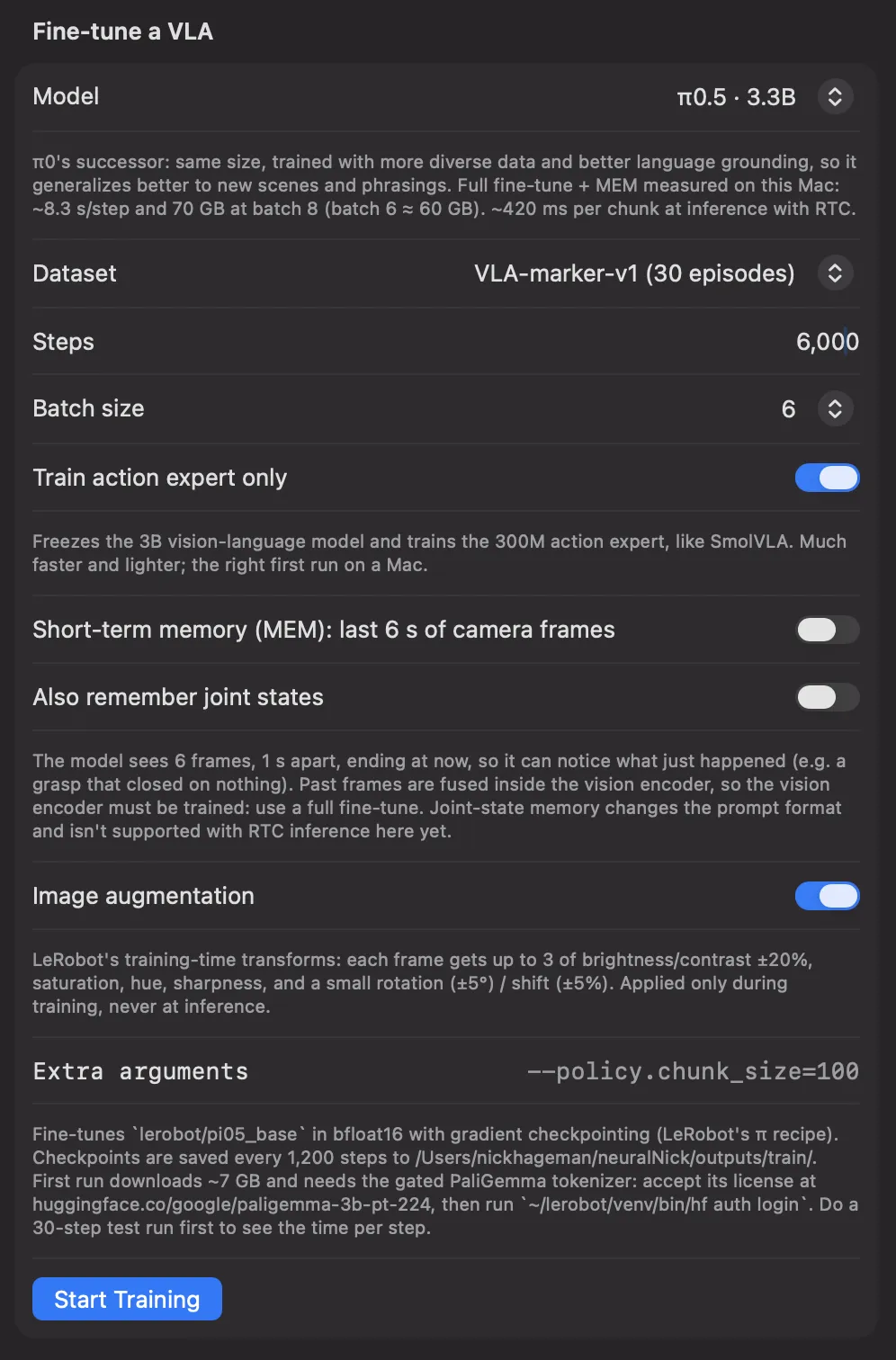
For Physical Intelligence's models, I wanted to try a new task: the robot picks up an object from my desk and hands it to me. π0 and π0.5 have 3.3B parameters (a PaliGemma vision-language model plus a 300M action expert). To fit them on the Mac, I fine-tuned in bfloat16 with gradient checkpointing.
Intentional Failures
Now that the model could take older frames into context, I wanted examples of failed pickups in the dataset, so it would know how to recover at test time.
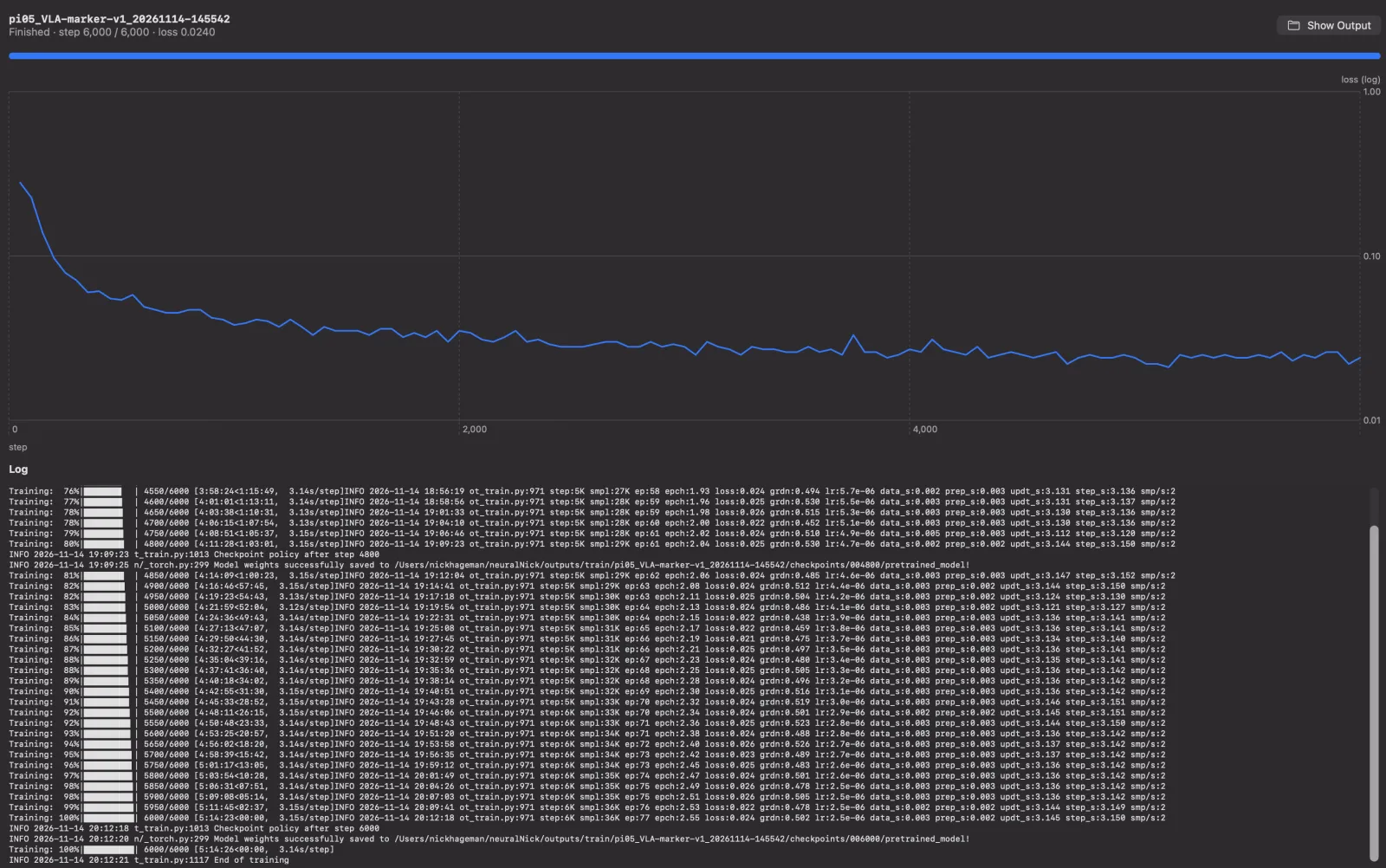
The first π0.5 training run on the new marker task used 30 episodes and 6,000 steps, fine-tuning only the action expert.
Jarvis, hand me the green marker
This was the first inference attempt after collecting 30 episodes and fine-tuning the model (action expert only).
Here's what happens when I don't take the marker from the arm: it keeps holding it out. It was trained to return to a neutral position only after the marker had been taken.
🧠 EEG
Objective
Neuralink's CONVOY study lets people with paralysis control an assistive robot arm with their brain implant. I wanted to see how far I could get toward the same idea non-invasively: no implant and no hands, just a scalp EEG headset controlling the SO-101.
Hardware
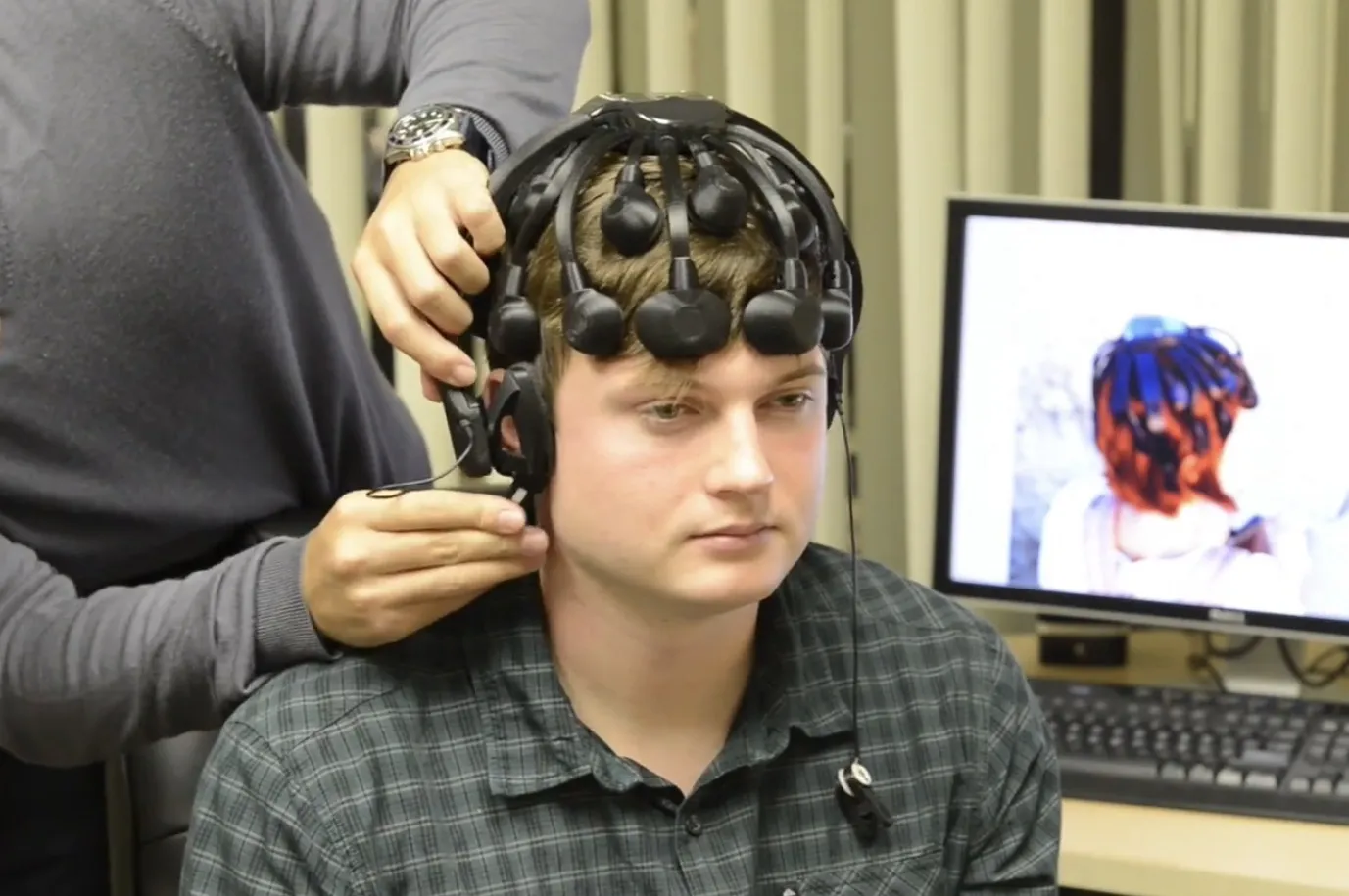
The headset is a Cognionics Quick-20, made by a San Diego company: 19 scalp channels plus an ear reference, sampled at 500 Hz. It uses dry electrodes, so there's no conductive gel to apply.
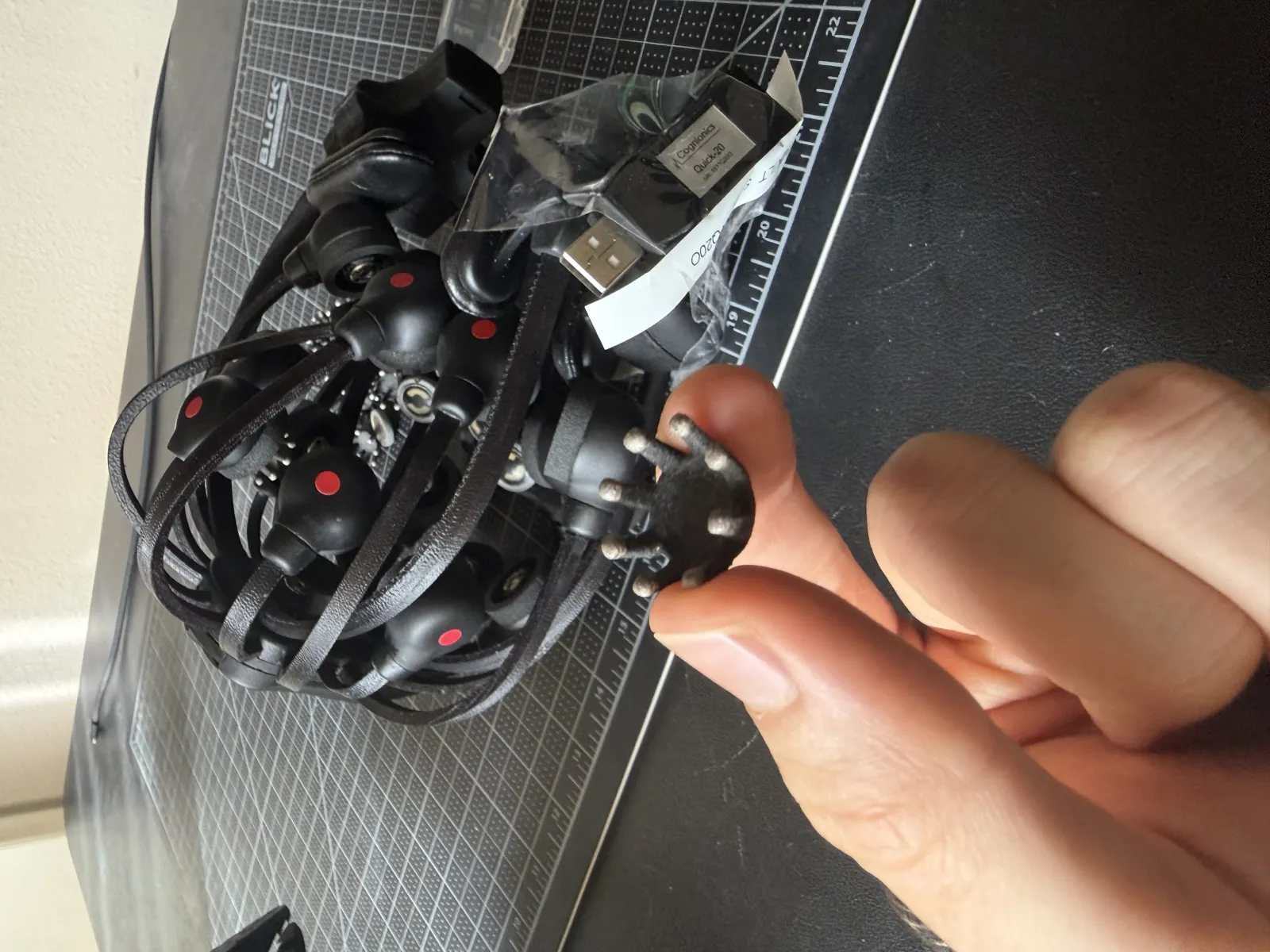
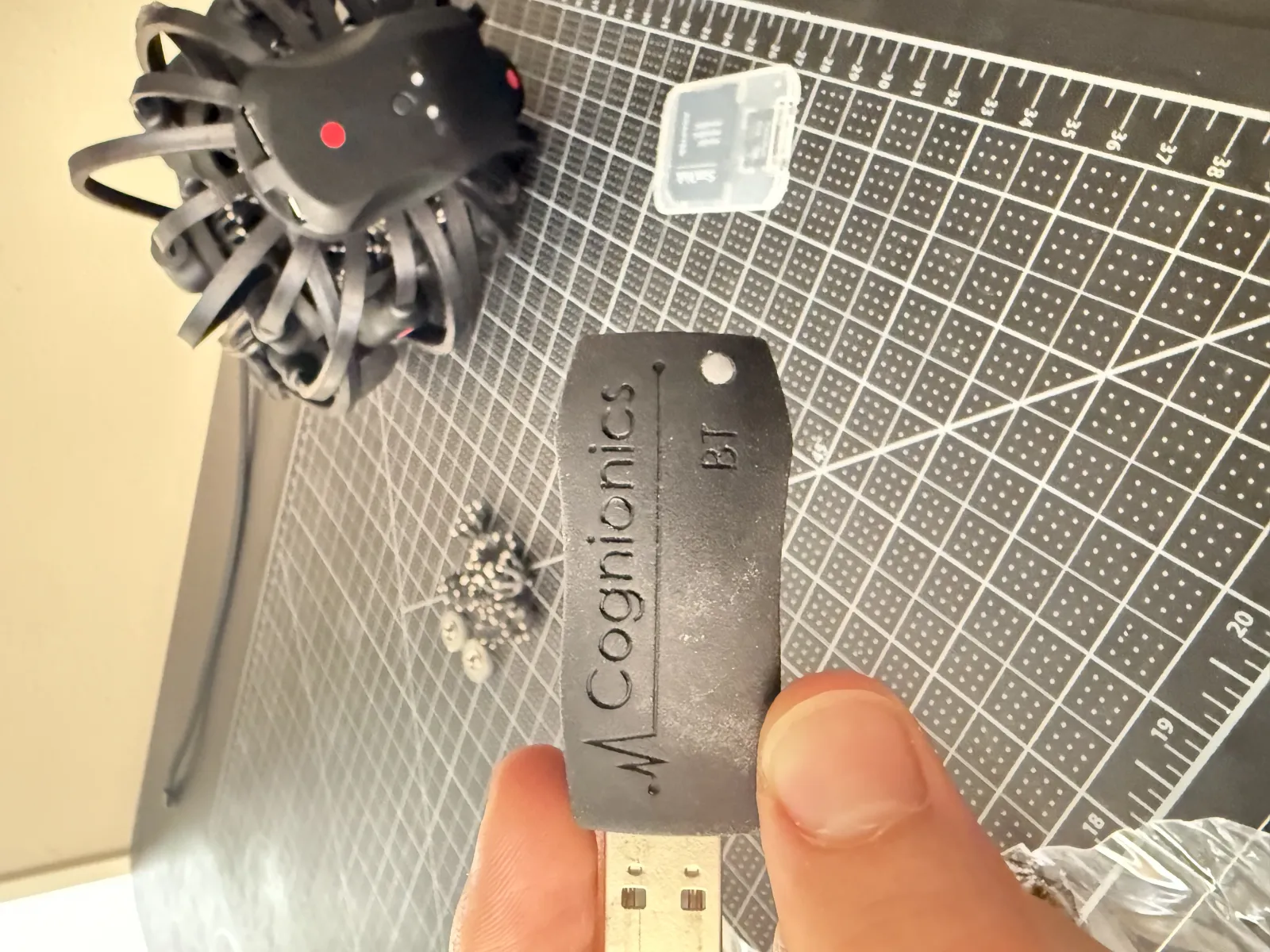
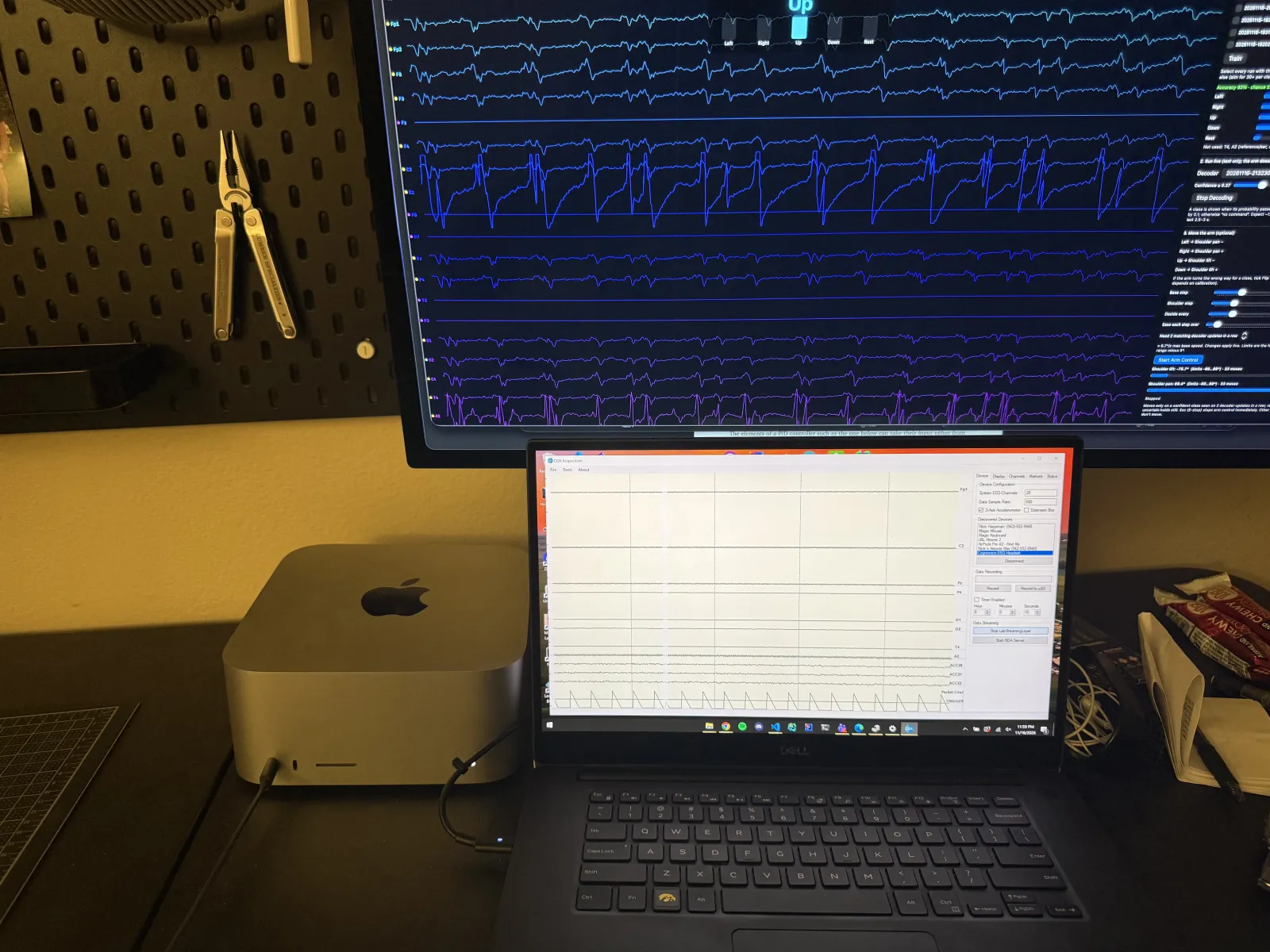
Cognionics' acquisition software only runs on Windows, so the headset pairs with a separate Windows laptop. That laptop publishes the samples over the local network with Lab Streaming Layer (LSL), a standard protocol for streaming research signals. The neuralNick backend on the Mac subscribes to the stream, syncs the two machines' clocks, and processes the data live.
First Session
The first time I put the headset on, the data streamed into the app right away, with all 19 channels scrolling live.
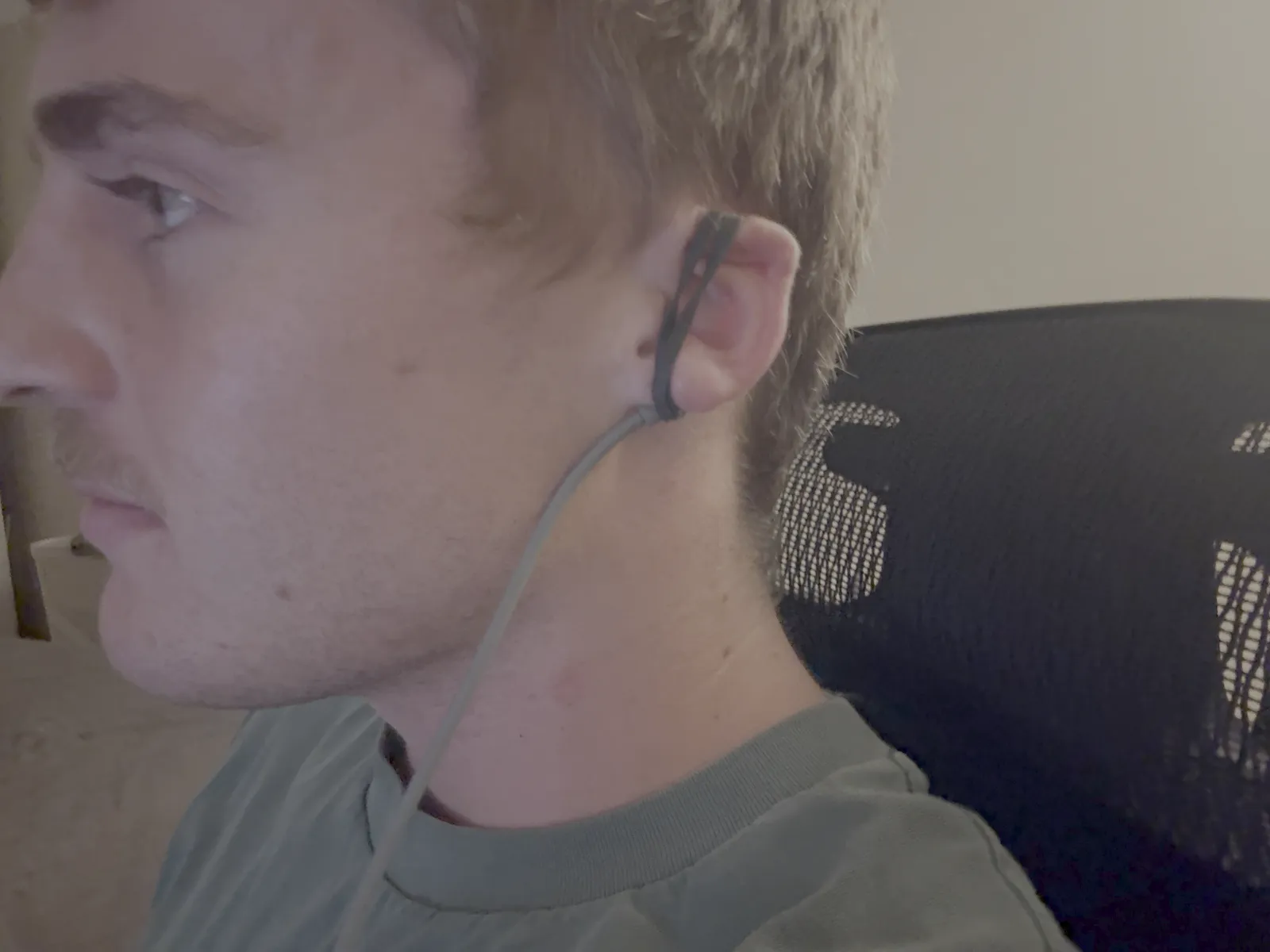
I almost immediately ran into problems: the impedance read zero and the offset was a constant value. It turns out the system is supposed to come with ear clips that serve as the reference electrode, which every channel is measured against. I didn't have any, so I plugged an aux cable into the headset's reference port and fastened the other end to my ear. The rubber band didn't hold up very well, so for most sessions I just held the cable against my earlobe.
Signs of Life
After fixing the reference, the signals started making sense. Raising my eyebrows produces a clear spike across the frontal channels.
Calibration
To train a decoder, I built a cued calibration workflow into the app. Each trial runs relax → cue → perform the action (arm held still; this window is labeled) → the arm demonstrates the matching movement → random rest. Trials are randomized and balanced across classes, and "rest" is its own class, so the decoder learns when not to move. Every event is stamped with its exact EEG sample index and saved with the continuous recording, so sessions can be re-analyzed later.
Decoding
The decoder is written from scratch in NumPy and SciPy, following the standard approach for small EEG datasets:
- Filter and re-reference. I band-pass filter the signal to 8–30 Hz, which keeps the mu and beta rhythms and drops drift and mains noise. Then I subtract the average of all channels, which removed a shared noise component (~82% of the variance) caused by my improvised ear reference.
- Covariance features. I take a 2.5 s window after each cue and compute how the channels co-vary.
- Riemannian geometry. Covariance matrices live on a curved manifold, so I either classify them in its tangent space with logistic regression or by minimum distance to each class's mean, whichever cross-validates better. Each session is re-centered on its own mean to cope with the cap shifting between sessions.
- Live control. The decoder classifies the last window every 0.25 s and only reports a class when it's confident. The arm moves one small step (3°) only after the same class holds for about 0.5 s, within the joint limits. E-stop works the whole time.
The first attempts used motor imagery: imagining squeezing my left or right hand, pressing my feet down, or pushing my tongue against the roof of my mouth, without actually moving. That barely beat chance. Imagined movement only changes the brain's mu rhythm by a few dB, which is hard to pick up with dry electrodes, a hand-held reference, and a few dozen trials. So I switched to small, deliberate facial contractions, like clenching my jaw or pressing my tongue against the roof of my mouth. These produce strong, repeatable signals at the scalp electrodes, much of it muscle activity rather than brain activity, and accuracy jumped:
| Mental task | Classes | Trials | Accuracy (5-fold CV) | Chance |
|---|---|---|---|---|
| Motor imagery (left / right hand, rest) | 3 | 45 | 51% | 33% |
| Facial contractions (left / right / up / down, rest) | 5 | 32 | 91% | 25% |
| Facial contractions, next session | 5 | 43 | 93% | 23% |
Lifting Spoons
I taped a spoon to the gripper and mapped four contraction classes to two joints: left/right turns the base, up/down raises and lowers the shoulder, and rest holds still. Scooping and lifting only need those 2 degrees of freedom. I don't think scalp EEG gives enough resolution or consistency to drive all six joints, so fewer, more reliable classes made the system usable.
Final Test: Oatmeal
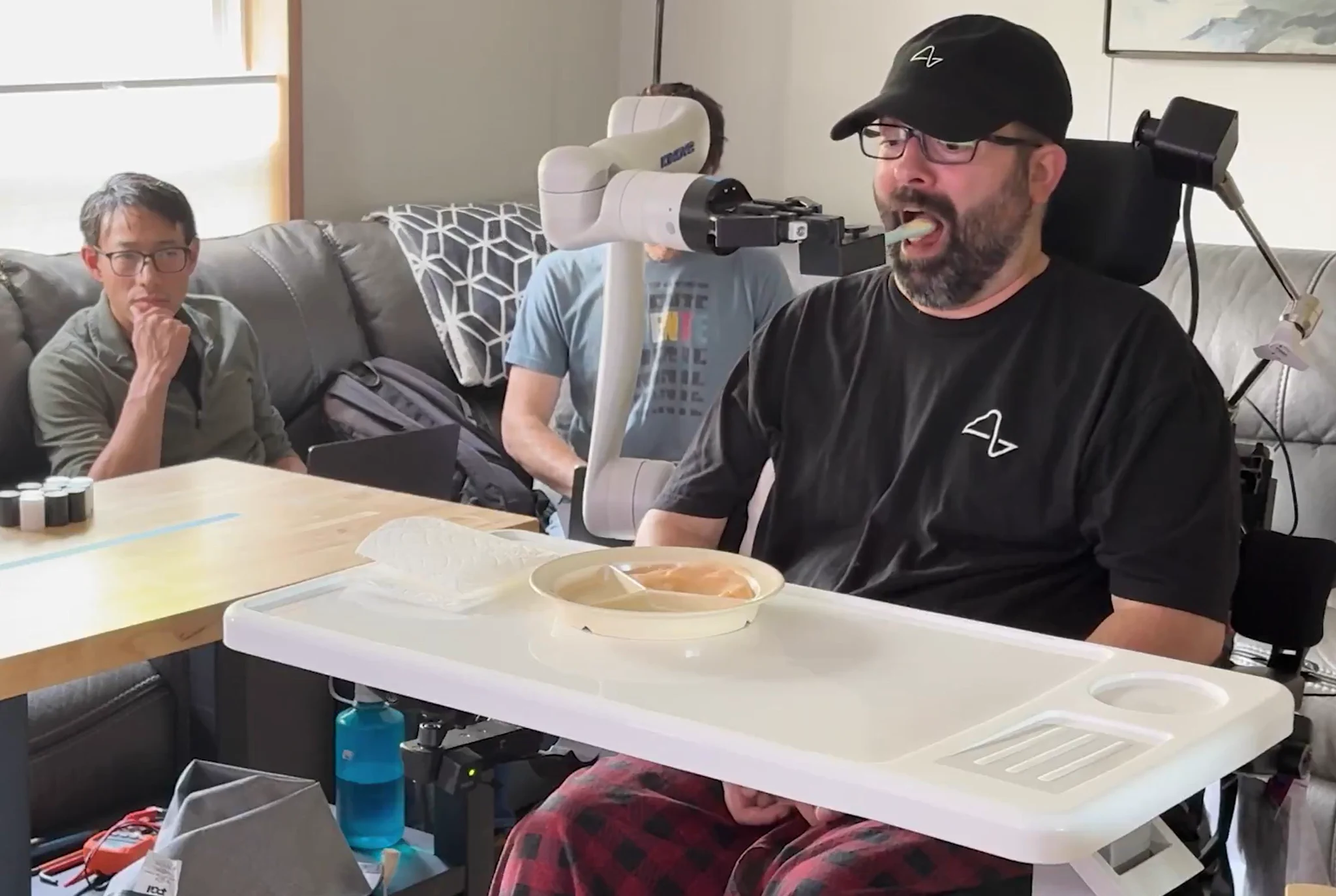
I achieved my goal: using only the EEG headset, with no hands, I steered the arm to scoop a spoonful of oatmeal and bring it to my mouth.
Conclusion
neuralNick started as an experiment with a low-cost, open-source robot arm and turned into a complete robotics workstation: a native macOS app and a Python/LeRobot backend that handle teleoperation, data collection, training, and real-time inference, all running locally on a Mac. Along the way I trained ACT from scratch, fine-tuned 450M- to 3.3B-parameter VLAs, and ended by feeding myself oatmeal with an arm controlled only by an EEG headset.